Mastering Contrast: How to Prepare Reference Images for the Perfect Tattoo Stencil
• by DND Applications • 5 min read
Every professional artist knows the sinking feeling that comes when a client presents a reference photo. It is often a low-resolution screenshot, a blurry photograph of a pet, or a dark image with barely distinguishable features. Yet, the expectation is always the same. They want a crisp, clean tattoo that captures the essence of that image perfectly. The bridge between a muddy reference photo and a flawless final piece is the humble stencil tattoo outline.
Mastering the art of reference preparation is not just about tracing. It is about interpretation. It requires seeing past the noise in a photo to identify the structural lines that will hold up in the skin for decades. For apprentices and seasoned veterans alike, the ability to mentally convert a complex picture to stencil ready lines is a skill that defines the longevity of your work.
The Hierarchy of Lines
When you begin the process to convert image to tattoo stencil, you are acting as an editor. You cannot include every strand of fur or every pore visible in a portrait. Attempting to do so results in a stencil that is impossible to read once it is transferred onto the skin. Instead, you must establish a hierarchy of information.
The primary lines define the silhouette and the darkest shadows. These are your anchors. The secondary lines suggest form and texture but should be lighter or broken. Understanding this hierarchy allows you to take a complex photograph and strip it down to its bare essentials. This simplification process is critical because the skin is a living canvas that spreads ink over time. A tattoo stencil that is too cluttered will inevitably lead to a tattoo that looks muddy in five years.
Solving the Contrast Problem
Most client reference photos suffer from poor lighting. The mid-tones get lost, and the shadows bleed into the background. Before you even attempt to trace, you must manipulate the values of the image. In traditional practice, this meant using a lightbox and straining your eyes to find the edges. In the digital era, we use tools to artificially push the contrast.
By blowing out the highlights and crushing the shadows, you force the image to reveal its structure. This is the core principle behind any image to stencil workflow. You are looking for high-frequency details that define the subject. If the contrast is too low, your linework will be hesitant. If the contrast is too high, you might lose subtle details necessary for realism. Finding that middle ground is where the artistry lies.
Efficiency in the Design Phase
Time is the one resource a tattoo artist cannot replenish. Hours spent manually struggling to interpret a bad reference photo are hours not spent tattooing. While hand-tracing is an excellent way to study a design, modern workflows demand speed without sacrificing quality. The industry is moving toward digital solutions that act as a dedicated tattoo stencil maker, allowing artists to iterate on designs rapidly.
Imagine a client wants to see how a design looks with different shading or line weights. Redrawing this by hand is impractical. Using technology to accelerate the initial line extraction allows you to focus your energy on the creative aspects of composition and placement rather than the mechanical labor of tracing.
Streamline Your Workflow with Stencify
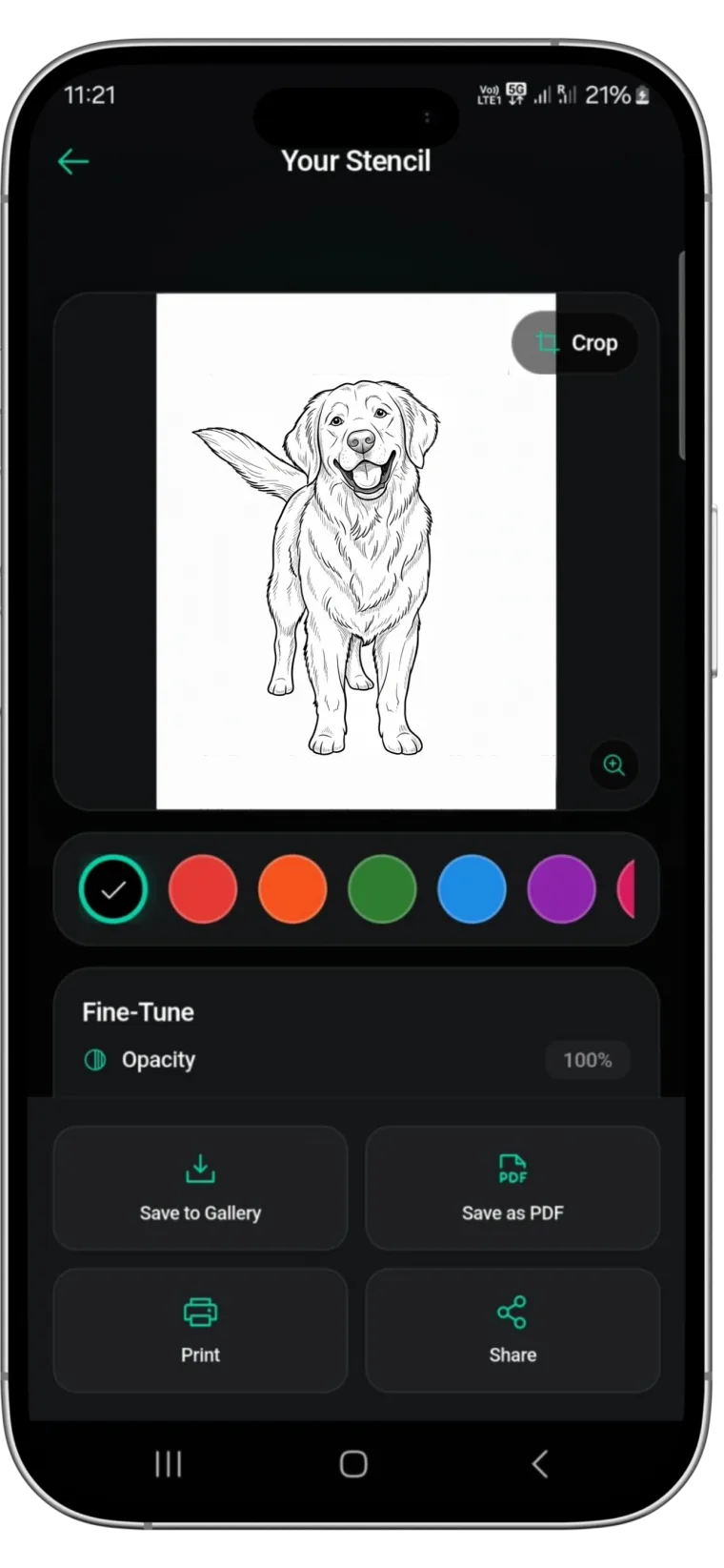
While understanding the theory of contrast and line weight is essential, having the right tool to execute it changes the game. This is where Stencify comes in. It is a powerful tattoo stencil app designed specifically to handle the heavy lifting of reference preparation.
Stencify uses advanced processing to instantly identify the best lines in any image, effectively solving the contrast problem for you. It allows you to adjust the thickness and detail level with precision, ensuring you get a clean, transfer-ready design in seconds. Whether you are dealing with a complex geometric pattern or a faded family photo, Stencify serves as the ultimate tattoo stencil maker in your pocket. It removes the guesswork from the image to stencil process so you can focus on what you do best.
Stop fighting with bad reference photos and start creating clearer guides for your art. Download Stencify on the App Store and elevate your workflow today.
Related reading
- Beyond the Trace - master reference preparation with high-contrast values
- Mastering Contrast and Flow - the architecture of a flawless stencil
- Tattoo Stencils 101 - fundamentals of clean transfers
Solve the contrast problem instantly
Stencify identifies the best lines in any reference image and adjusts thickness and detail with precision. Get clean, transfer-ready stencils in seconds.