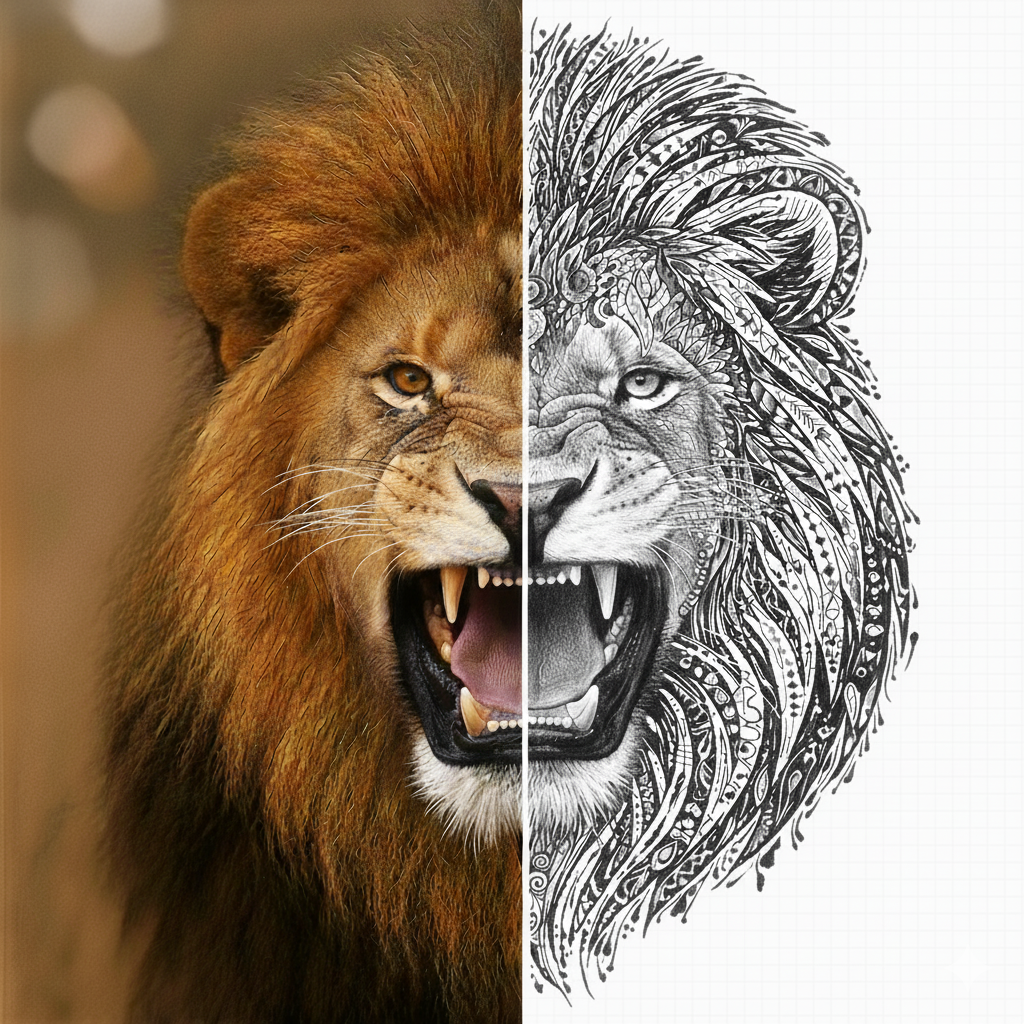
Turn any reference into a clean tattoo stencil. Transfer‑ready in seconds.
Upload a photo or sketch, or describe the design in text. Fine‑tune line weight, try it on skin, and export a print‑ready PNG or PDF. About 30 seconds, start to finish.
4.8 average rating · iPhone, iPad and Android
Two free uses, then $4.99 a week or $47.99 a year. See pricing
- Clean, even lines
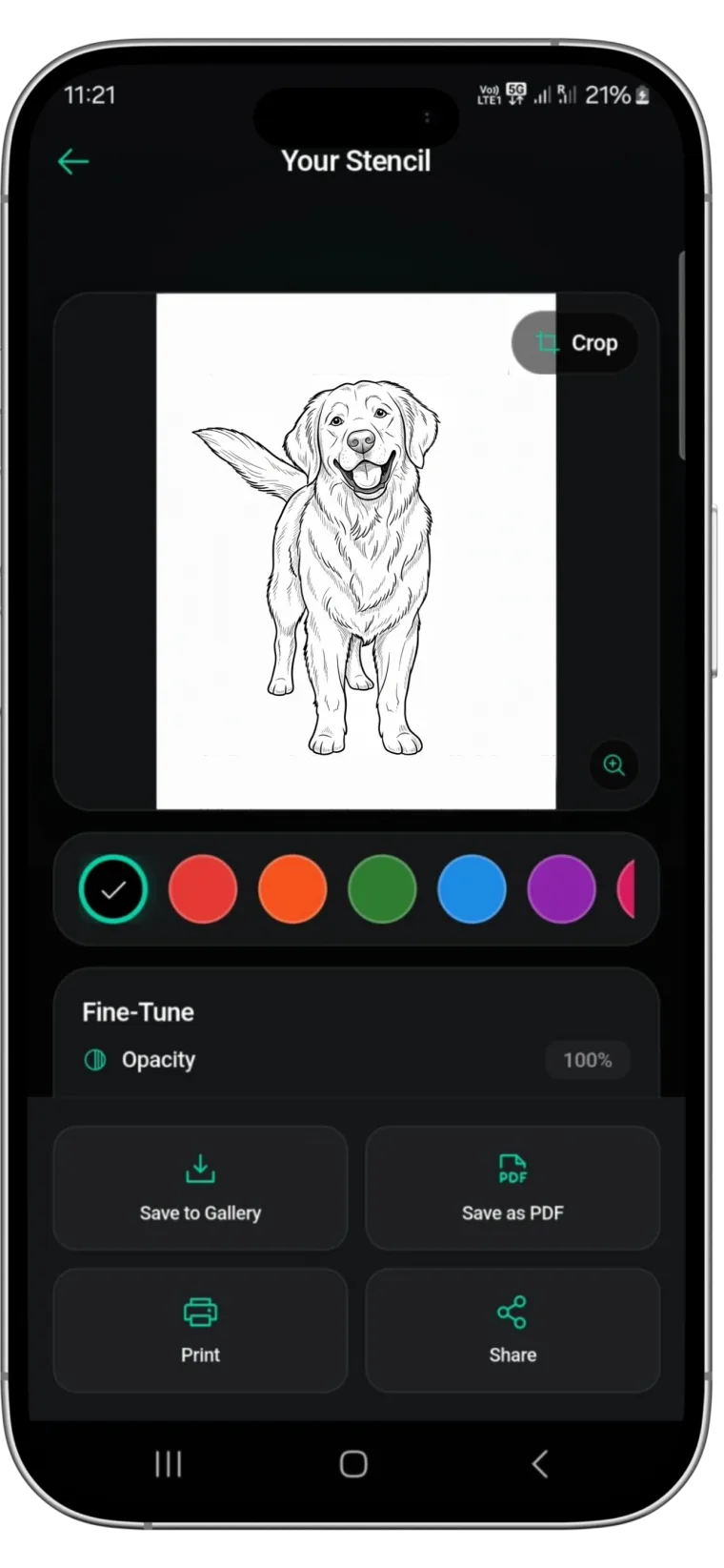
- Crop and fine‑tune
- PDF, print or share
Stencils generated
Average app rating
Tattoo artists
Clean line work, ready to print
Stencil-style line work from photo references. The snake and the retriever are real Stencify output.

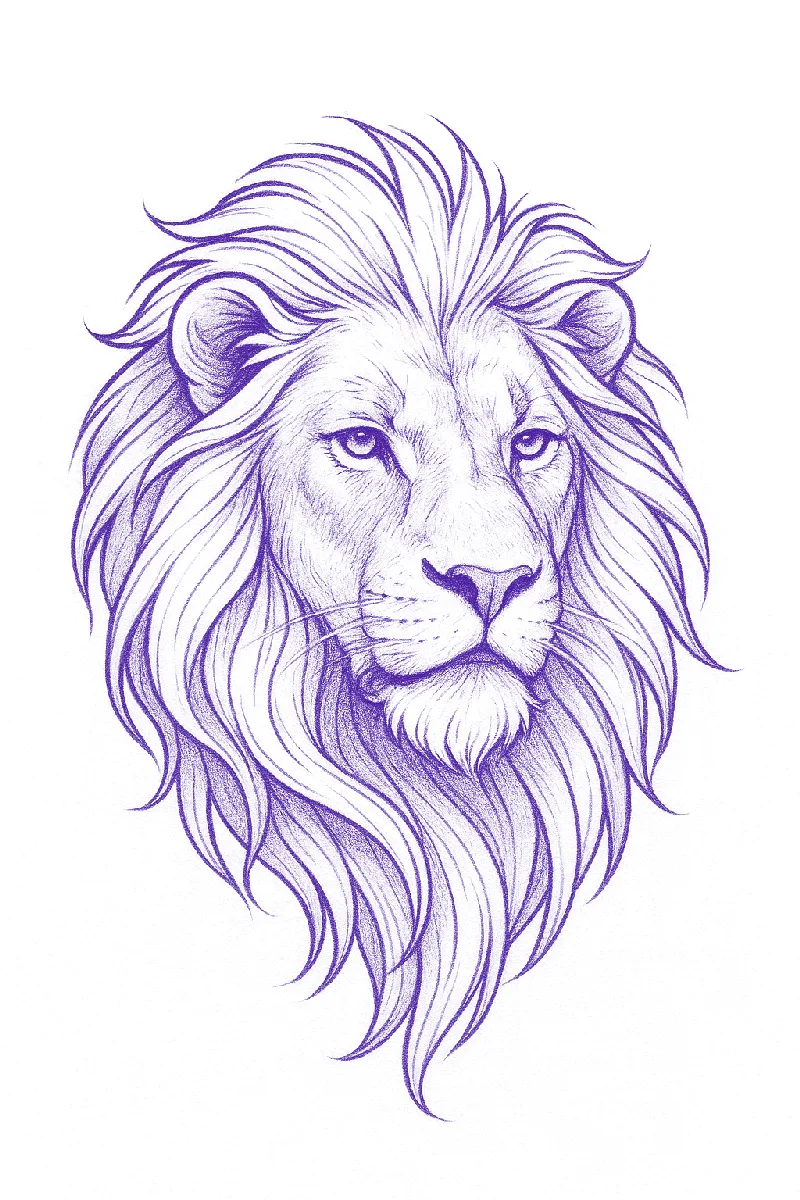


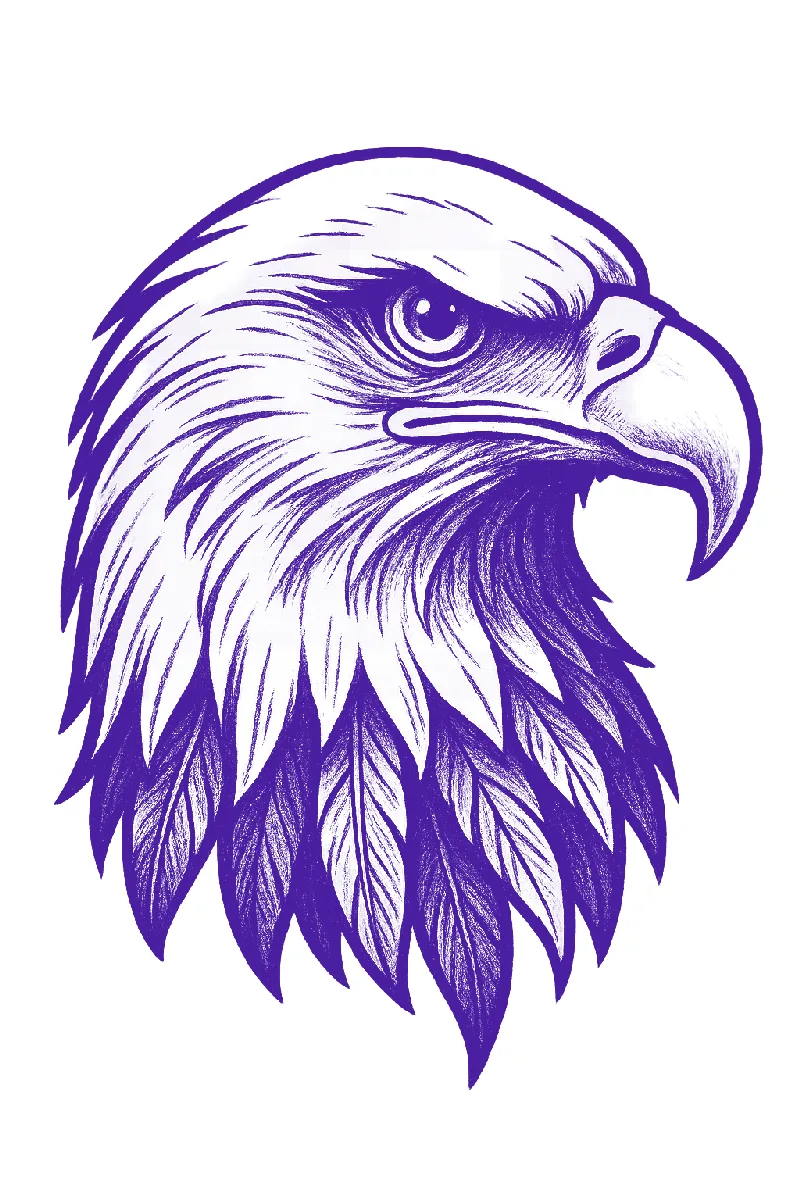
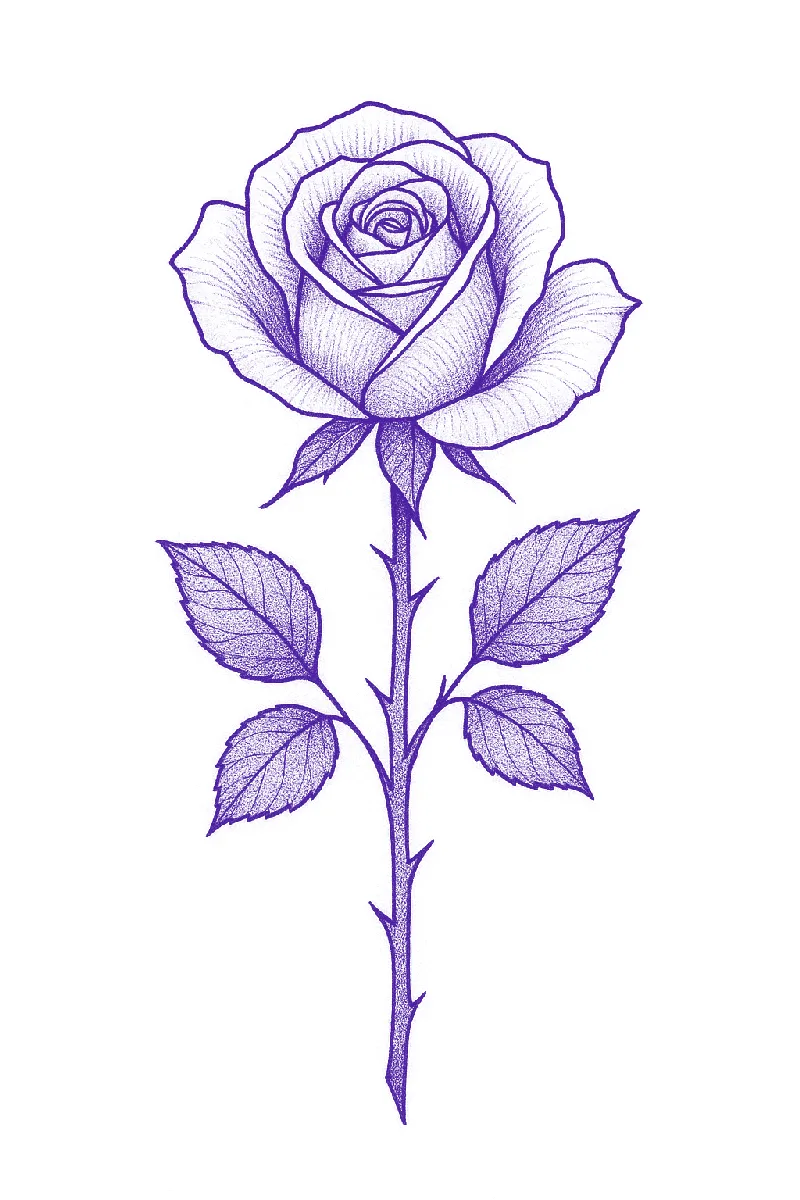

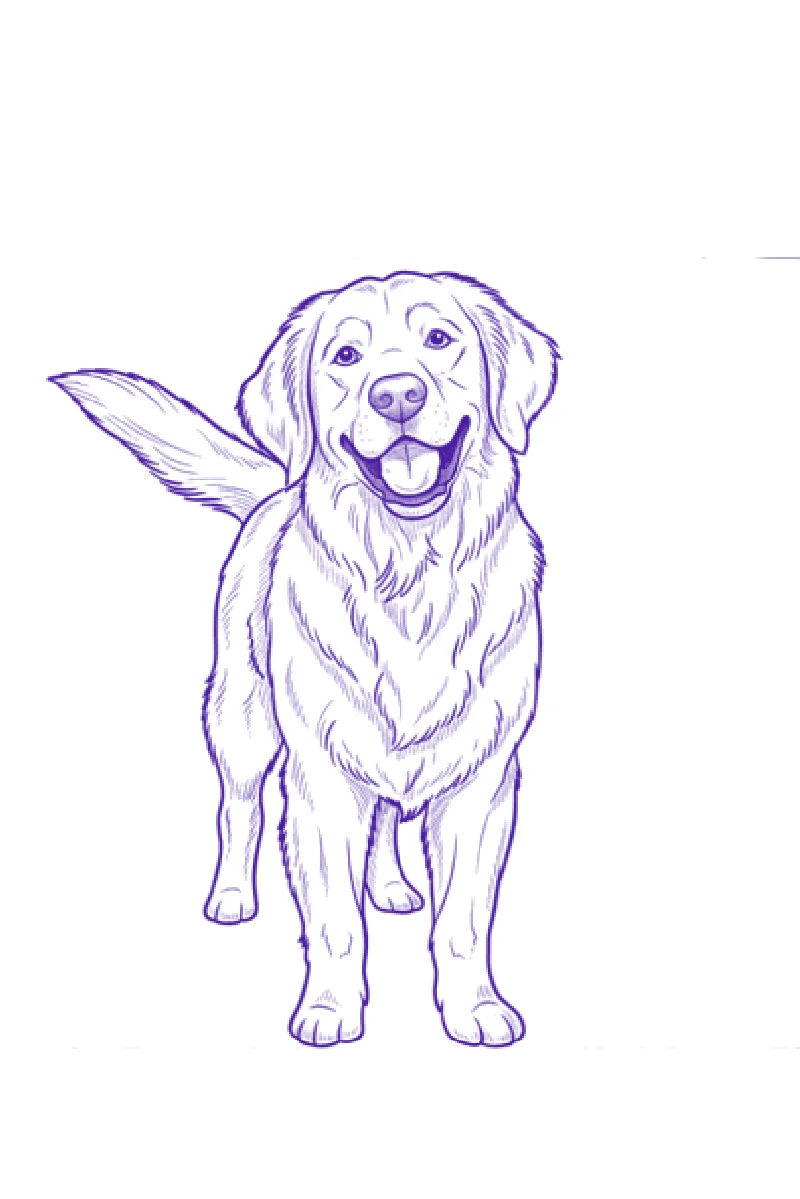
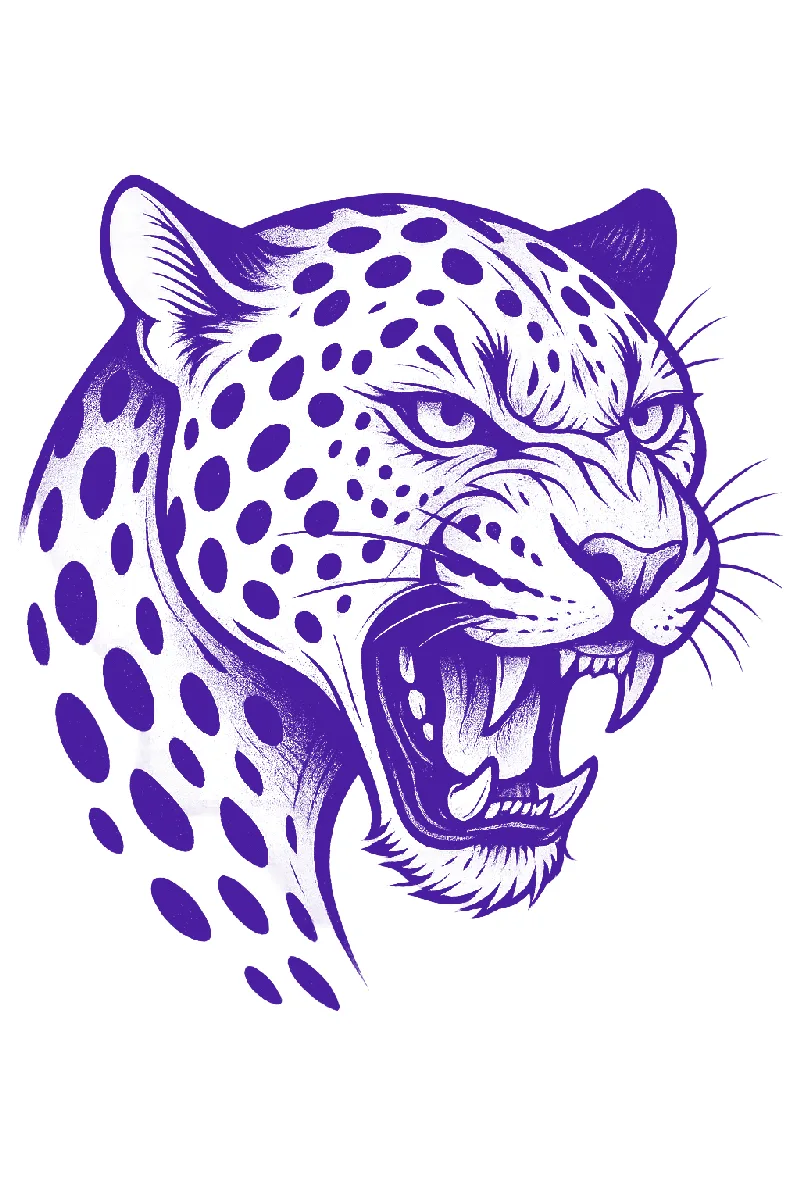
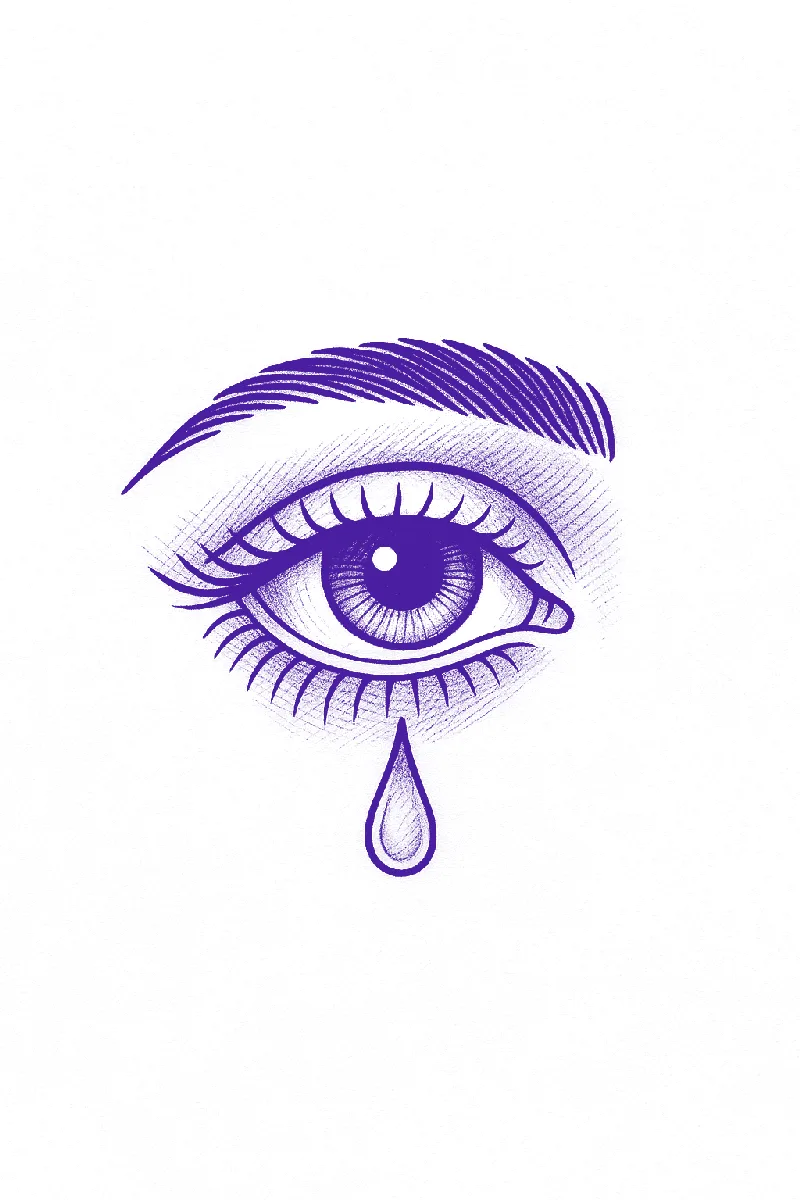

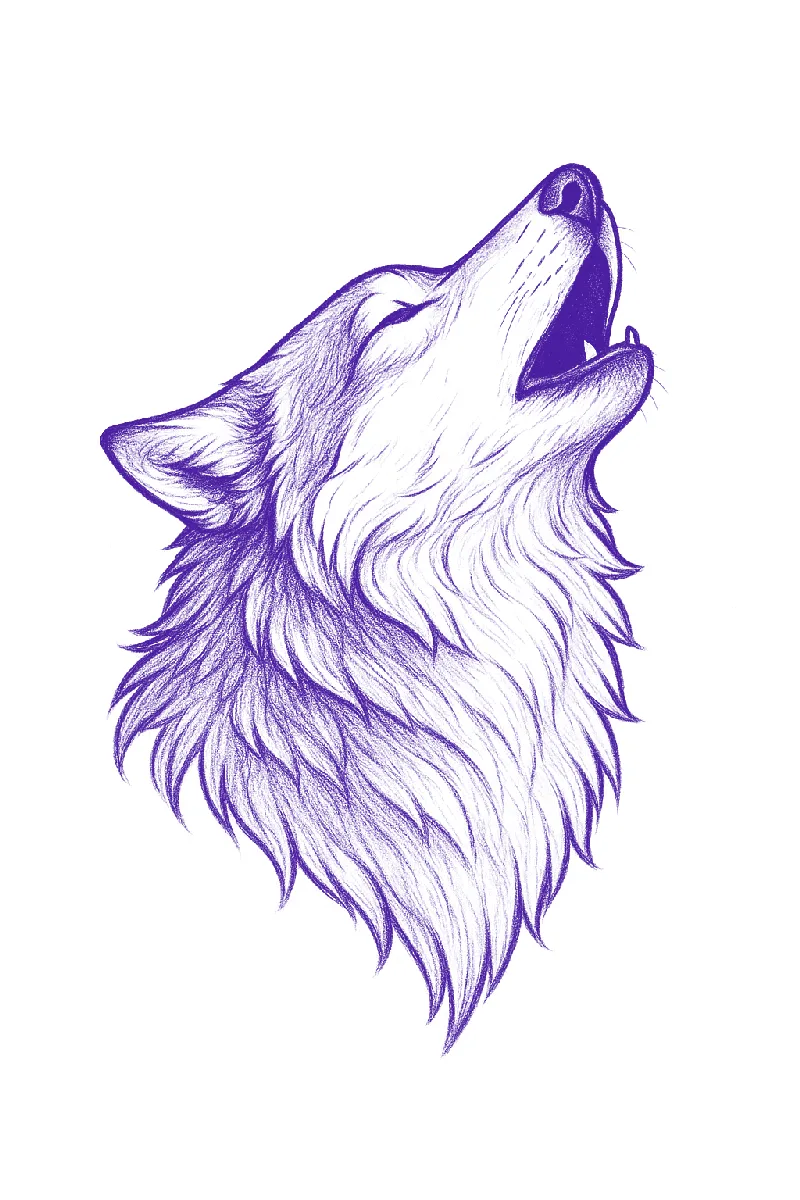
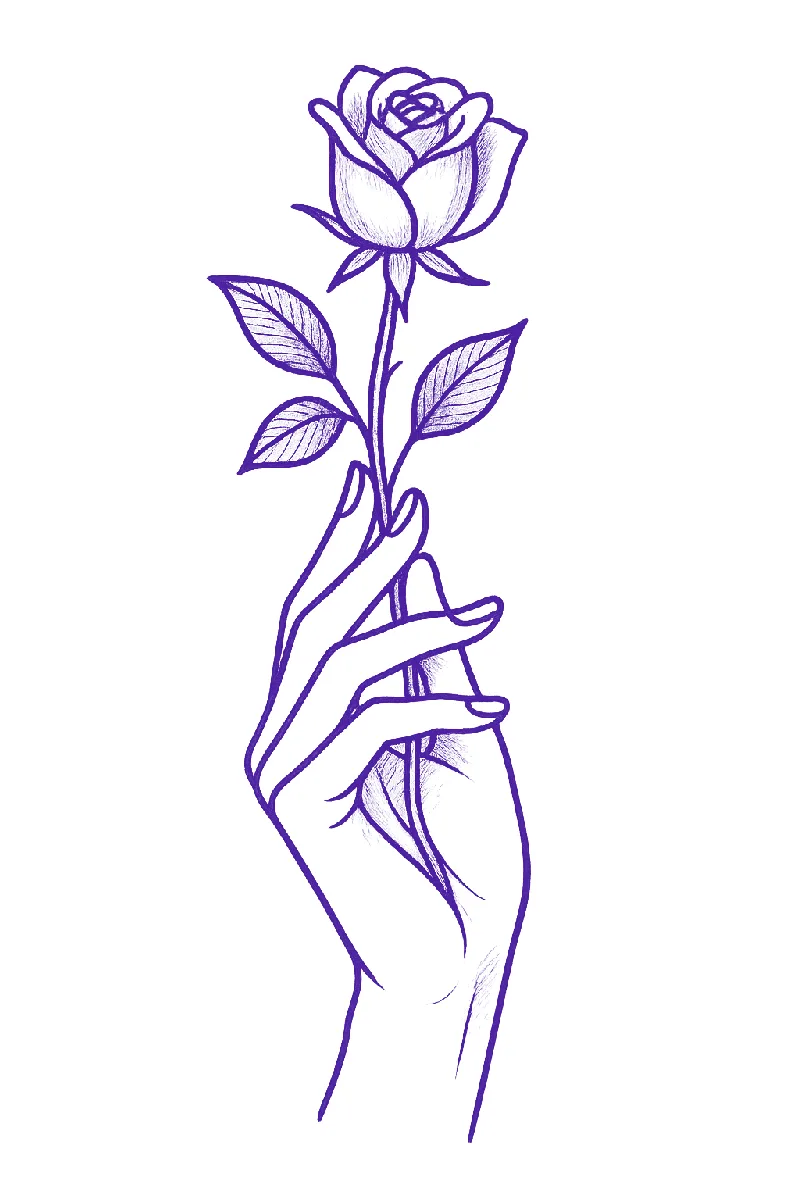
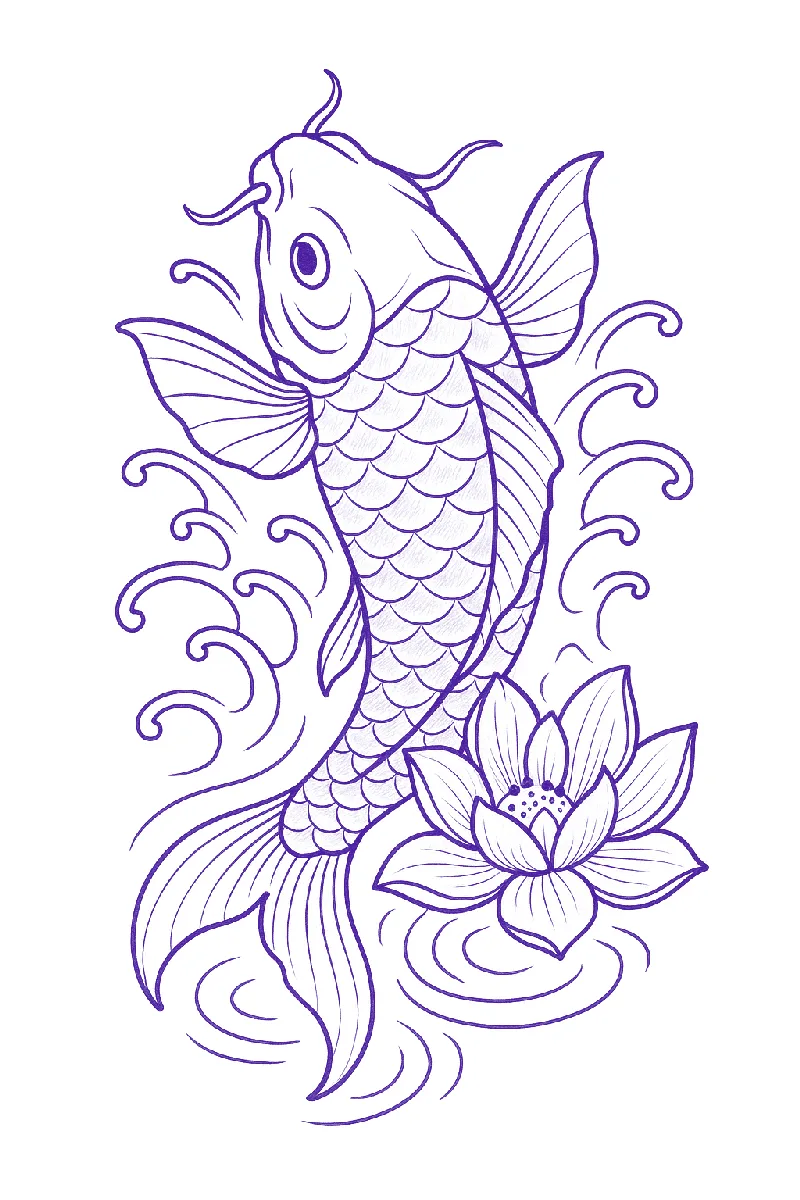

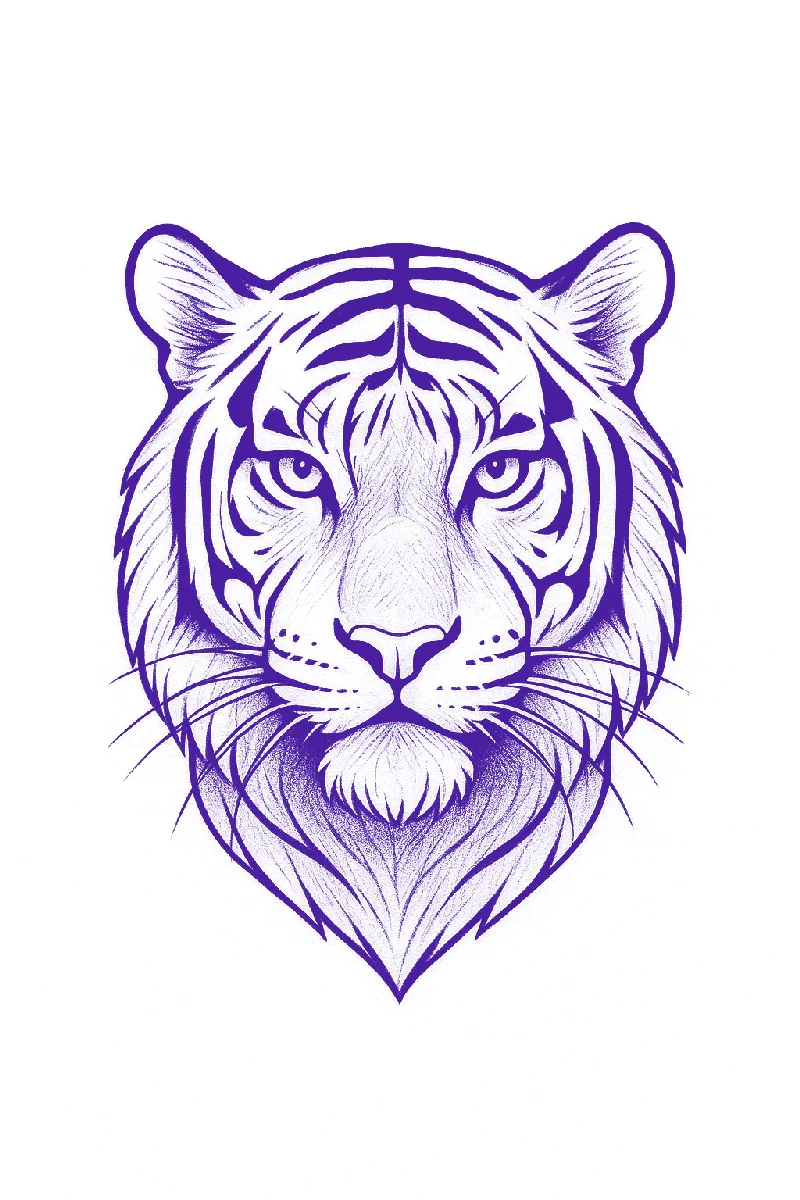
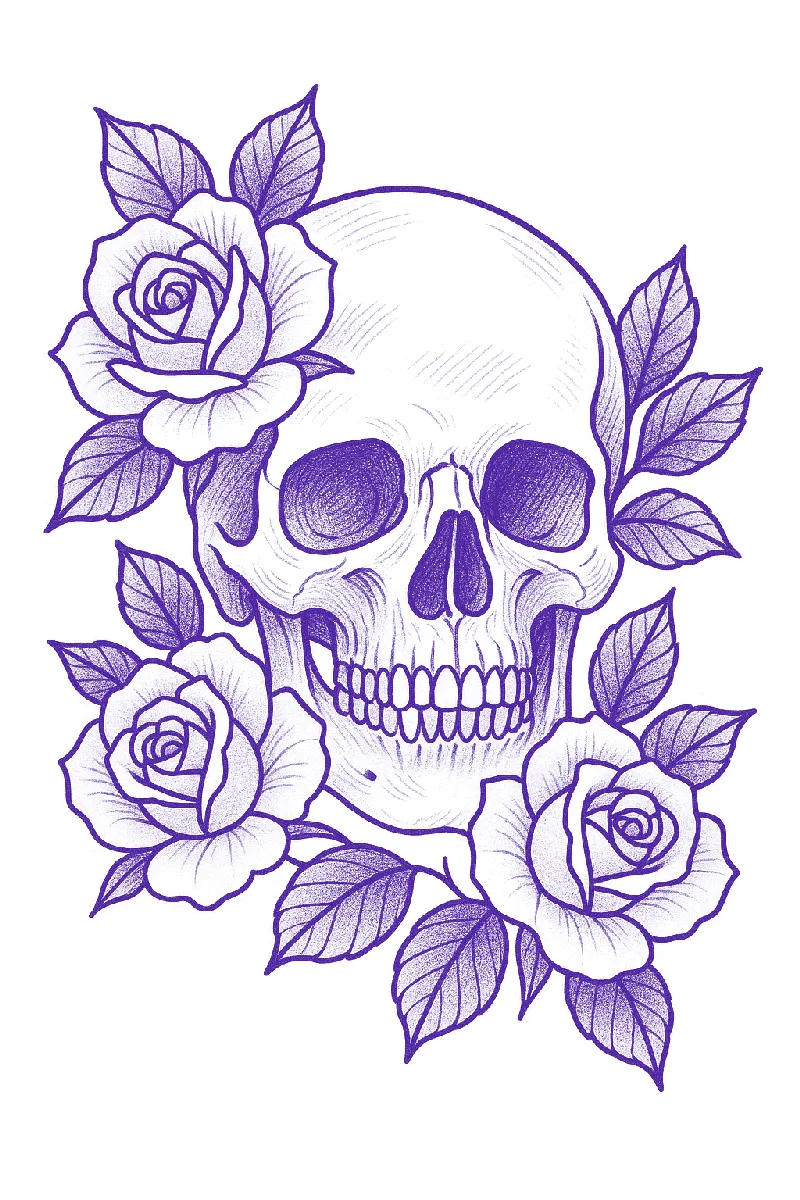




A pencil sketch, photographed on paper. Thirty seconds later, a stencil.
Drag the slider. The reference on the left went in exactly as you see it. The line work on the right is what came out.
 Stencil
 Reference
What changed
-
Paper texture and pencil shading are gone
Only the lines that matter survive, so nothing smudges through on the transfer.
-
Loose strokes became single, even lines
The overlapping sketch marks resolve into one clean edge you can follow with the machine.
-
Detail stayed where it counts
Scales, the hilt engraving, and the tongue all made it through. Nothing was redrawn by hand.
Three steps. No tracing.
The whole thing happens on your phone, between consult and chair.
-
01
Upload a photo or sketch
From your camera roll, a client's reference, or a drawing on paper. Busy backgrounds are fine.
-
02
Fine‑tune the stencil
Crop it, adjust opacity, pick a line colour. Preview it on a body model or a client photo if you want to check placement.
-
03
Print or export
Save as PDF, print straight from the app, or share it to your studio printer. Sized for standard stencil paper.
Everything a clean stencil needs
Every control in the app exists because a stencil needed it. Nothing to learn, nothing to fight with.
Clean, even line work
Sharp, consistent lines with the contrast a stencil needs to transfer crisply, even from a busy reference.
Crop and fine‑tune
Trim to the part you need and adjust opacity until the stencil reads exactly the way you want it on paper.
Choose the stencil colour
Switch the line colour to match how you work and what shows up best against the skin you are transferring onto.
Try it on before you print
Preview placement on a body model (arm, leg, hand) or on a photo of the client, so size and position are settled before the paper comes out.
PDF, print, or share
Save to your gallery, export a PDF, print straight from the app, or share to your printer. Sized for standard stencil paper, thermal or inkjet.
iPhone, iPad and Android
The same app on whichever device is in your pocket. Start on your phone at the consult, finish on the tablet at the station.
Rated 4.8 by working tattoo artists
Quotes below are from App Store and Google Play reviews, unedited.
Game changer for all tattoo artists.
Honestly surprised by how clean the results are. I've used it with a few different styles and it's worked really well.
Really impressed with the stencil quality. Even the smaller details come through cleaner than I expected.
Didn't expect to use this as much as I do. It's quick, simple, and the stencils come out really clean.
I've tried a few apps like this, but this is the one I actually kept using.
The results are actually solid. I've used it for several appointments already.
Questions artists ask before downloading
How long does it actually take?⌄
Most stencils are ready in under 30 seconds from upload. Cropping, adjusting opacity and choosing a colour take as long as you want to spend on them, usually a minute or two.
How do I get the stencil onto stencil paper?⌄
Save it as a PDF, print directly from the app, or share it to your printer app. Output is sized for standard stencil paper so it prints true to size on a thermal or inkjet printer. For applying it to skin, read our guide to using tattoo transfer paper.
How do I make a tattoo stencil without a stencil printer?⌄
Export the stencil, print it on plain paper at 100% and trace it onto hectograph transfer paper with a ballpoint pen. Our guide to making a tattoo stencil covers this and two other methods step by step.
Is Stencify available on both iPhone and Android?⌄
Yes. Stencify is available on the App Store for iPhone and iPad and on Google Play for Android devices.
How much does Stencify cost?⌄
You get two free uses of the AI features. After that it is a subscription: $4.99 a week or $47.99 a year on the App Store, with the same plans billed in local currency on Google Play. The pricing page lists what is included.
How does Stencify compare to Stencil AI and other stencil apps?⌄
Stencify is the flat-price option with iPhone, iPad and Android apps, try-on and editing by text. Stencil AI costs about three times as much a year, counts conversions as credits and cannot generate a design from text, so for the everyday stencil job Stencify is the better buy. Our Stencify vs Stencil AI page lists the differences, and the comparison hub covers seven other apps.
What can I turn into a stencil?⌄
You can start from a photo, a reference image, or your own sketch. Stencify converts it into clean, transfer‑ready line work. See how to make a tattoo stencil from a picture.
Can I refine the stencil before exporting?⌄
Yes. Simple controls let you adjust line weight and contrast so the stencil prints cleanly before you export it.
What print sizes and resolution does Stencify support?⌄
Stencify exports sharp, high‑contrast files sized for common stencil paper formats so they print at a usable resolution on a standard thermal or inkjet printer.
Can I preview a tattoo on skin before printing?⌄
Yes. Try‑on lets you preview placement on a body model or on a photo you import, so you can check size and position before printing.
Is Stencify suitable for beginners?⌄
Yes. The workflow is simple: pick an image, adjust, and export. You do not need advanced software skills to get a clean stencil.
Can I use the stencils I create for client work?⌄
Yes. Stencify is built for tattoo artists to prepare stencils for their own work. You are responsible for having the rights to any reference image you upload.
Stop tracing. Start printing clean stencils.
Download Stencify, upload your next reference, and have a transfer‑ready stencil before the client sits down.
Available on iPhone, iPad and Android