Tattoo Stencil Paper: Thermal vs Hectograph, and Which to Buy
• by DND Applications • 8 min read

Tattoo stencil paper is the sheet that carries your design from the drawing table to the skin. Buy the wrong kind and nothing transfers; use it the wrong way round and you waste a sheet. This guide explains the two main types, what each layer in the packet does, how to use both by hand and with a printer, and what to check before you order a box.
The two types of tattoo stencil paper
| Hectograph (carbon) paper | Thermal stencil paper | |
|---|---|---|
| How the design gets on it | Pressure. Trace by hand with a ballpoint pen or stylus, or run through a dot-matrix style stencil machine. | Heat. A thermal stencil printer or thermal copier burns the design onto the carbon layer. |
| Equipment needed | None beyond a pen. | A thermal stencil printer or copier. |
| Line quality | Depends on your hand and pressure. | Even and consistent; reproduces fine detail. |
| Best for | Hand-drawn designs, simple to medium detail, quick fixes at the chair, apprentices. | Digital designs, realism, portraits, anything with lots of detail. |
| Cost per sheet | Low. | Slightly higher, plus the printer. |
| Common brands | Spirit Classic, S8 Red, generic 4-ply carbon packs. | Spirit Thermal, S8 Thermal, Phomemo, generic thermal packs. |
Both leave the same purple line on skin. The choice comes down to one question: will you trace by hand or print? If you print, buy thermal. If you trace, buy hectograph. Many artists keep a small pack of hectograph for chair-side corrections even when they print everything else.
What each layer does
A sheet of either paper is actually four layers, and knowing them avoids most beginner mistakes.
- White top sheet. You draw or print on this. The carbon ends up on its back, and it becomes the stencil you press onto skin.
- Protective tissue. A thin onion-skin sheet that stops the carbon smudging in the box. Remove it before use. Leaving it in is the number one reason a stencil comes out blank.
- Purple carbon sheet. The ink layer. Pressure or heat moves carbon from here onto the back of the top sheet.
- Backing sheet. Yellow or brown. Holds the stack together and gives a firm surface to trace against.
You do not need to mirror the design. The copy that lands on the back of the top sheet is already reversed, so it reads correctly once it is pressed onto skin.
Colours and specialty papers
- Purple is the standard and shows up well on most skin tones.
- Red and green carbon papers exist for darker skin, where purple can disappear, and for cover-ups where purple would blend with old ink. Our guide to stencils on every skin tone goes deeper.
- Transparent or clear stencil paper has a see-through top sheet so you can position the stencil over existing tattoos, scars or tight spots and see what is underneath.
- Inkjet stencil paper is a different product again, made for inkjet printers filled with stencil ink. It is not interchangeable with thermal paper.
How to use hectograph paper by hand
- Print or draw the design at final size on plain paper.
- Remove and discard the protective tissue from the stencil paper set.
- Lay your design on top of the white sheet and tape both to the table.
- Trace every line with firm, even pressure using a ballpoint pen or a stencil stylus. Light pressure gives broken lines.
- Lift a corner to check nothing is missed, then peel the white sheet away. The purple image on its back is your stencil.
How to use thermal paper with a printer
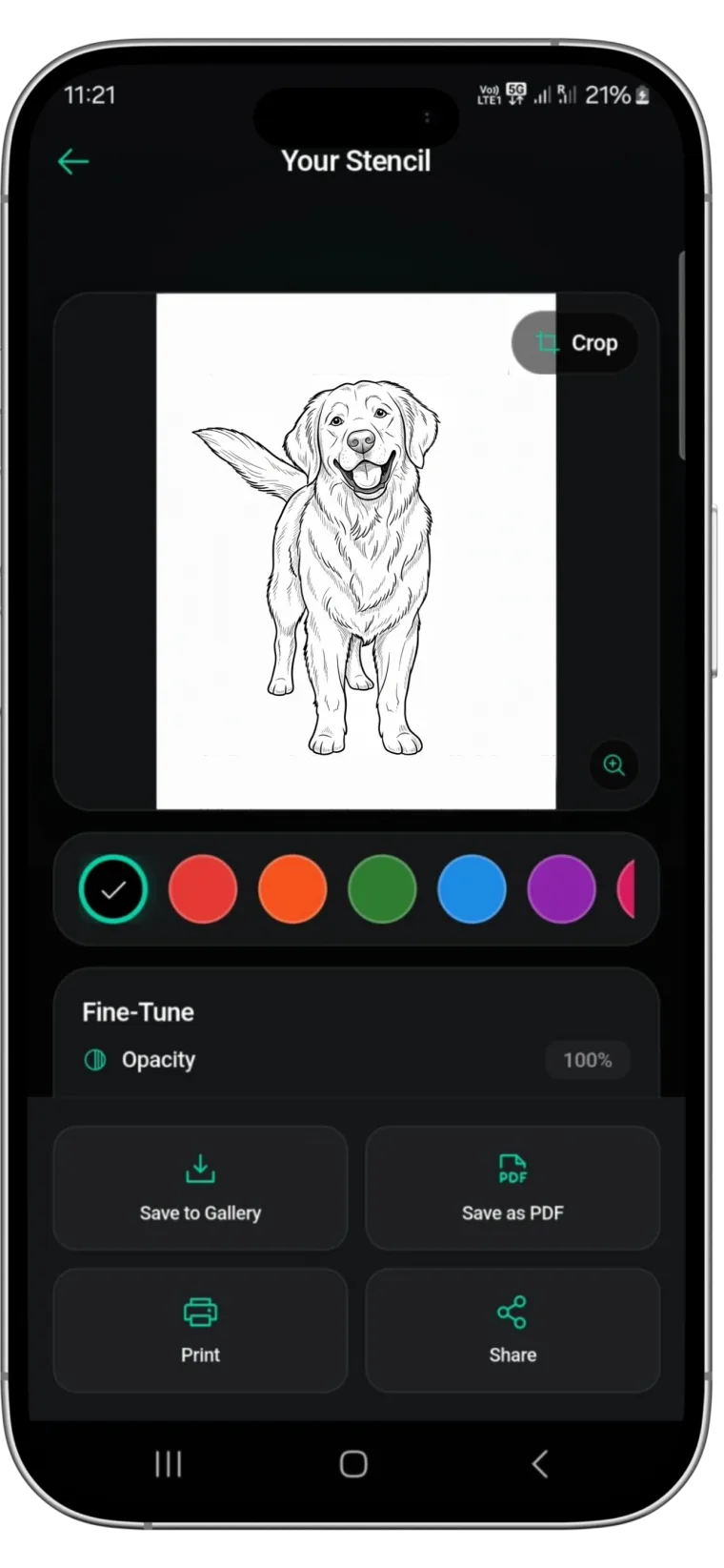
- Convert the design to solid black line work at actual size. Shading and grey do not print on stencil paper. A stencil app such as Stencify does this from a photo in about 30 seconds.
- Remove the protective tissue. Keep white sheet, carbon and backing together.
- Load the set the way your printer's diagram shows, usually white sheet toward the print head.
- Print from the printer app or your phone's print dialog, with the design at 100% scale.
- Peel the white sheet off. If the lines are faint, raise the printer's darkness setting.
For a buying guide to the printers themselves, read best tattoo stencil printers. For getting the finished stencil onto skin, read how to use tattoo transfer paper.
What to check before you buy
- Type matches your method. Thermal for printers, hectograph for hand tracing. Listings do not always say which; look for "thermal" or "freehand" in the name.
- Size matches your printer. A4 (210 by 297 mm) and US letter (8.5 by 11 in) are the standards. Some compact printers take rolls or narrower sheets.
- Four layers. Cheap packs sometimes ship three layers with no backing. They work but are harder to trace on.
- Fresh stock. Buy from a seller with turnover. Old paper transfers faintly.
- Skin safety. Reputable brands publish their carbon formulation. Avoid unbranded paper of unknown origin for client work.
Where to buy
Tattoo supply shops carry the branded papers (Spirit, S8) and will know which works with your printer. Amazon and general marketplaces carry generic packs at lower prices with more variation in quality. Art supply shops sometimes stock hectograph paper under the name "tattoo transfer paper" or "carbon transfer paper". If you need a stencil today and have no paper, read how to make a tattoo stencil for the options without stencil paper.
Start with line work that prints well
Whichever paper you choose, it reproduces exactly what you give it. Solid, evenly weighted black lines transfer cleanly; grey, soft or broken lines do not. Stencify turns a photo or sketch into that kind of line work in about 30 seconds, with controls for line weight and contrast, and exports a PDF sized for A4 or letter stencil paper. It runs on iPhone, iPad and Android: get Stencify on the App Store or on Google Play.
Frequently asked questions
What is the difference between thermal and hectograph tattoo stencil paper?
Hectograph (carbon) paper transfers with pressure: you trace the design by hand with a pen and the carbon copies onto the top sheet. Thermal paper transfers with heat from a thermal stencil printer or copier. Both leave the same purple stencil; they differ in how the design gets onto the paper.
Can I use thermal stencil paper by hand?
You can trace on it with a pen and get a usable result, but it is made for heat and the lines are usually lighter than on hectograph paper. If you trace by hand, buy hectograph.
Which layer of tattoo stencil paper do I remove?
Remove and throw away the thin protective tissue, usually the second sheet. Keep the white top sheet, the purple carbon sheet and the backing together while you print or trace, then peel the white sheet off to use as the stencil.
Can I print tattoo stencil paper on a regular printer?
No. Standard inkjet and laser printers do not activate the carbon layer. You need a thermal stencil printer, or an inkjet converted to stencil ink with inkjet-specific stencil paper.
Does tattoo stencil paper expire?
It does not have a hard expiry, but the carbon layer dries out and transfers poorly after a year or two, faster in heat and sunlight. Store sheets flat, in the box, away from heat.
Related reading
- How to Use Tattoo Transfer Paper - step-by-step application to skin
- Best Tattoo Stencil Printers - thermal vs inkjet and the models artists buy
- How to Make a Tattoo Stencil - all three methods, including hand tracing
- Tattoo Stencil Solution - what to use to transfer the stencil to skin
Clean lines print cleaner
Stencify converts a photo or sketch into solid, evenly weighted line work and exports it sized for A4 or letter stencil paper.