Tattoo Stencil Designs: 19 Clean Stencils You Can Print Today
• by DND Applications • 8 min read
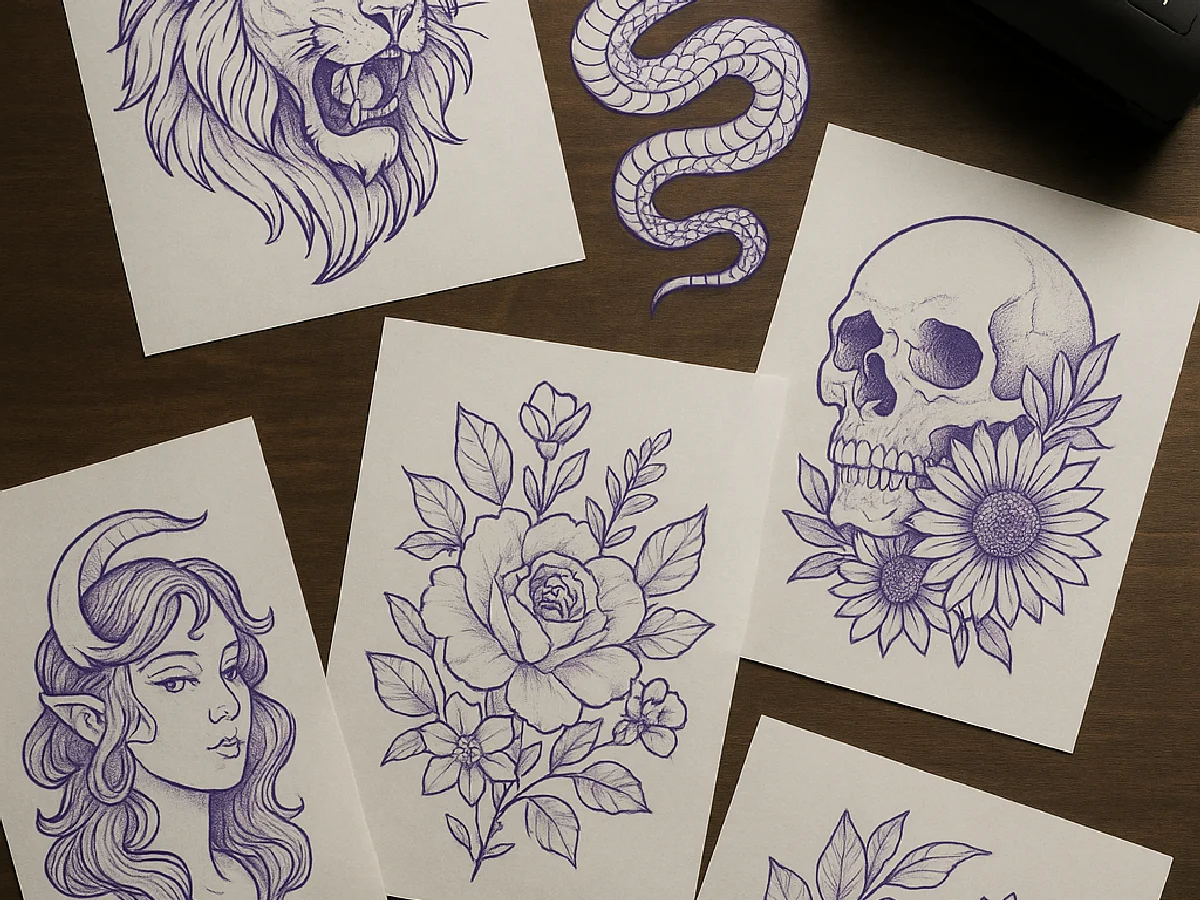
A good stencil is not a drawing. It is the map the needle follows: confident outlines where the tattoo will be lined, lighter hatching where it will be shaded, and clean white paper everywhere else. The nineteen designs below are shown exactly as they print on stencil paper, in the purple of the carbon layer, so you can judge what will actually transfer to skin.
Key takeaways
- Every design here is single-weight outline plus light hatching, which is what transfers cleanly and reads at thumbnail size.
- Save any design, size it to the placement, print at 100% on thermal stencil paper or trace it onto hectograph paper.
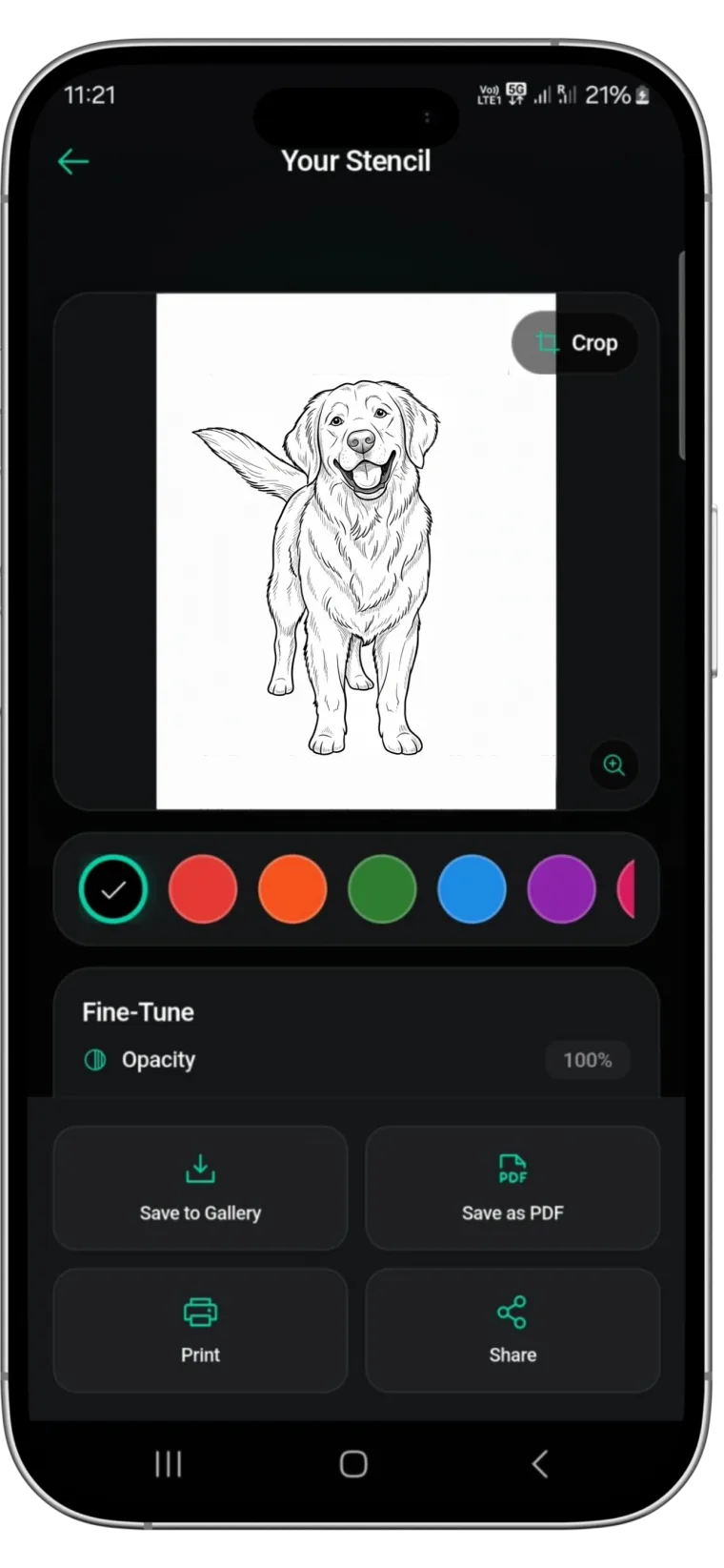
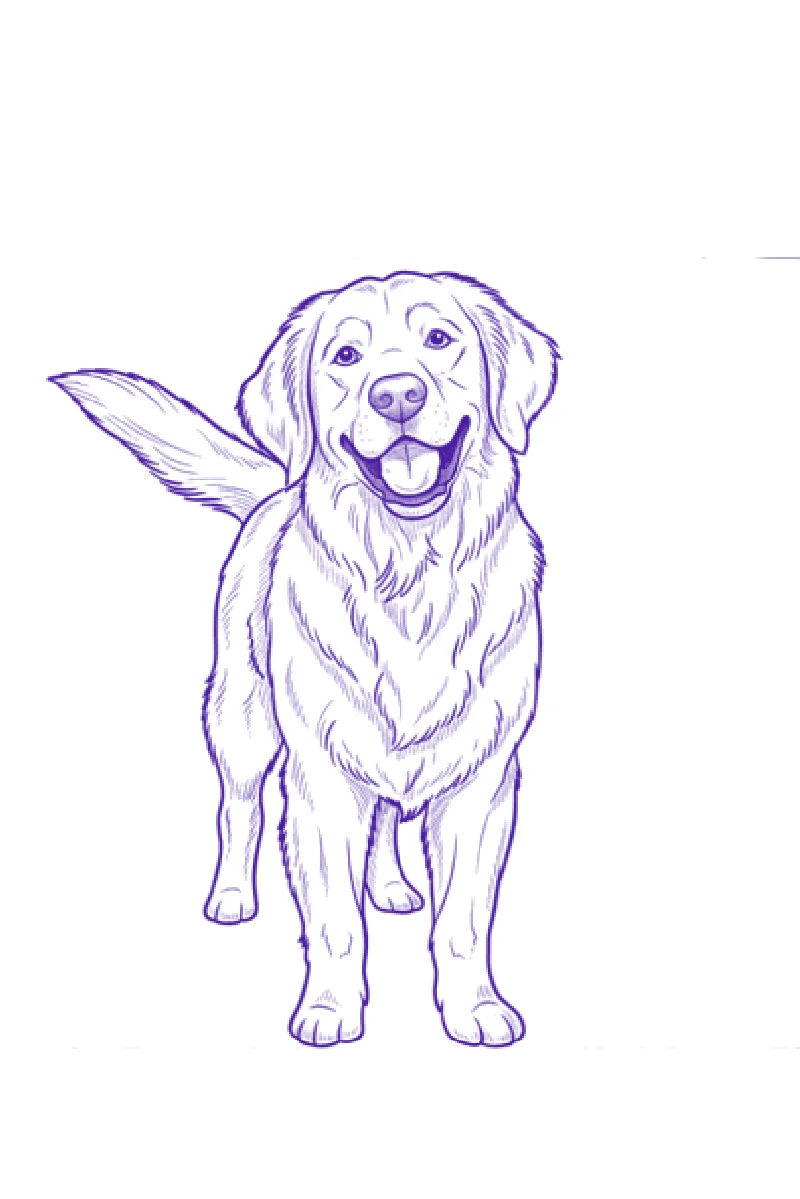
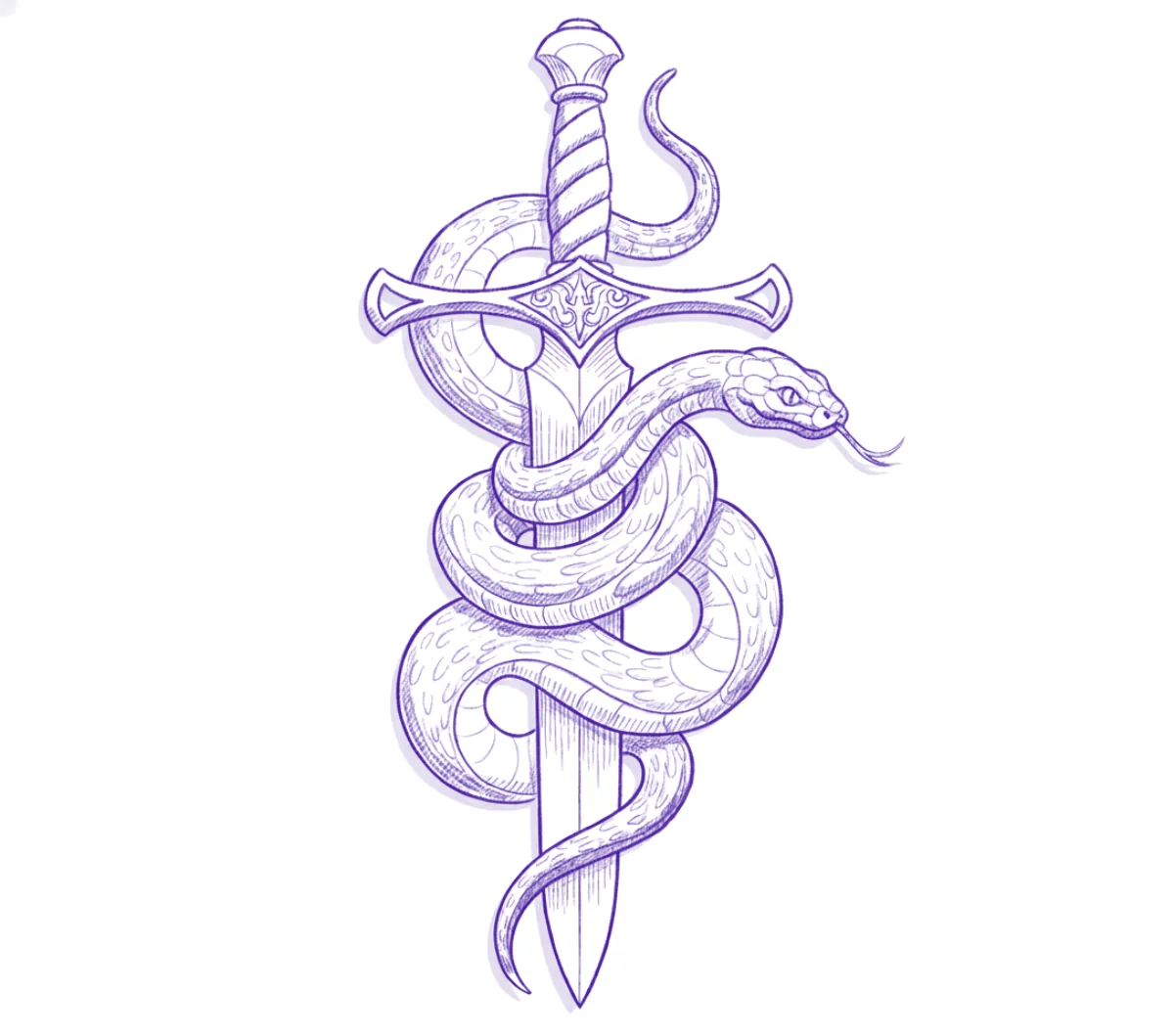
- Two of the designs, the snake and dagger and the golden retriever, are real Stencify output from a sketch and a photo.
How to use these stencils
- Save the design you want. On a phone, press and hold the image; on a computer, right-click it.
- Size it to the body. Measure the placement and set the stencil to that size before printing. Never print "fit to page".
- Print or trace. A thermal stencil printer prints straight onto stencil paper. Without one, print on plain paper and trace onto hectograph paper by hand. Our stencil paper guide covers both.
- Transfer it. Shave and clean the skin, apply a thin layer of stencil solution, place once, press, peel, and let it dry. Steps are in how to use tattoo transfer paper.
Portrait tattoo stencils
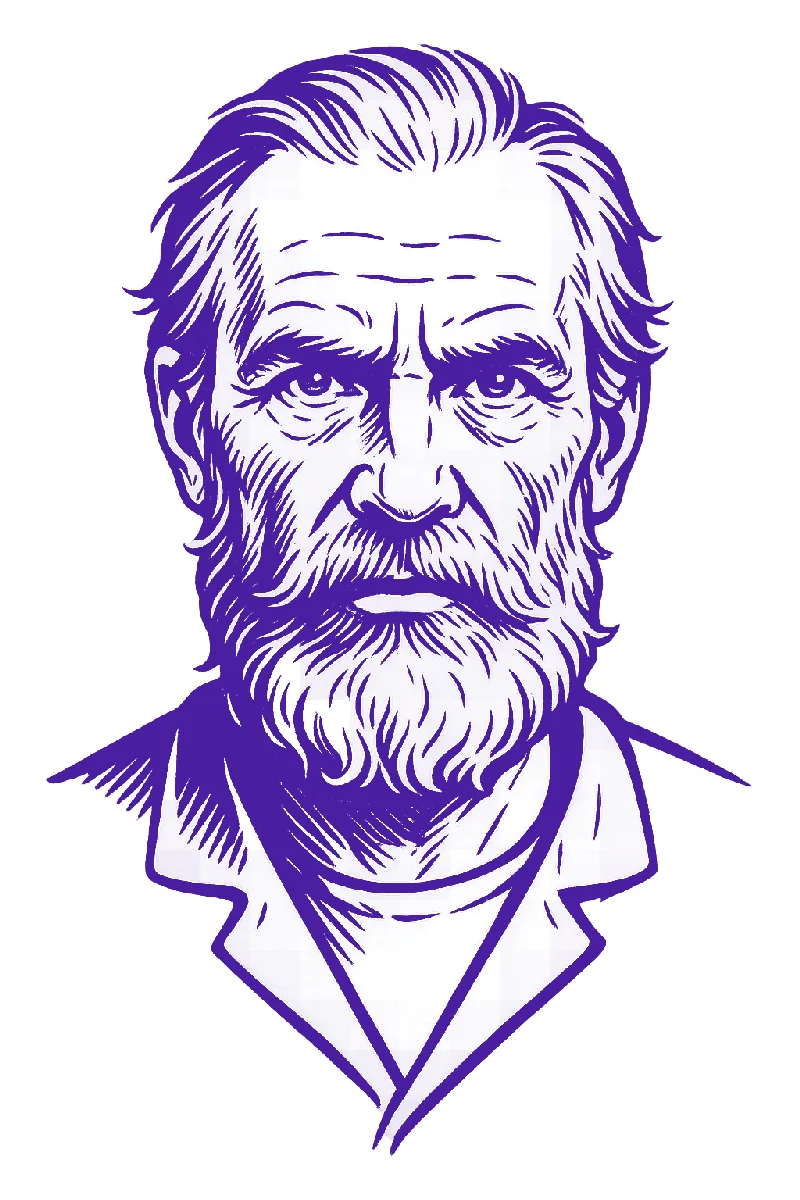
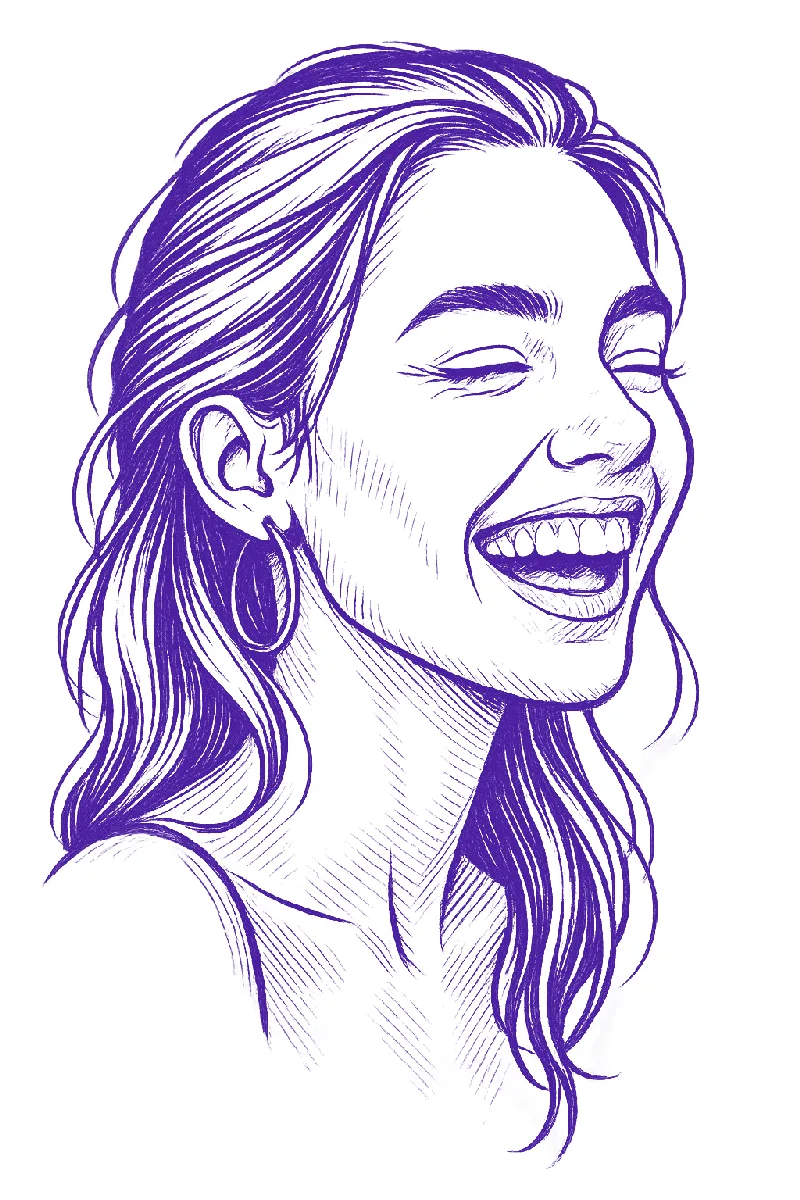
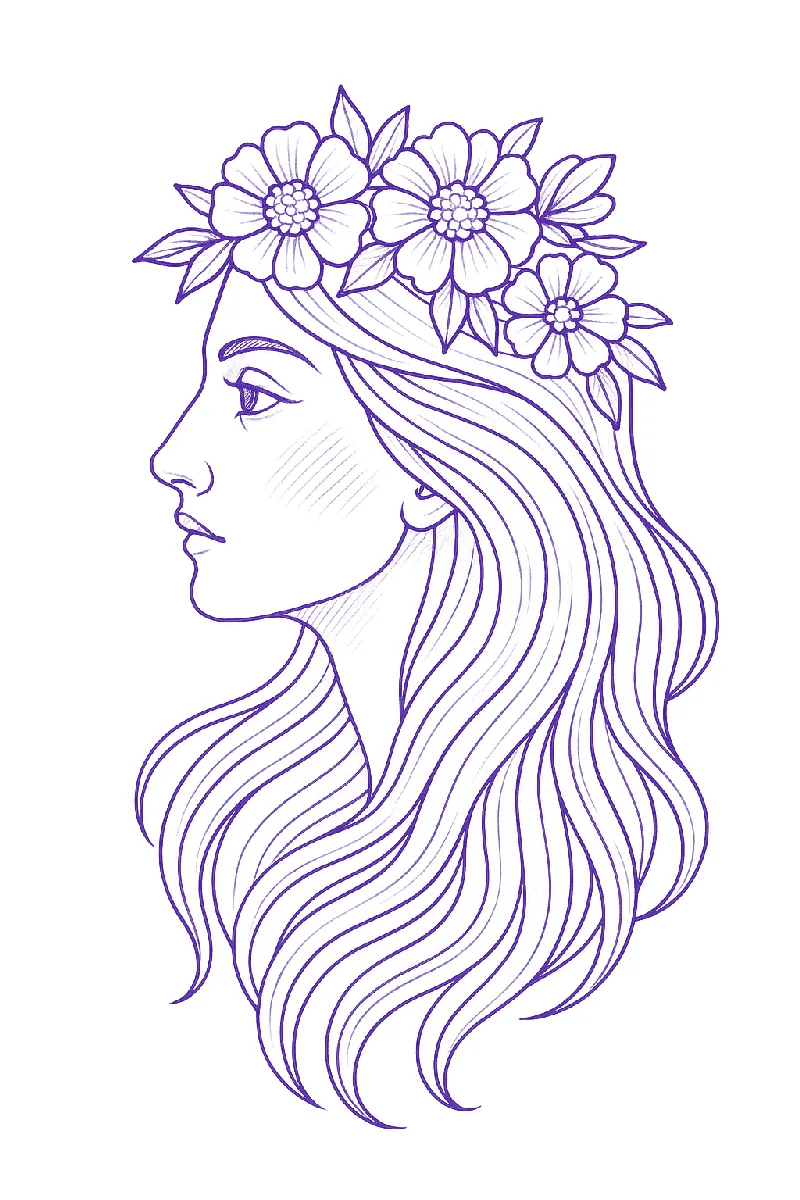
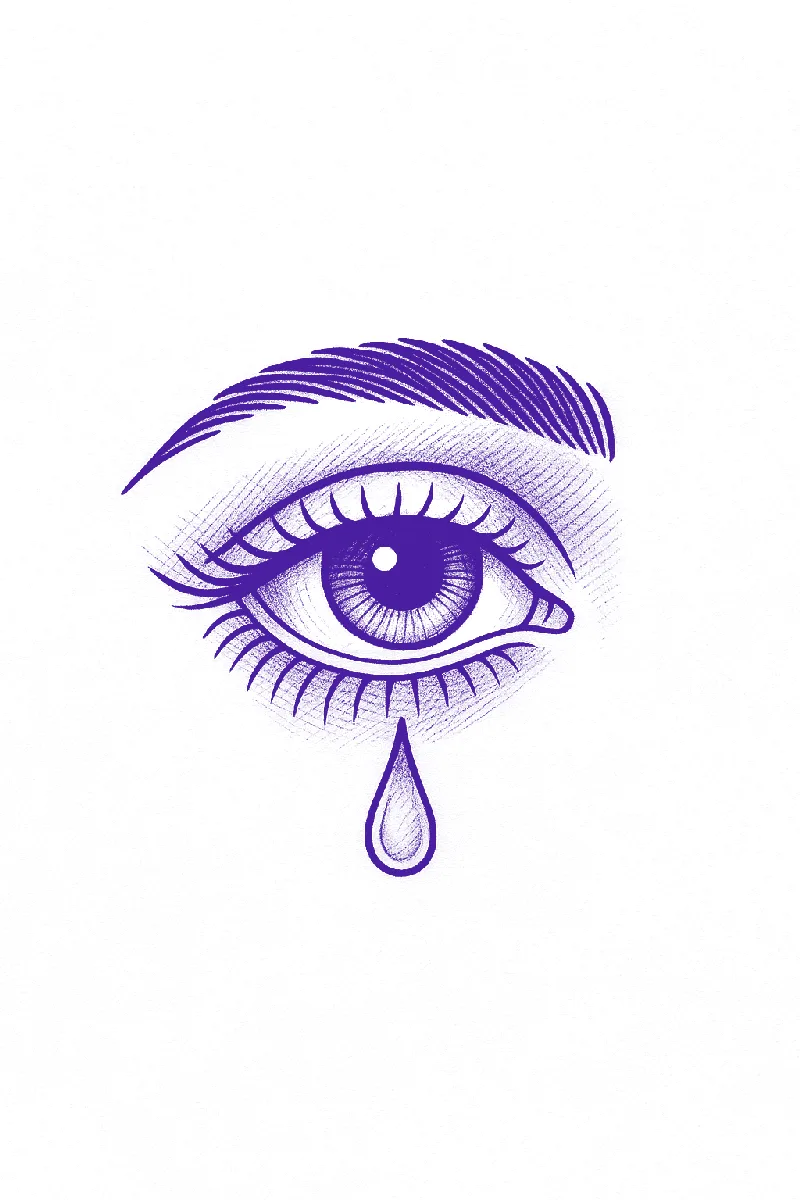
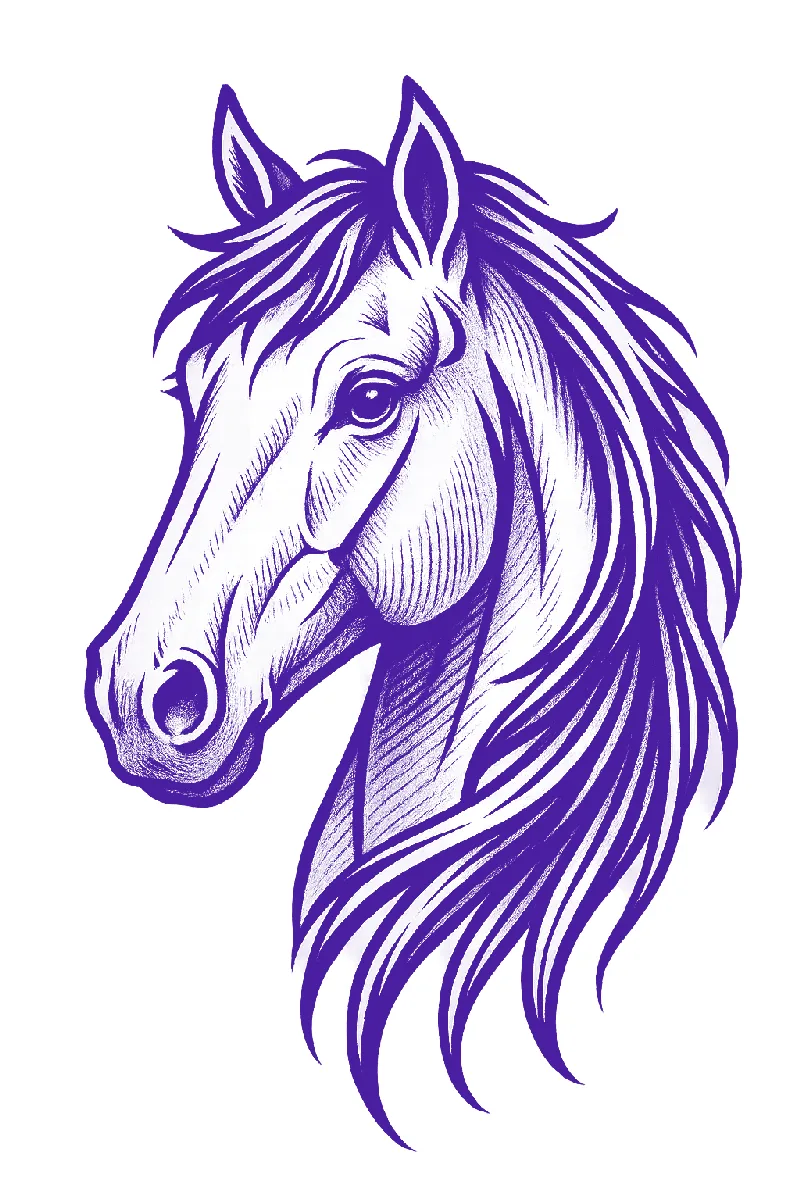
Portraits live or die on a few lines: the eyes, the edge of the nose, the mouth, and the shadow side of the face. Everything else is hatching. Notice how little is actually drawn in each of these and how much still reads.
Animal tattoo stencils
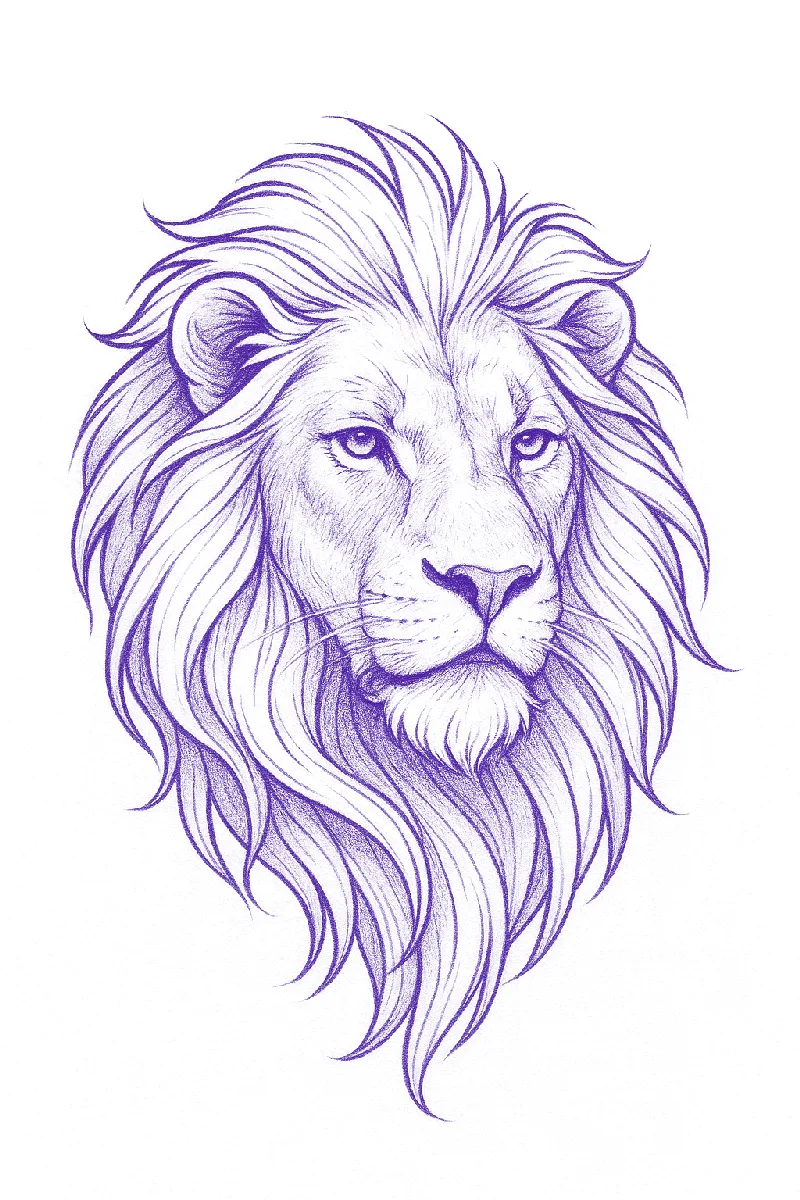
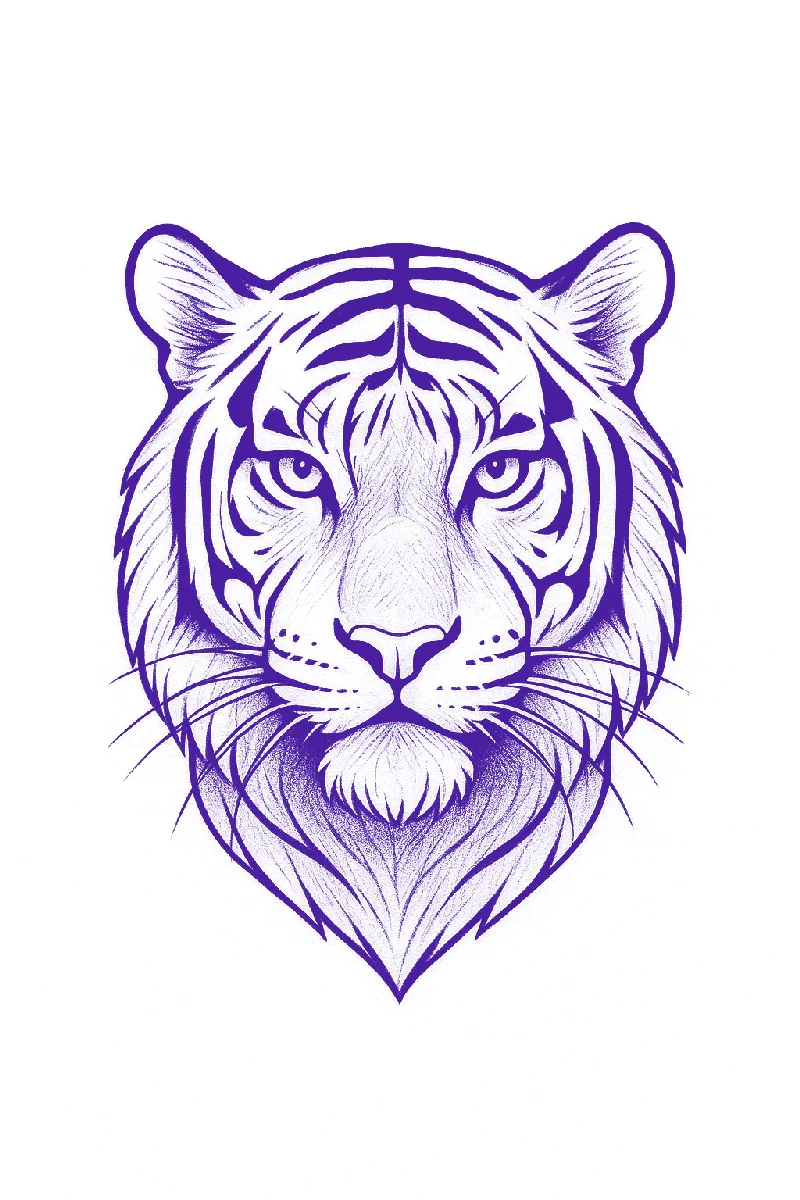
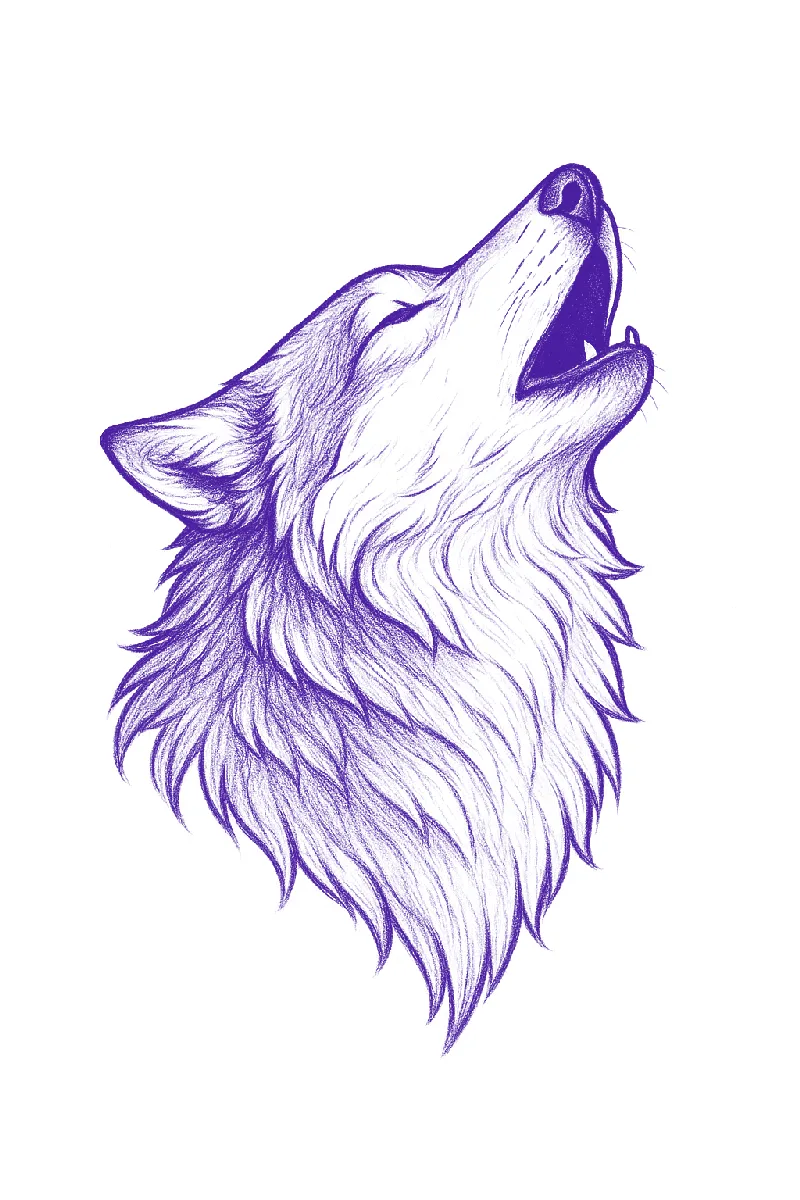
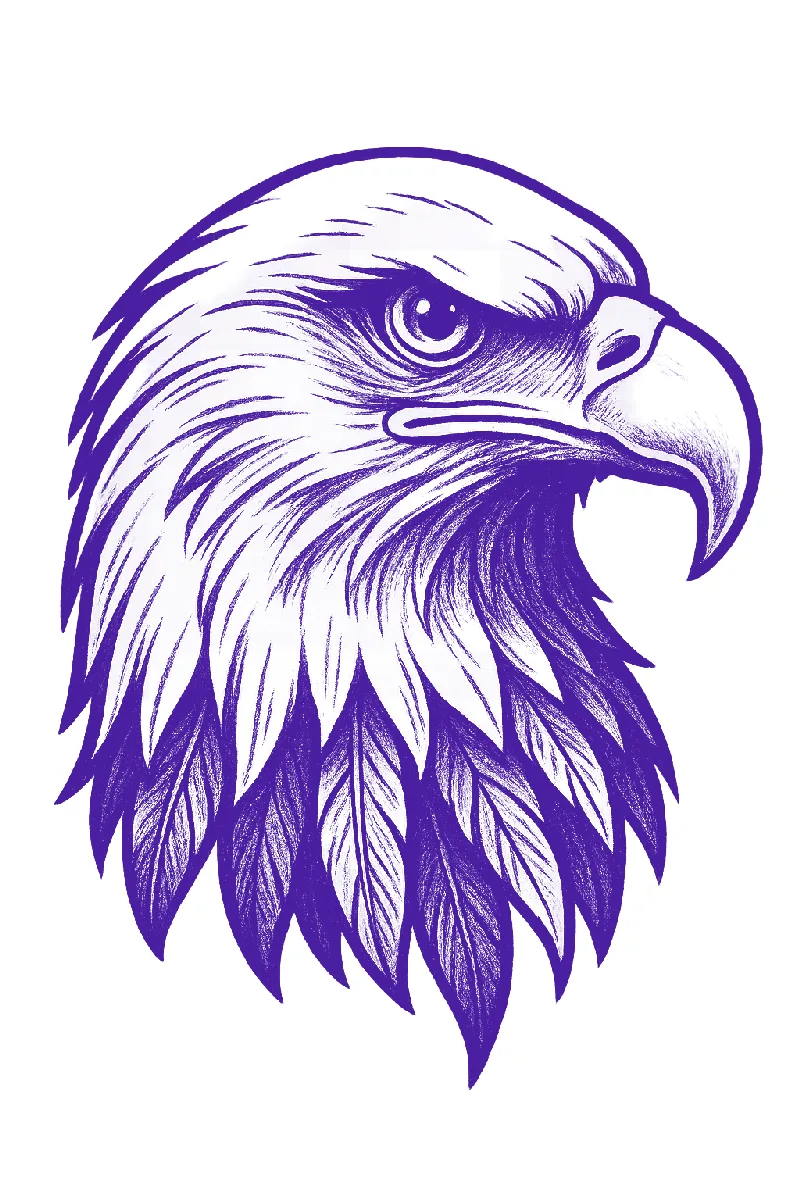
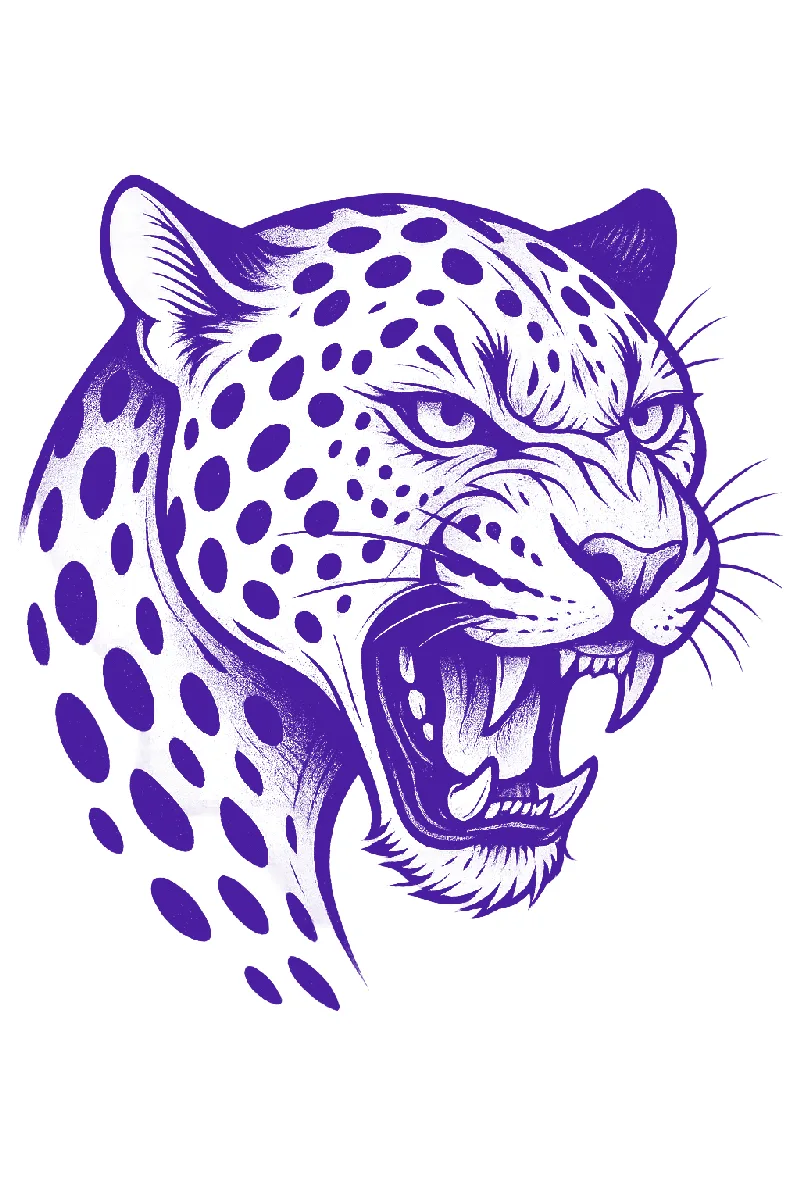
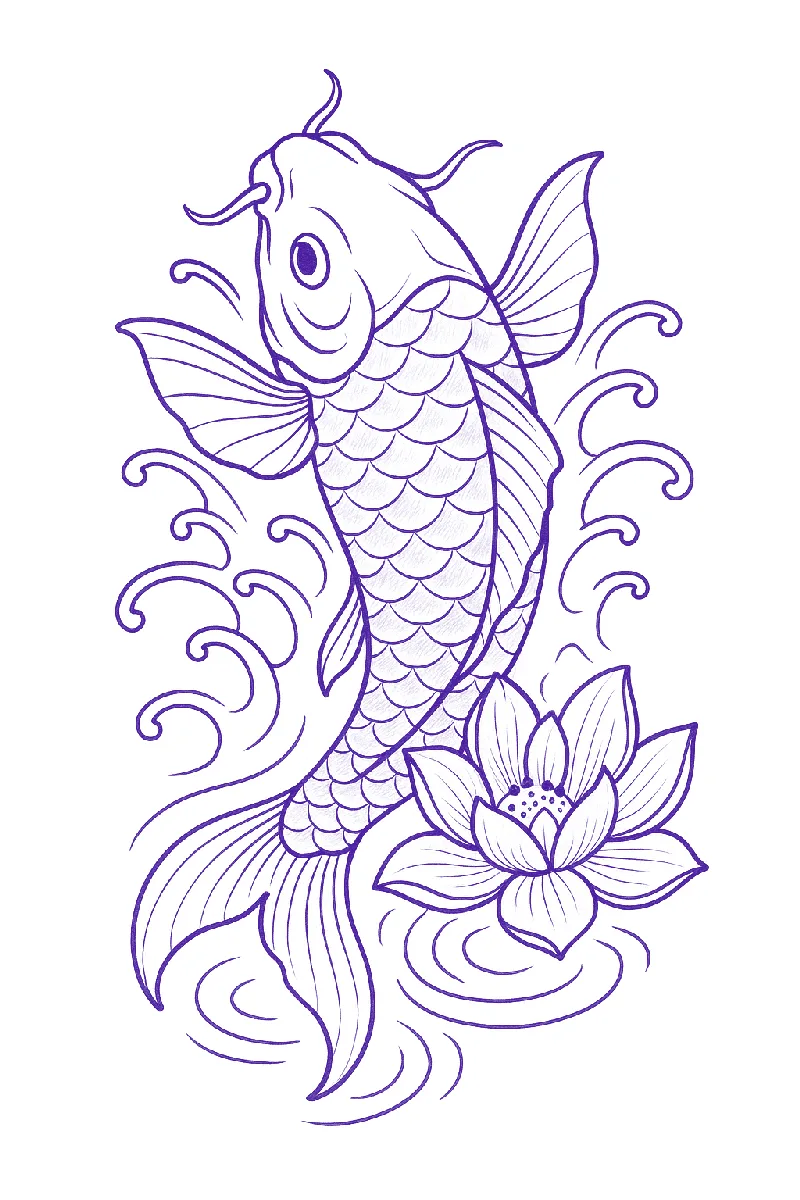
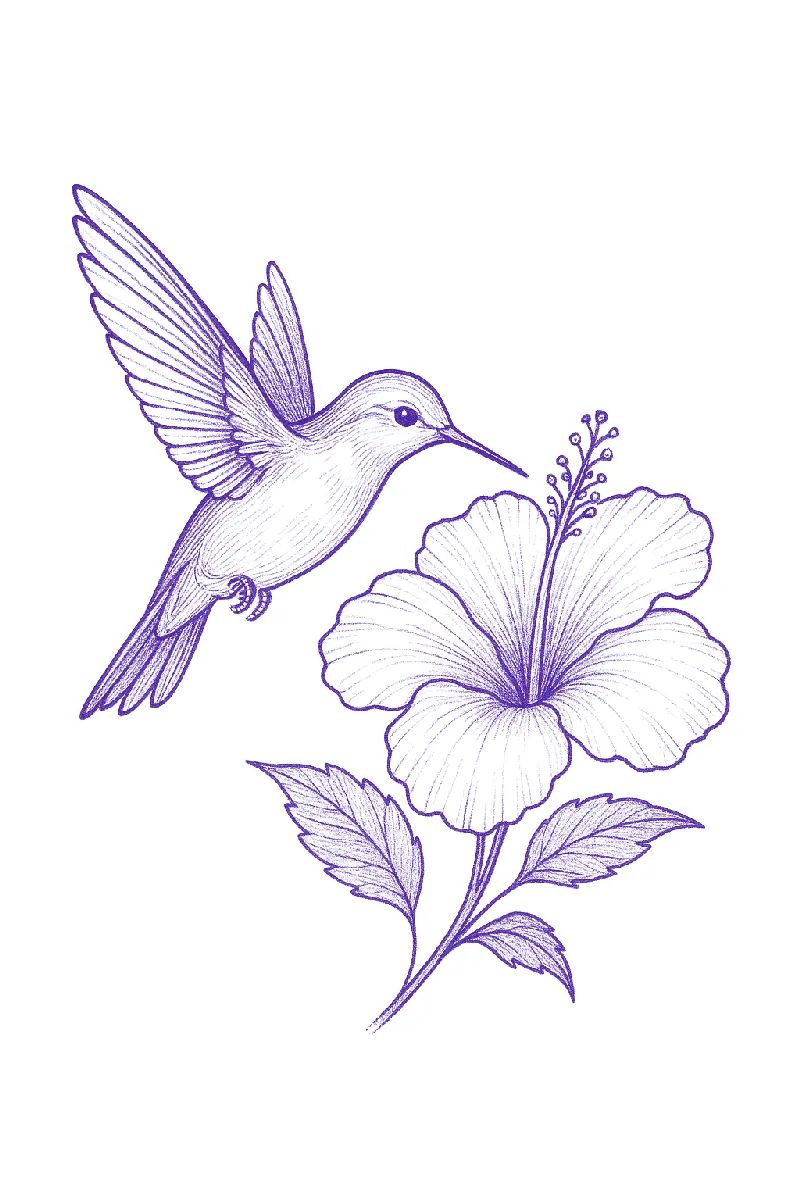
Fur, feathers and scales are where stencils get muddy. The fix is direction, not detail: a few flow lines show where the fur goes and the artist fills the rest at the chair. The leopard's spots are drawn as clean shapes rather than texture, which is why they will transfer.
Florals and classic motifs
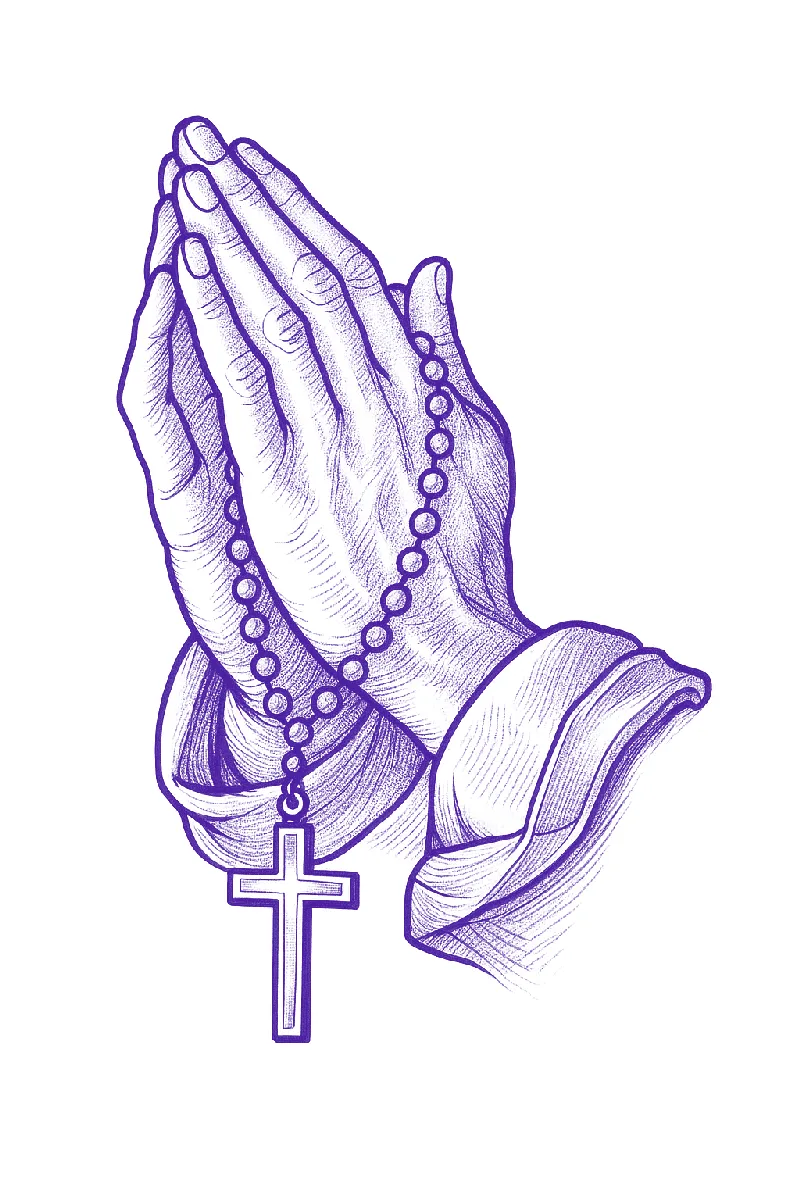
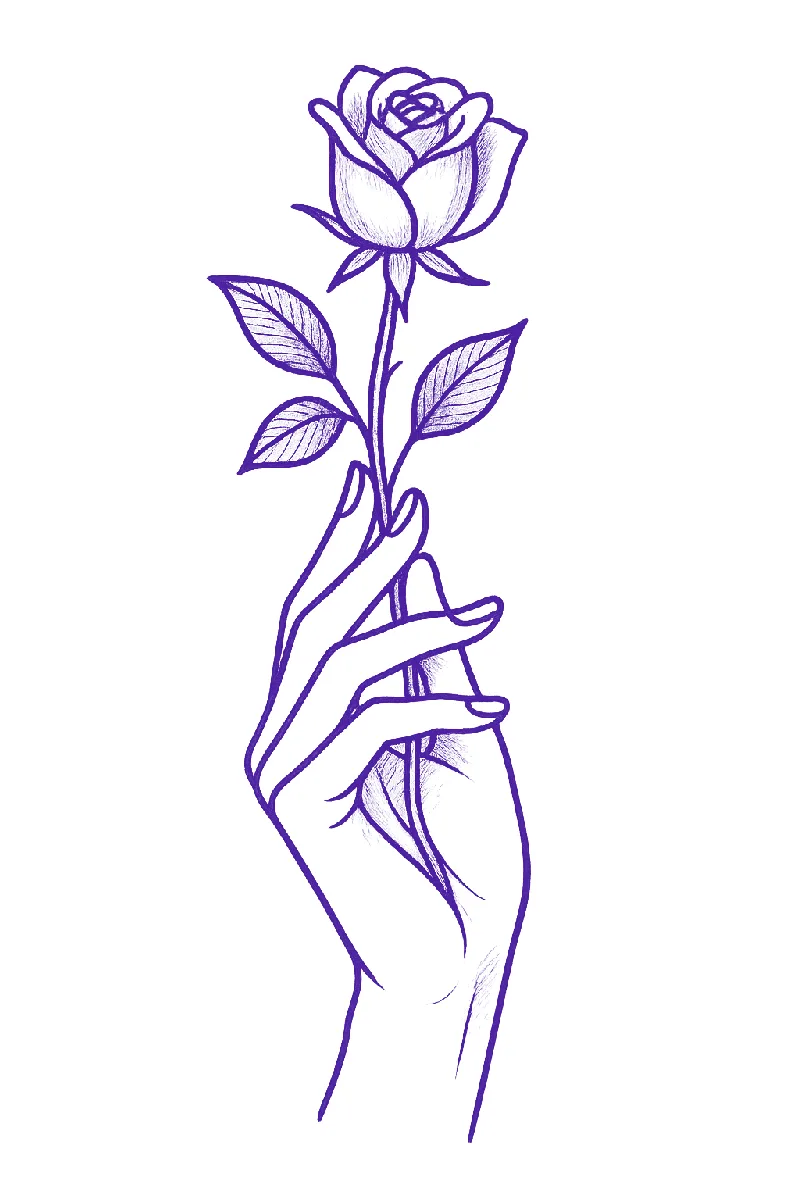
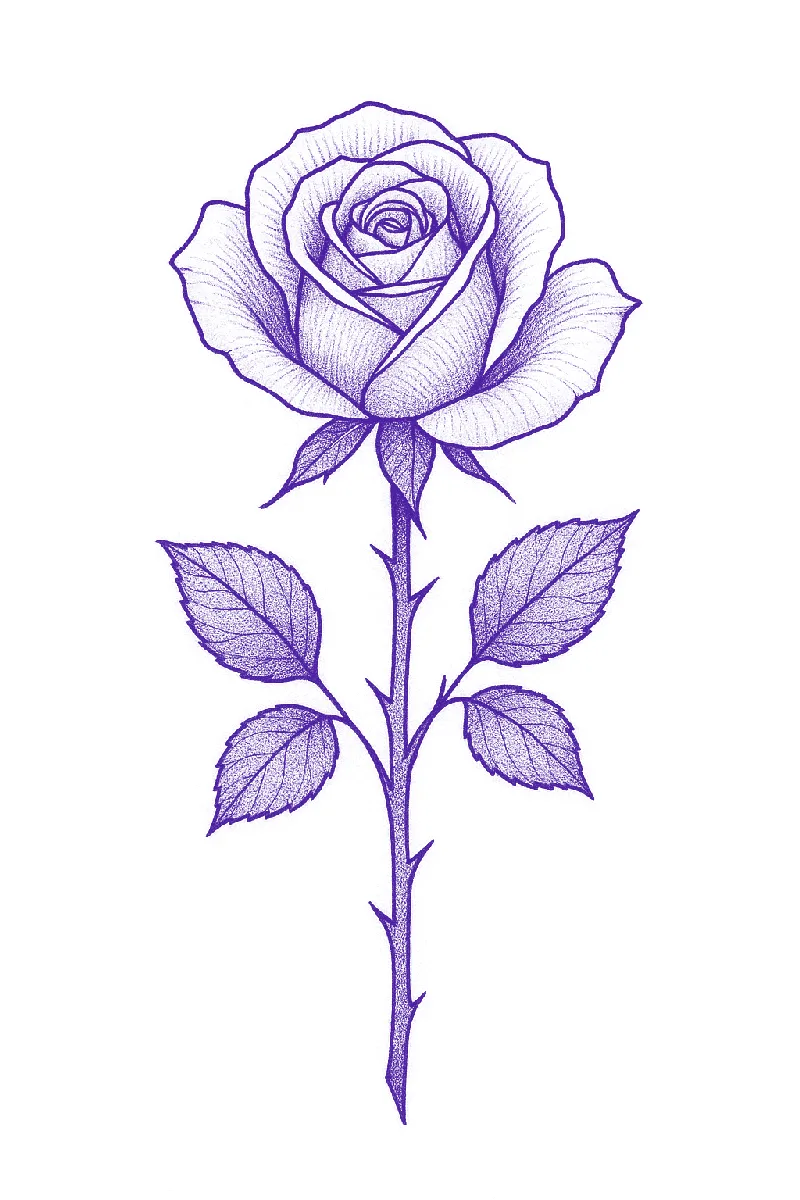
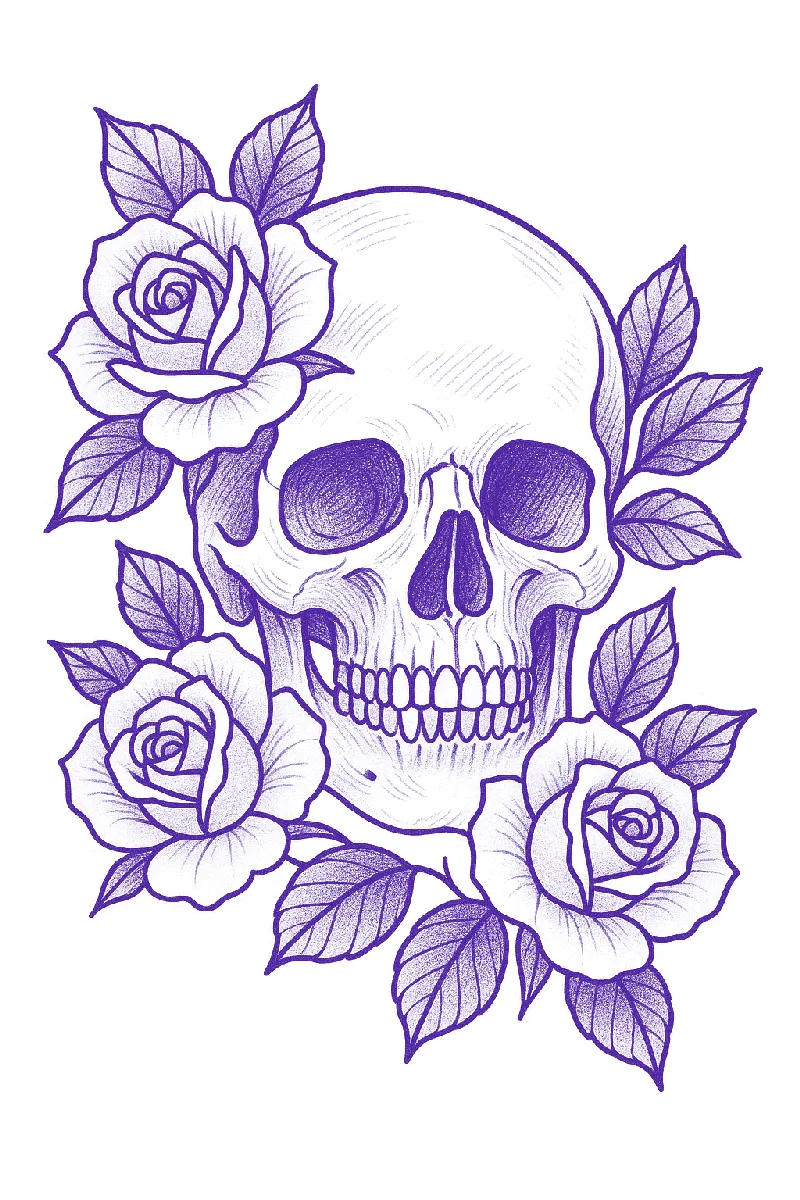
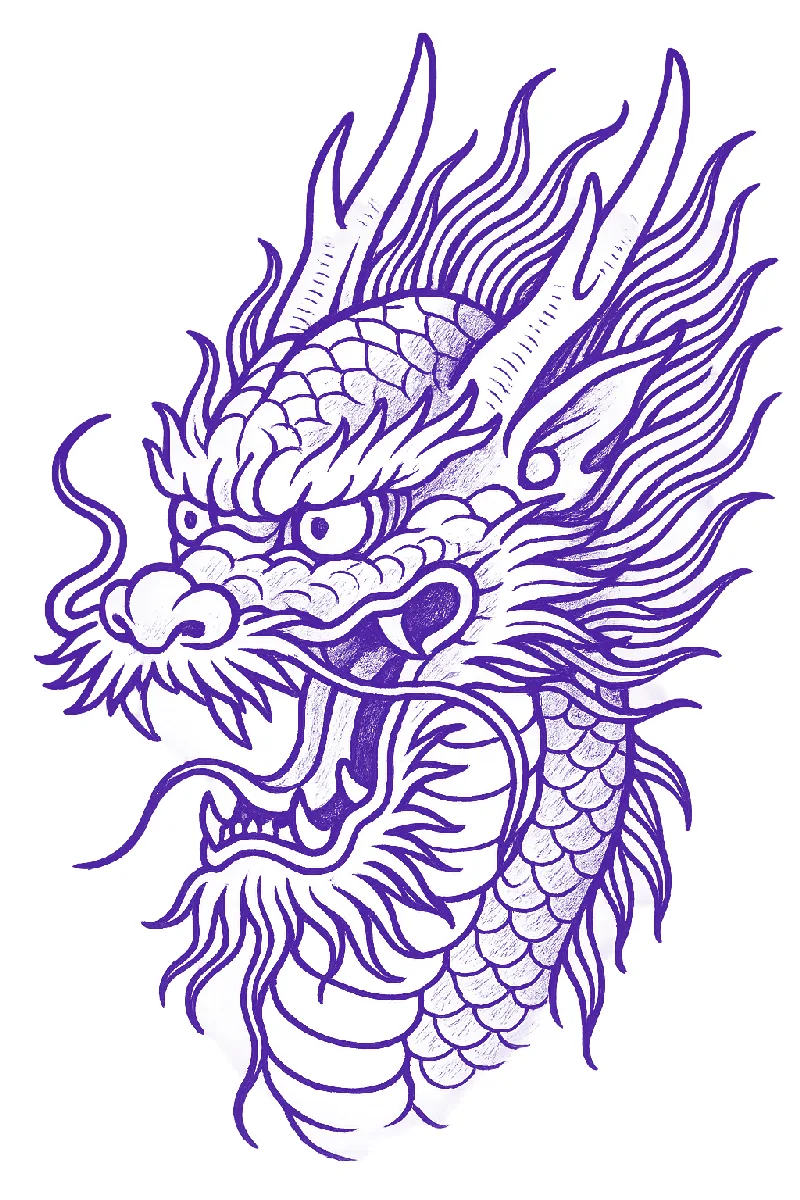
Roses, skulls, daggers and dragons are the backbone of tattoo flash because they are built from shapes that line well. The snake and dagger here came out of Stencify from a pencil sketch photographed on paper; the pencil texture is gone and the line weight is even all the way round.
What makes a stencil print well
- One outline weight. Everything that will be lined uses the same stroke. The printer and the paper reproduce it evenly.
- Hatching, not grey. Stencil paper transfers black and ignores most grey. Shading is shown as short parallel lines or dots.
- White space. A stencil needs room to breathe so the artist can see skin between the lines. Dense designs smear.
- Thumbnail test. If you can tell what it is at the size of your thumbnail, the hierarchy is right.
Sizing a stencil to the body
Measure the longest dimension of the placement, for example wrist crease to elbow, and decide how much of it the tattoo should fill. Set the stencil to that length and print at 100%. For large pieces, split the design across two sheets and line them up with registration marks. If a fine detail vanishes at the real size, simplify it before printing rather than at the chair.
Make your own from a photo or sketch
Every stencil on this page started as a reference image. Stencify does that conversion from a photo or sketch in about 30 seconds, with controls for line weight and contrast, a try-on preview for placement, and a PDF export sized for A4 or letter stencil paper. It runs on iPhone, iPad and Android: get Stencify on the App Store or on Google Play.
Frequently asked questions
Can I use these tattoo stencil designs for free?
Yes. Save any design on this page for personal use, practice skin, or as a starting point for a client piece. Resize it to the placement, print it on thermal stencil paper or trace it onto hectograph paper, and transfer as usual.
Why are the stencils purple?
That is the colour of the carbon layer on standard stencil paper, so the designs are shown the way they look when printed. Your own printer output will look the same; the colour wipes away after the tattoo is done.
What size should I print a tattoo stencil?
Measure the placement on the body first and size the stencil to match before printing. Print at 100% with scaling off. A design that looks right on screen is often the wrong size on skin, so check it on the client with the try-on preview or a paper test print.
How do I print a tattoo stencil at home?
With a thermal stencil printer, load thermal stencil paper and print the design at actual size. Without one, print on plain paper and trace onto hectograph transfer paper with a ballpoint pen. Both methods are covered in our stencil paper and printer guides.
Related reading
- How to Make a Tattoo Stencil - three methods, with and without a printer
- Best Tattoo Stencil Printers - what to buy and how to print from your phone
- How to Use Tattoo Transfer Paper - applying any of these to skin
- How to Make a Realism Tattoo Stencil - portraits, animals and fine detail
Turn your own reference into a stencil like these
Stencify converts a photo or sketch into clean, print-ready line work in about 30 seconds, sized for stencil paper.