The Technical Artist's Guide to Contrast and Detail in Stencil Preparation
• by DND Applications • 8 min read
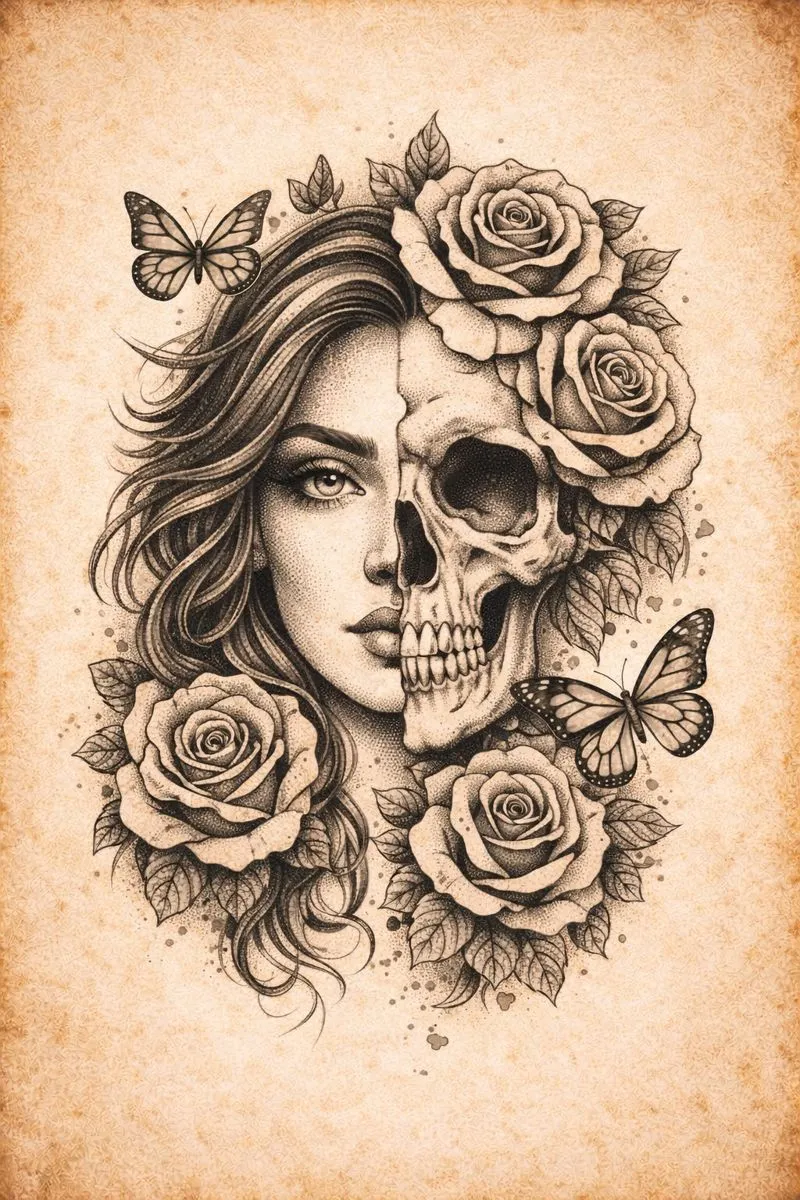
For the professional tattoo artist, the session does not begin when the needle hits the skin. It begins hours before, often late at night, wrestling with reference photos and transfer paper. The bridge between a stunning concept and a flawless execution is the stencil. However, creating a stencil tattoo guide that captures the nuance of realism without becoming a muddy, illegible mess on the skin is an art form in itself.
Many artists struggle with the translation of soft shadows into hard lines. When you trace manually, you constantly make micro-decisions about which details to keep and which to discard. This cognitive load can drain your creative energy before the client even arrives. This guide explores the technical nuances of preparing high-fidelity references and creating stencils that serve as true roadmaps for complex pieces.
The Science of Thresholding and Edge Detection
To create a usable tattoo stencil, one must understand how to manipulate image data. A photograph is composed of continuous tones, but a stencil is binary. It is essentially strictly black and white. The challenge lies in defining the threshold where a grey tone becomes a black line.
If the threshold is set too low during the design phase, you lose critical facial features or texture details. If it is set too high, the design becomes clouded with noise, making it impossible to distinguish between shading markers and hard outlines. Experienced artists know that the best tattoo stencil maker is often their own eye for contrast, yet relying solely on manual tracing for hours is inefficient. You must learn to isolate the frequency of details. High-frequency details like hair strands require different processing than low-frequency details like smooth shading on a cheekbone.
Technical Tips for Complex Geometrics and Realism
When you need to convert image to tattoo stencil formats, particularly for realism or geometry, standard filters often fail. They lack the context of the anatomy. Here are three niche tips to improve your stencil clarity before you even print:
1. Pre-Process with High-Pass Filters
Before attempting to extract lines, apply a high-pass filter to your digital reference. This flattens the lighting luminosity while keeping edge details sharp. It prevents the common issue where a shadow on one side of a face turns into a solid black blob on your transfer paper.
2. Isolate Channels for Color Realism
If you are working from a color reference, do not simply desaturate the image. Often, the red or blue channel holds better contrast information than the composite grey image. Extracting lines from a specific color channel can reveal details that a standard black and white conversion hides.
3. The "Skeleton" Method
Create two layers for your stencil. One layer should be a heavy, high-contrast outline for the main structure. The second layer should be a faint, high-noise layer for texture mapping. Overlaying these gives you a structural guide without sacrificing the texture map needed for shading.
The Role of the Modern Tattoo Stencil Generator
Efficiency is critical in a busy shop. While knowing the manual theory is essential, utilizing a digital tattoo stencil generator can cut your prep time by substantial margins. The goal is not to let software do the artistic work but to let it handle the heavy lifting of edge detection. This allows you to focus on refinement rather than construction.
Modern digital workflows allow artists to iterate quickly. Instead of redrawing a design three times to get the scale right, digital tools allow for instant resizing and contrast adjustment. The key is finding a tool that respects the artist's need for precision control over line weight and background removal.
Precision Meets Speed with Stencify
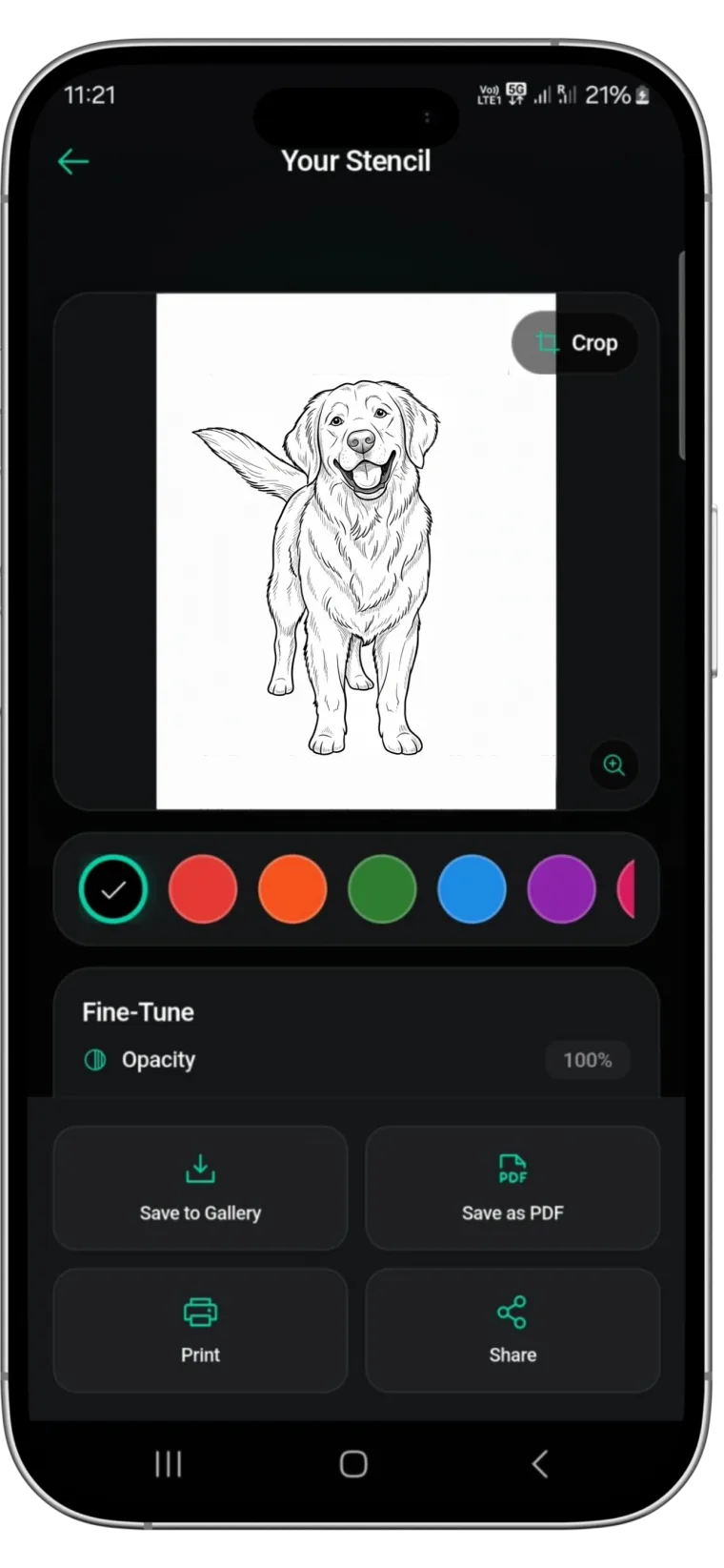
For artists seeking to optimize their workflow without sacrificing quality, Stencify offers a robust solution. Unlike generic photo editors, this dedicated tattoo stencil app is engineered specifically for the needs of the tattoo industry. It utilizes advanced algorithms to interpret reference images, automatically balancing contrast and detail to produce clean, transfer-ready linework in seconds.
Stencify acts as a premium assistant in your pocket. It allows you to visualize the stencil on the skin via AR technology and adjust detail levels with granular precision. Whether you are dealing with high-contrast portraits or intricate geometric patterns, Stencify helps you bypass the tedious hours of tracing so you can focus on the art of tattooing.
Related reading
- Mastering Stencil Clarity - transform complex photos into clean linework
- The Architecture of Clarity - why stencil precision dictates tattoo longevity
- Beyond the Trace - master reference preparation for perfect stencils
Technical precision without the tedium
Stencify handles edge detection and contrast balancing automatically. Get clean, transfer-ready linework for realism and geometric work in seconds.