Decoding Muddy References: Unlock Cleaner Tattoo Stencils with Better Contrast
• by DND Applications • 6 min read
Every professional artist knows the specific anxiety of a client consultation that begins with a low-quality smartphone photo. The client has found an image they love, perhaps a photo of a pet or a complex architectural piece, but the lighting is poor and the contrast is muddy. Your job is not just to ink that image but to translate it into a language the skin can understand. The bridge between a rough concept and a permanent piece of art lies entirely in how you process the visual data before the needle ever touches the skin. It is about stripping away the noise to reveal the structure beneath.
Decoding the Reference Image
To create a viable tattoo stencil, you must first learn to see like a machine. The human eye forgives soft edges and blends colors seamlessly, but a thermal copier or a hand-traced transfer requires hard definitions. The first step in professional design preparation is maximizing contrast. By pushing the whites brighter and the blacks darker, you force the mid-tones to choose a side. This process is essential when you need to convert image to tattoo stencil formats that will hold up during a long session. If the source image lacks distinct value separation, the resulting transfer will be a gray wash that disappears after the first wipe of green soap.
The Hierarchy of Lines and Shading
A great stencil tattoo is not just an outline. It is a topographical map of the final piece. When preparing your design, you must distinguish between the hard structural lines that hold the tattoo together and the soft shading markers that guide your magnums. A novice tattoo stencil creator might treat all lines with equal weight, leading to a cluttered guide that confuses rather than assists. Experienced artists separate these elements early in the design phase. They look for the skeleton of the image. This clarity ensures that even if the transfer fades four hours into a session, the foundational geography of the piece remains etched in your mind and on the skin.
Efficiency in the Walk-In Era
Speed is a crucial component of modern street shop culture. When a walk-in client requests a complex floral piece or a geometric animal, spending forty-five minutes hand-tracing or manipulating filters in complex photo software cuts directly into your revenue. The workflow needs to be fluid. The goal is to move from the consultation counter to the station with a ready-to-print design as fast as possible. This efficiency relies heavily on having a reliable tattoo stencil maker workflow that automates the tedious task of edge detection. This allows you to focus your energy on the actual application of the tattoo rather than the administrative work of preparing the art.
Modernizing Your Toolkit with Stencify
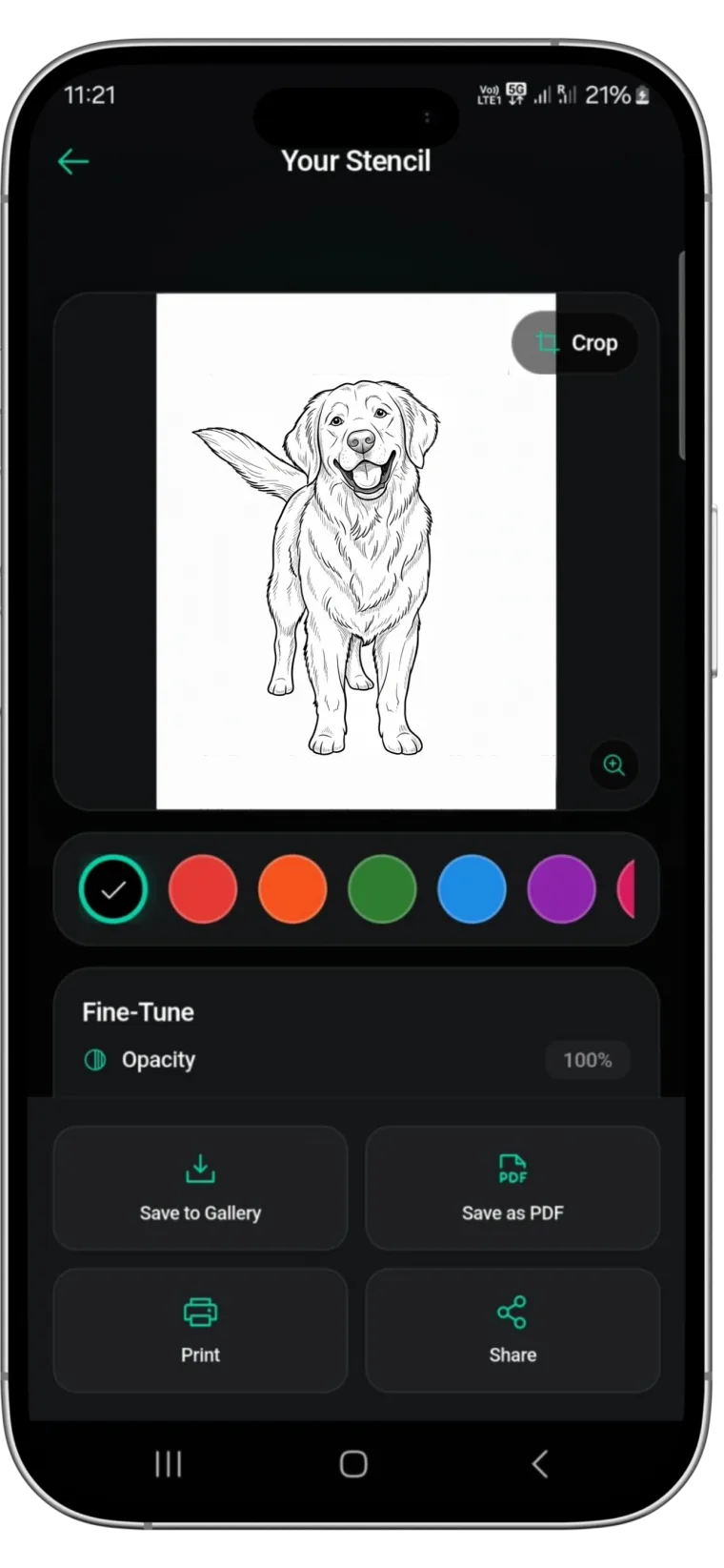
While traditional lightbox tracing and desktop software have served artists for decades, mobile technology now offers superior speed and precision. For artists looking to streamline their prep work, Stencify offers a powerful solution. As a dedicated tattoo stencil app, it utilizes advanced algorithms to identify and extract the most critical lines from any reference photo instantly.
Whether you need to handle complex realism or simple line work, Stencify functions as a pocket-sized image to stencil engine. It allows you to adjust detail levels on the fly, visualizing exactly how the transfer will look before you print. By using Stencify to convert image to tattoo stencil layouts, you save valuable drawing time and ensure your transfers are crisp, high-contrast, and ready for the skin. Elevate your design process and stop fighting with bad reference photos.
Related reading
- Mastering Contrast: Reference Images - establish line hierarchy and solve contrast problems
- 5 Essential Tips to Optimize Reference Photos - practical tips for cleaner stencils
- Reclaiming Your Evenings - how digital efficiency saves time for artists
Decode any reference instantly
Stencify extracts the most critical lines from any reference photo. Adjust detail levels on the fly and get crisp, high-contrast transfers every time.