5 Essential Tips to Optimize Reference Photos for a Flawless Stencil Tattoo
• by DND Applications • 7 min read
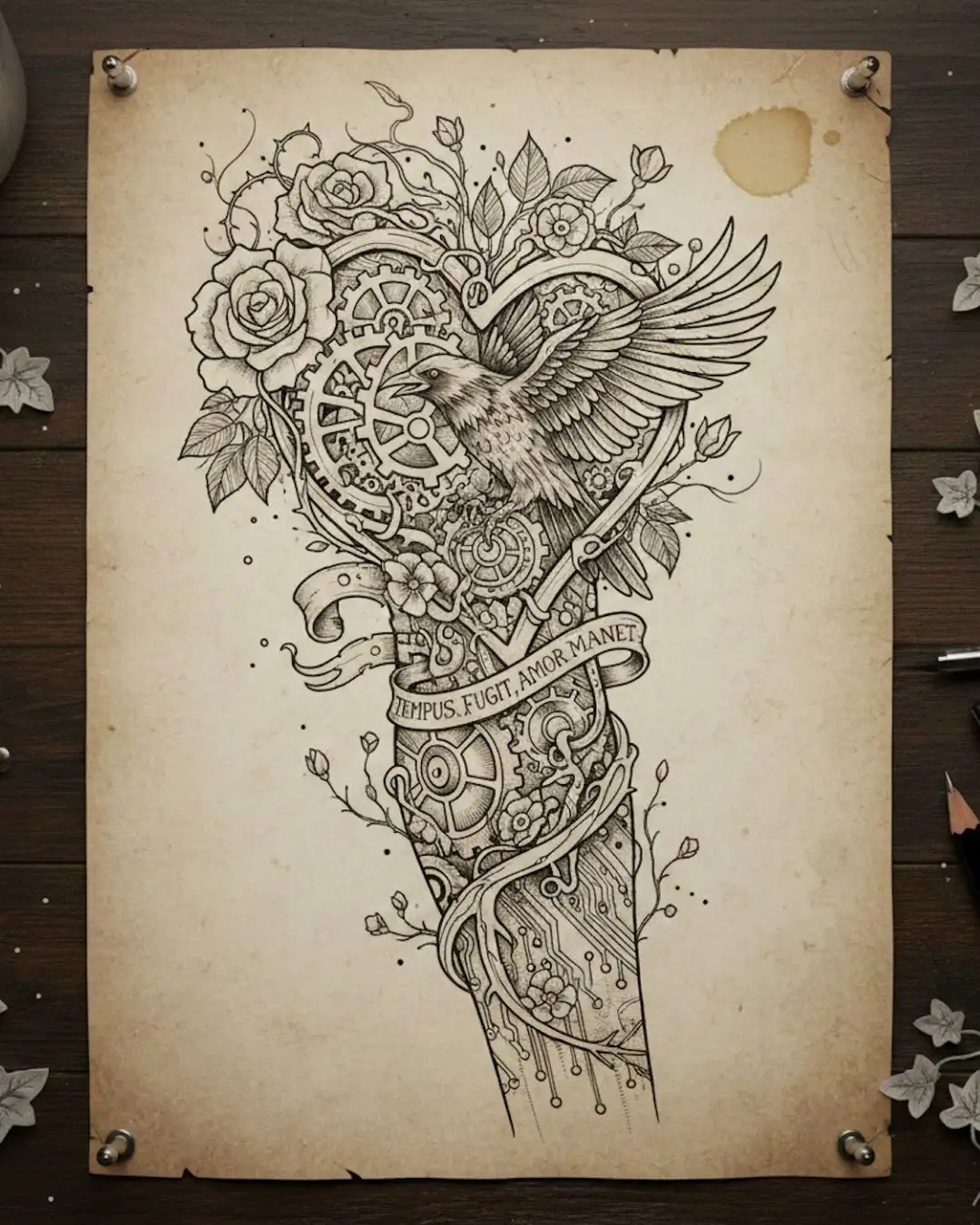
Every professional tattoo artist understands that the quality of the final piece is inextricably linked to the quality of the preparation. A client often walks into the shop with a low-resolution photograph on their phone, expecting a photorealistic portrait or a complex geometric piece. The challenge lies not just in the tattooing itself, but in the translation of that imperfect image into a usable guide. If the foundation is weak, the house will crumble. In the world of tattooing, that foundation is the stencil. A muddy, confusing transfer forces the artist to guess during the session, increasing needle time and potentially compromising the longevity of the art. Here is how you can master the art of reference preparation to ensure every stencil tattoo transfer is crisp, readable, and ready for the skin.
1. Prioritize Contrast Over Detail
The most common mistake apprentices make when preparing a design is trying to preserve every single detail from the reference photo. Thermal copiers and hectograph paper do not process subtle greyscale gradients well. They thrive on high contrast. When you act as the tattoo stencil creator, your primary goal is to separate the essential structural lines from the noise of the shading. Push the whites brighter and the blacks darker during your editing phase. This binary approach ensures that your thermal copier reads the image correctly, preventing that dreaded carbon jam where the machine tries to print a solid block of grey. High contrast is the secret to a clean transfer that stays visible throughout the wiping process.
2. Understand the Flow of the Body
A static image on a flat screen does not behave the same way as a stencil for tattoo application on a living, moving canvas. Before you even print, consider the placement. Muscle groups wrap and twist. A straight line on a bicep becomes a curve when the arm is relaxed. When preparing your reference, visualize the warp. Many artists now use digital overlays to mock up the design on a photo of the client's body part. This allows you to adjust the perspective of the reference image before you attempt to convert image to tattoo stencil formats. By pre-distorting the image to match the body's curvature, you save valuable time during the actual appointment.
3. The Digital Line Work Hierarchy
Not all lines are created equal. In traditional art, we use line weight to denote depth and shadow. This principle is crucial when using a tattoo stencil maker or preparing a drawing manually. Your stencil should map out the hierarchy of the tattoo. Use bold lines for the primary outline and thinner, broken lines for mapping shadows or texture. This visual shorthand helps you navigate the tattoo during the session without needing to constantly check the reference photo. If your stencil is a uniform mass of single-weight lines, you lose the map. Organize your reference visually so the stencil serves as a true guide rather than just a coloring book outline.
4. Cleaning Up the Noise
Reference photos, especially those provided by clients, are often filled with digital artifacts, background clutter, or poor lighting. A professional artist knows that these elements must be ruthlessly eliminated. If you feed a noisy image into a thermal copier, the machine will pick up the grain, resulting in a dirty sheet filled with dots and specks. This excess carbon makes the stencil messy and harder to stick to the skin. Spend the extra five minutes in your editing workflow to erase background elements and smooth out pixelated edges. A clean source image is the only way to guarantee a clean tattoo stencil.
5. Streamline Your Workflow with Automation
The modern tattoo industry moves fast. Spending hours manually tracing references on a lightbox is a romantic notion, but it often cuts into drawing time for custom pieces. Digital tools have revolutionized this step. Finding the right software to assist in the process can reduce prep time from hours to minutes. While manual refinement is always necessary, starting with a digitally generated base allows you to focus on the artistic interpretation rather than the rote mechanical work of tracing.
The Ultimate Digital Assistant for Artists
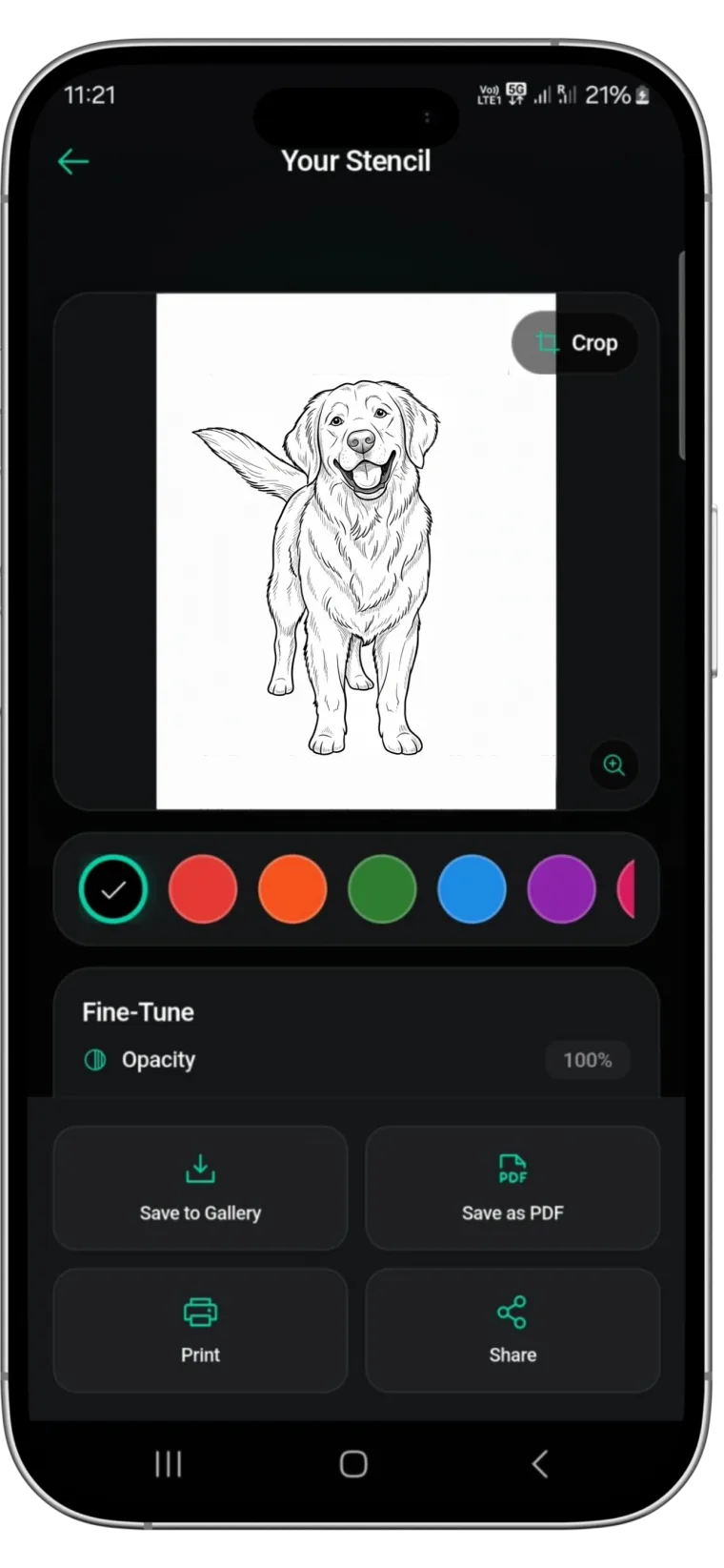
For artists looking to optimize this workflow, Stencify offers a powerful solution. It functions as a premium tattoo stencil app designed specifically to handle the complex needs of modern tattooing. Whether you are working with intricate realism or bold traditional designs, Stencify uses advanced algorithms to analyze your reference photos and extract precise line work instantly. It eliminates the guesswork involved when you convert image to tattoo stencil layers, giving you a perfect, high-contrast base every time. Stop fighting with muddy references and start your sessions with confidence using the industry's leading tattoo stencil maker.
Related reading
- Tattoo Stencils 101 - fundamentals of clean transfers from start to finish
- Mastering Stencil Clarity - transform complex photos into clean linework
- How to Streamline Tattoo Consultations - a practical workflow for consultations
Stop fighting with muddy references
Stencify analyzes your reference photos and extracts precise linework instantly. Get high-contrast, transfer-ready stencils every time.