Contrast and Line Weight: Building Stencils That Last the Entire Session
• by DND Applications • 7 min read
The Hidden Foundation of Lasting Body Art
Every professional artist knows the sinking feeling that occurs halfway through a long session. You wipe the skin to clear away excess ink, and with it, a crucial part of your guide fades away. The longevity of a transfer on the skin is not just about the brand of transfer gel or how long you let it dry. It begins much earlier in the process. It starts with how you interpret the reference image and manage contrast before the thermal printer ever starts humming.
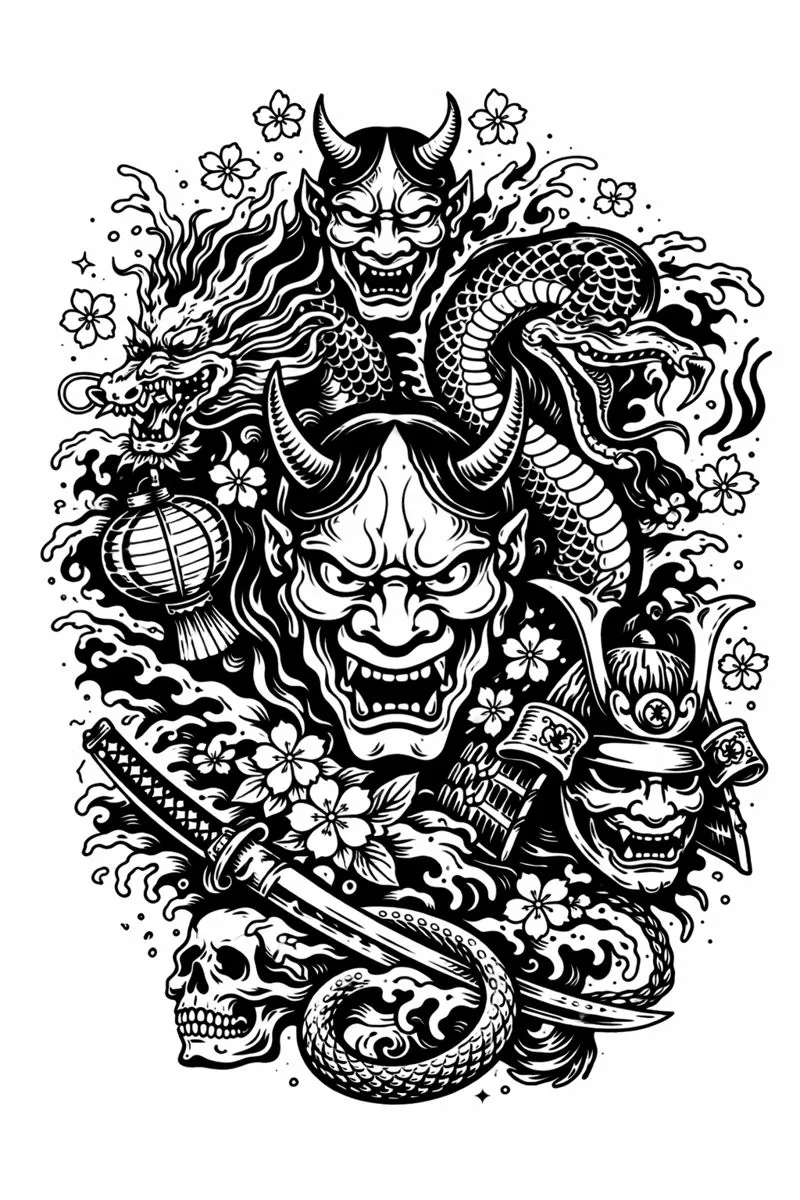
Creating a reliable tattoo stencil is an art form in itself. It requires a distinct separation between positive and negative space. When a reference photo is too muddy or lacks defined edges, the resulting transfer becomes a wash of purple carbon that smears rather than guides. Mastering the preparation of your reference material is the single most effective way to ensure your linework remains crisp from the first needle drop to the final wipe.
Understanding Thresholds and Edge Detection
To create a superior stencil tattoo, one must think like a machine. Thermal printers react to pure black and pure white. Gradients are the enemy of a clean transfer unless they are converted into stippling or clear hatch marks. When preparing your design, your primary goal is to isolate the essential structural lines from the ambient noise of the photograph.
This process is often called thresholding. By driving the contrast to its absolute limits, you force the mid-tones to choose a side. They must become either shadow or light. A high-quality stencil for tattoo application relies on this binary decision. If you leave too much gray area in your design preparation, the thermal paper will attempt to print a solid block of carbon, leading to a messy application that hides the skin's texture and makes delicate shading impossible.
The Balance Between Detail and Readability
A common mistake among aspiring artists is attempting to convert image to tattoo stencil formats without filtering out unnecessary detail. Not every wrinkle in a portrait or every leaf in a landscape needs a hard outline. Overcrowding a stencil can lead to visual confusion once it is applied to the curvature of the body.
A skilled tattoo stencil creator knows how to simplify. The goal is to create a map, not a photocopy. You need to identify the anchors of the image: the eyes in a portrait, the center of a mandala, or the stems in a floral piece. Once these anchors are defined with bold lines, the secondary details can be indicated with lighter, broken lines or stippling. This hierarchy of line weight helps you navigate the piece during the tattoo session, preventing the dreaded experience of getting lost in your own stencil.
Accelerating the Workflow with Digital Tools
In the past, achieving this level of separation required a lightbox, tracing paper, and hours of hand cramping. Today, the industry has shifted toward digital efficiency. However, general photo editing software is often too broad for the specific needs of tattooing. Artists need a dedicated tattoo stencil maker workflow that understands the difference between a pretty picture and a functional guide.
Time saved on prep is time earned for tattooing. The ability to snap a photo of a client's idea, instantly adjust the line thickness, and visualize the threshold settings allows you to consult with the client in real-time. It transforms the consultation from a passive waiting game into a collaborative design session.
Precision at Your Fingertips with Stencify
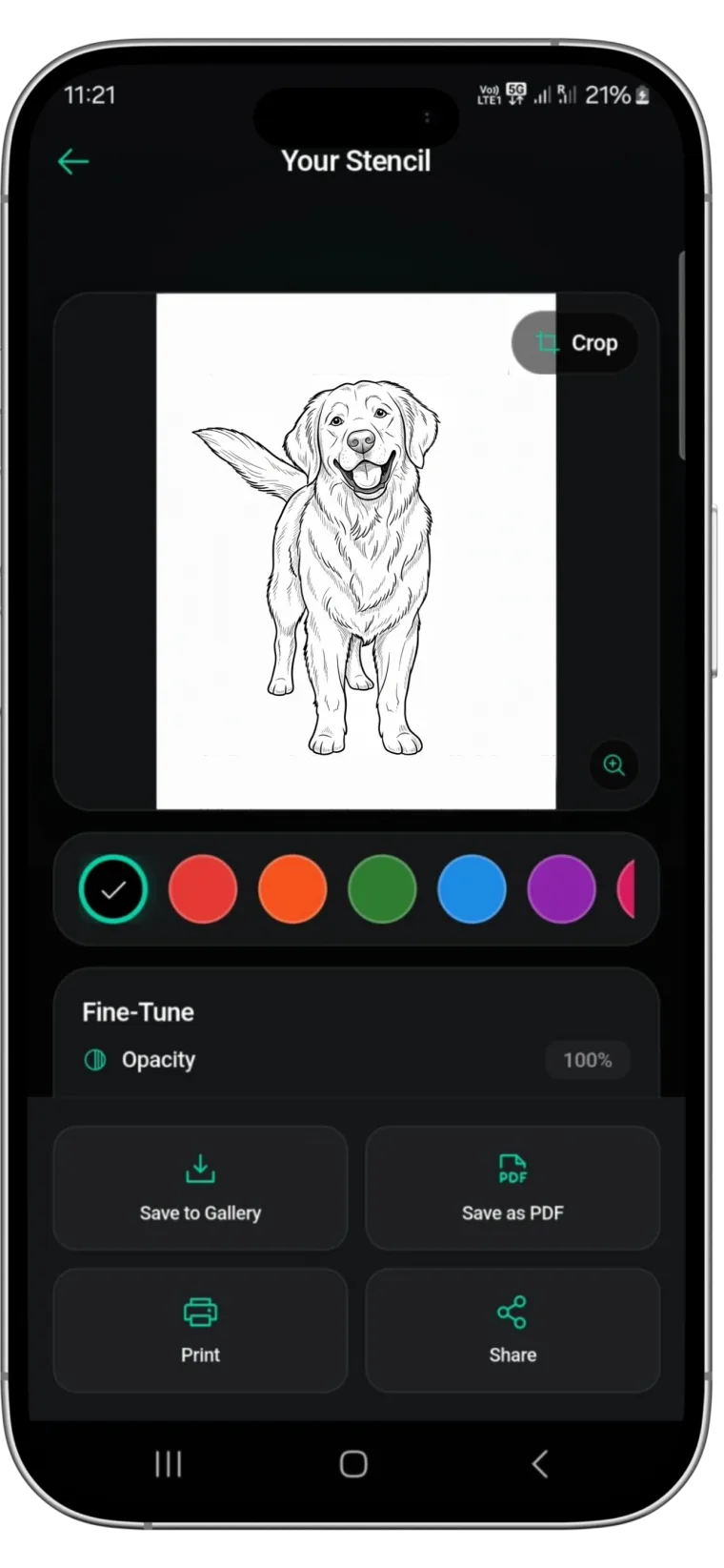
While understanding the theory of contrast is vital, having the right tool to execute it changes the game. This is where Stencify becomes an indispensable asset in your studio. Designed specifically for the workflow of modern artists, Stencify serves as a premium tattoo stencil app that eliminates the guesswork of image preparation.
Stencify uses advanced algorithms to detect edges and optimize contrast specifically for thermal printers. It allows you to visualize exactly how the transfer will look before you print, ensuring no detail is lost and no muddy shadows remain. Whether you are tackling intricate geometric work or high-contrast realism, Stencify streamlines the process, allowing you to focus on your art rather than fighting with settings.
Ready to upgrade your station and produce cleaner, longer-lasting guides? Get Stencify on the App Store and experience the future of stencil preparation.
Related reading
- Mastering Contrast and Flow - visual hierarchy for high-fidelity stencils
- Mastering Contrast and Detail - a technical guide to stencil preparation
- The Architecture of Clarity - why precision dictates tattoo longevity
Cleaner guides that last the session
Stencify optimizes contrast specifically for thermal printers. Visualize your transfer before you print and ensure your linework stays crisp from start to finish.