Precision in Every Line: The Science of High-Contrast Tattoo Stencils
• by DND Applications • 7 min read
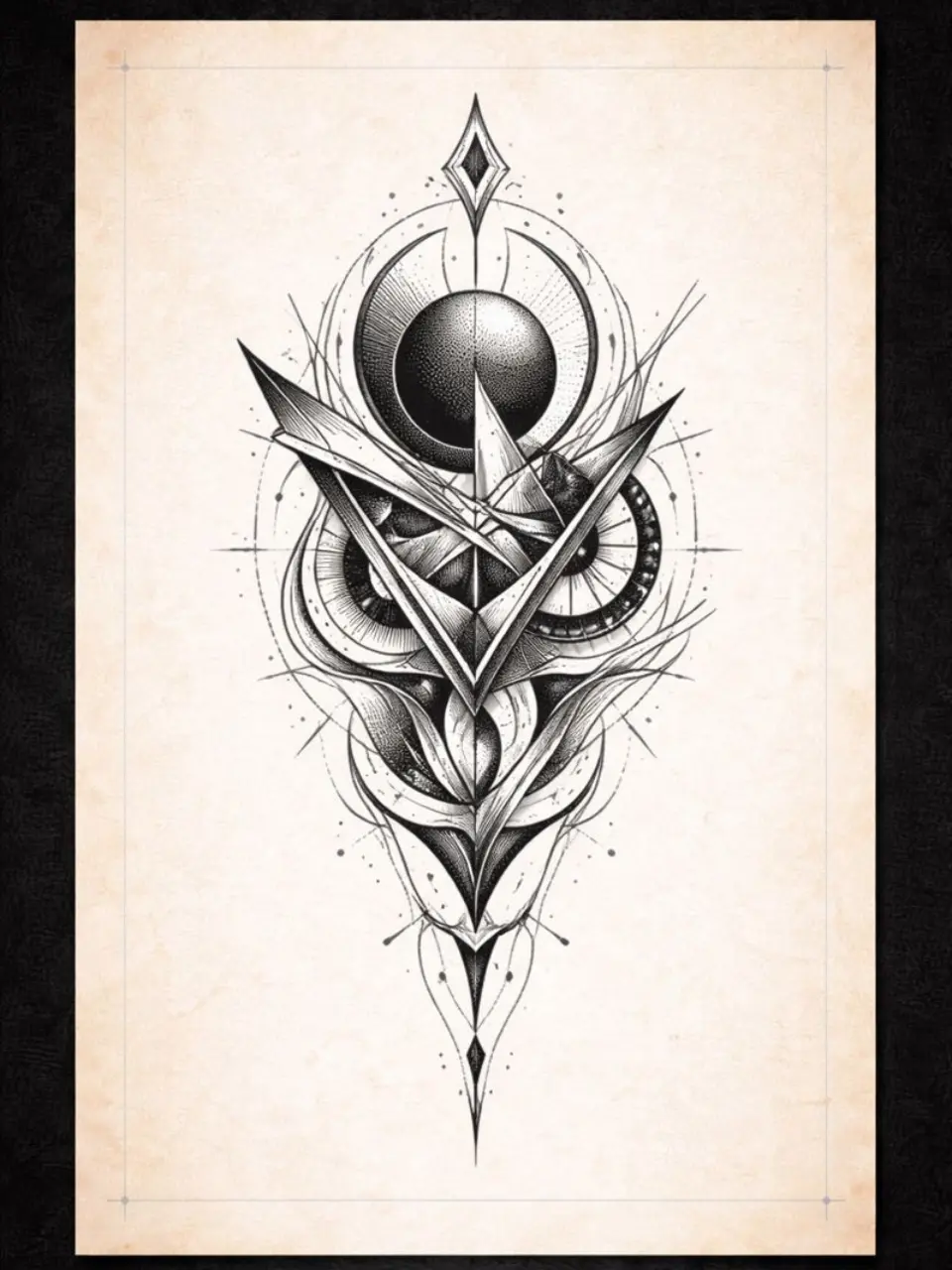
Every professional artist knows the specific anxiety that comes midway through a long session. You are three hours into a complex piece, the skin is getting irritated, and your purple guide is beginning to fade. The longevity of that transfer relies heavily on the transfer solution and skin preparation, yet the root cause of a failed session often happens much earlier. It happens during the design phase. If your source map is cluttered or lacks contrast, no amount of transfer gel will save the clarity of the final piece. A clean tattoo stencil is not just a suggestion. It is the architectural blueprint that holds the entire artwork together.
Deconstructing the Image for Maximum Readability
When we look at a reference photograph, our eyes naturally blend shadows and highlights into smooth gradients. However, the needle does not speak in gradients during the lining phase. It speaks in hard boundaries. To create a functional stencil for tattoo application, one must strip away the visual noise of a photograph and reduce it to its absolute essential geometry.
This process requires an analytical eye. You must decide which shadows are deep enough to become black fills and which mid-tones should be represented by texture or stippling. A poor tattoo stencil creator, whether human or software, will try to capture every single pixel of detail, resulting in a dark blob on the skin that becomes impossible to read once the ink and blood start flowing. The goal is simplification. You are creating a map for your future self, and that map requires high-contrast navigational markers rather than photorealistic clutter.
The Hierarchy of Line Weight
Another critical concept often overlooked by apprentices is line hierarchy. A uniform line weight across the entire design creates a flat, confusing image. The best stencil tattoo designs utilize varying line thicknesses to denote depth and importance. The outline of the main subject should usually be the boldest, separating the figure from the background. Secondary details, like the folds in clothing or the petals of a flower, require a medium weight. Texture lines, such as hair strands or wood grain, should be the finest.
When you convert image to tattoo stencil formats manually, you naturally apply this logic. You press harder for the outline and lighter for the details. Preserving this hierarchy is essential because it tells you exactly which needle grouping to use without needing to constantly look back at the reference monitor. The stencil should answer your questions, not create new ones.
The Bottleneck of Manual Tracing
For decades, the only way to achieve this level of interpreted precision was the light box. Artists would spend hours hand-tracing reference photos to ensure the tattoo stencil maker process was accurate. While this is an excellent way to study form, it is also a massive drain on time and energy. Spending two hours tracing before a six-hour tattoo session creates mental fatigue before the needle even touches the skin.
In a busy street shop or a high-demand private studio, efficiency is the currency of success. The modern artist needs to bridge the gap between the artistic necessity of a clean, high-contrast map and the logistical need for speed.
Modernizing Your Prep with Stencify
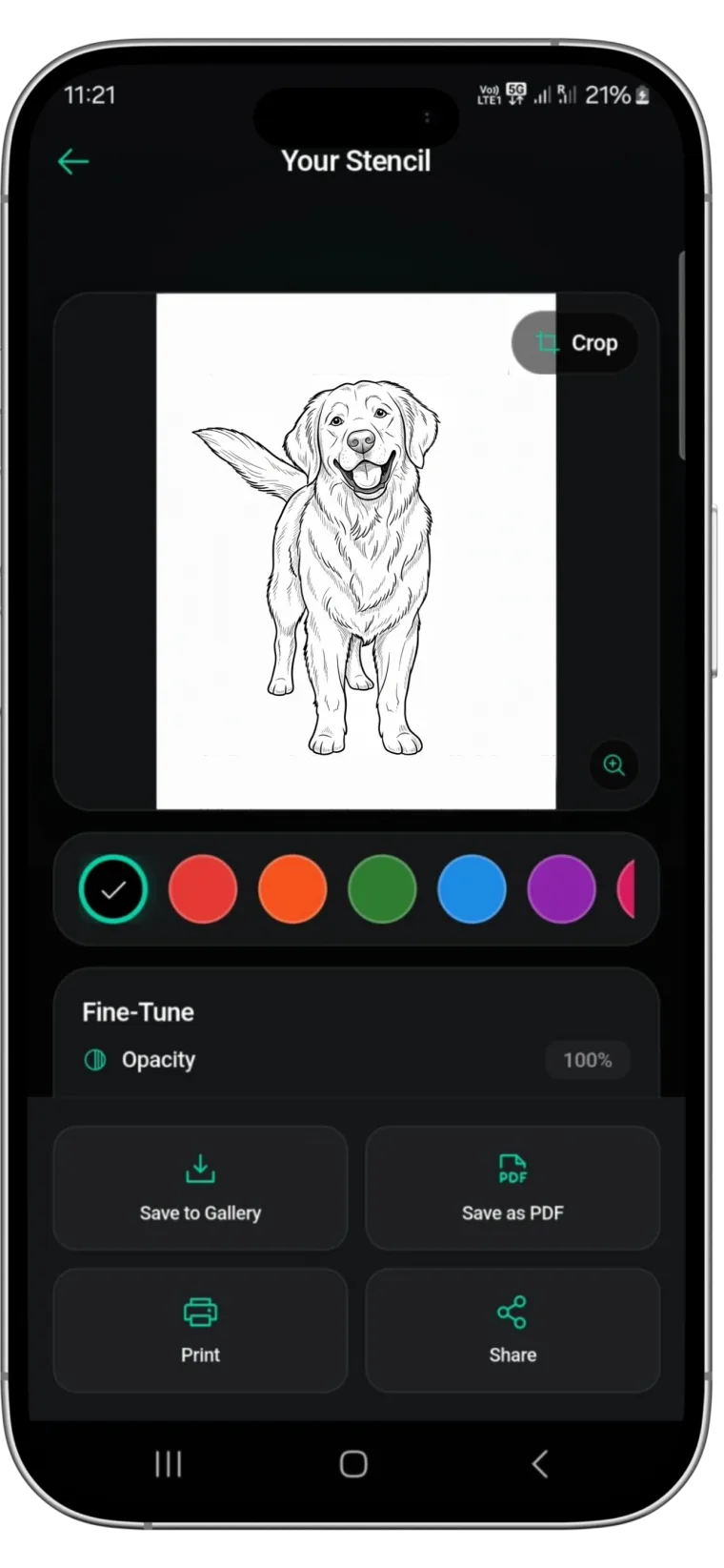
This is where the workflow evolves. You no longer need to sacrifice hours of your day to get a stencil that respects the rules of contrast and line weight. Stencify acts as your digital assistant, engineered specifically to understand the needs of the tattooer. It is a powerful tattoo stencil app that uses advanced algorithms to process images with the same logic a human artist uses.
Stencify allows you to adjust the density and thickness of your lines, ensuring that the hierarchy of the design remains intact. It solves the problem of muddy transfers by filtering out unnecessary noise, leaving you with a crisp, readable guide. Whether you need to visualize how a stencil will look on the body or simply print a ready-to-transfer design in seconds, Stencify streamlines the process.
Stop tracing in the dark and start focusing on the art of tattooing. Get Stencify on the App Store and modernize your prep.
Related reading
- Streamlining the Transfer - optimizing reference photos for thermal printers
- The Architecture of Clarity - why stencil precision dictates tattoo longevity
- The Foundation of a Flawless Stencil - mastering contrast and line weight fundamentals
Crisp stencils without the manual grind
Stencify processes images with the same logic a human artist uses. Adjust density and thickness to preserve line hierarchy in every transfer.