Mastering Contrast and Line Weight: The Foundation of a Flawless Tattoo Stencil
• by DND Applications • 7 min read
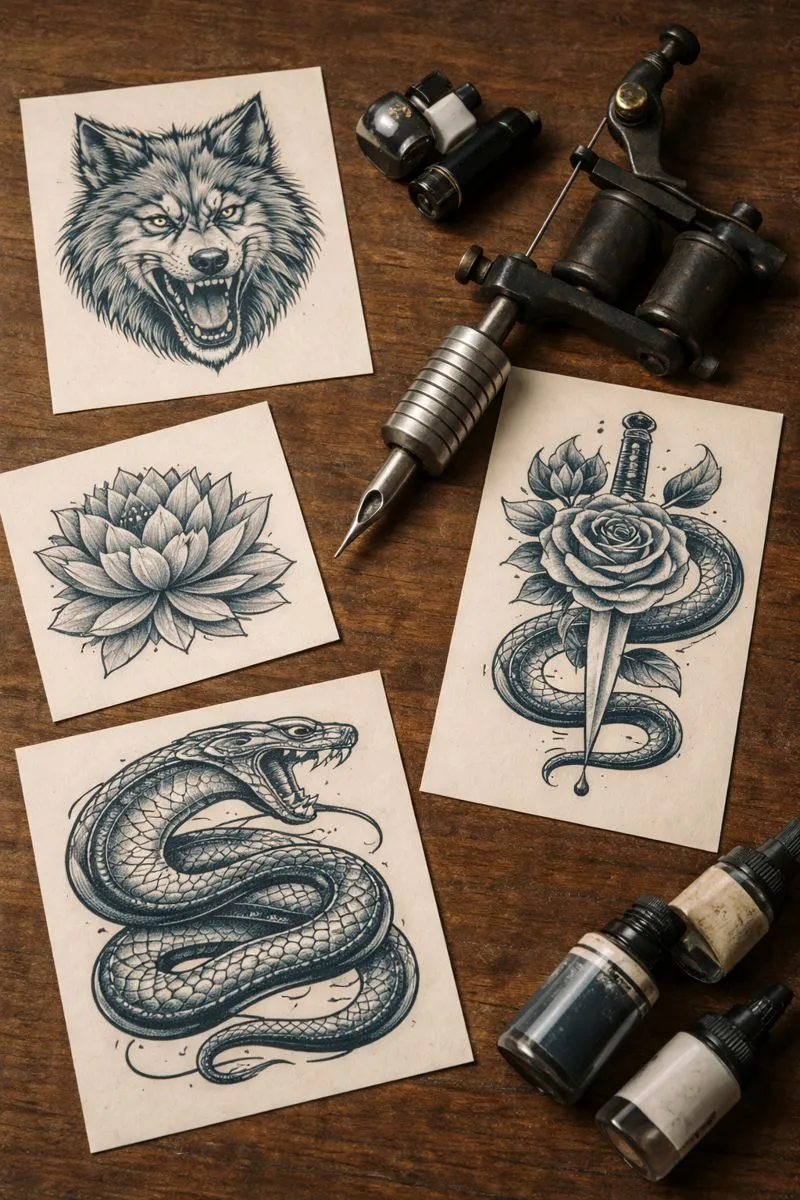
The shop is buzzing, the client is seated in the chair, and the smell of green soap hangs in the air. This is the moment of truth. You apply the transfer solution, carefully align the paper, and press down. When you peel it back, the result dictates the flow of the next four hours. A muddy, blown-out transfer creates immediate anxiety, while a crisp, high-contrast outline allows you to focus purely on your craft. The difference often lies not in the transfer paper itself, but in the preliminary digital work. Understanding how to manipulate contrast and line weight is what separates a professional tattoo stencil from a confusing blueprint.
The Anatomy of a Reliable Stencil for Tattoo Application
Experienced artists understand that a stencil for tattoo work is not merely a tracing of a photograph. It is a simplified roadmap. When working with realism or complex geometric designs, the temptation is often to include every single detail in the transfer. However, the skin is a living, breathing canvas that moves and bleeds. Overloading a stencil with excessive noise leads to the dreaded purple blob, effectively erasing your guide mid-session.
The most effective stencil tattoo preparation focuses on structural integrity. It prioritizes the "skeleton" of the image. By reducing an image to its absolute highest contrast points, you create anchors. These anchors remain visible even after multiple wipes with a paper towel. The art lies in knowing which details to keep and which to omit, ensuring the stencil serves as a guide for shading rather than a restrictor of creativity.
The Digital Bottleneck: From Reference to Outline
In the past, apprentices spent hours physically tracing reference photos over a light box. This archaic method, while excellent for muscle memory, is a massive drain on efficiency in a modern street shop. Today, the workflow has shifted to digital ecosystems. Yet, the challenge remains. How do you accurately convert image to tattoo stencil formats without losing the soul of the reference?
Many artists struggle with standard image editing software because it is not designed specifically for tattooing. They rely on threshold filters that often crush the mid-tones. A standard tattoo stencil creator tool inside generic design software lacks the nuance to distinguish between a hard outline and a soft shading guide. This forces the artist to manually redraw significant portions of the design on a tablet, turning a five-minute task into an hour-long ordeal. Time spent fighting with layers is time lost tattooing.
Preserving Detail Without the Noise
The ideal workflow requires a balance between harsh lines and subtle guides. When you act as your own tattoo stencil maker, you are constantly making micro-decisions about line width. Thick lines denote boundaries; thin lines denote texture. A purely binary black-and-white conversion often fails to communicate this depth.
Professional application requires a gradient-aware approach. The goal is to extract a line drawing that mimics the hand of a skilled draftsman. This means the digital file needs to interpret lighting and volume, translating them into clean vectors or distinct raster lines that the thermal printer can read clearly. If the source file is too dark, the thermal jam is inevitable. If it is too light, the stencil will not hold. Mastering this balance is the hallmark of a seasoned professional.
Stencify: Precision for the Modern Artist
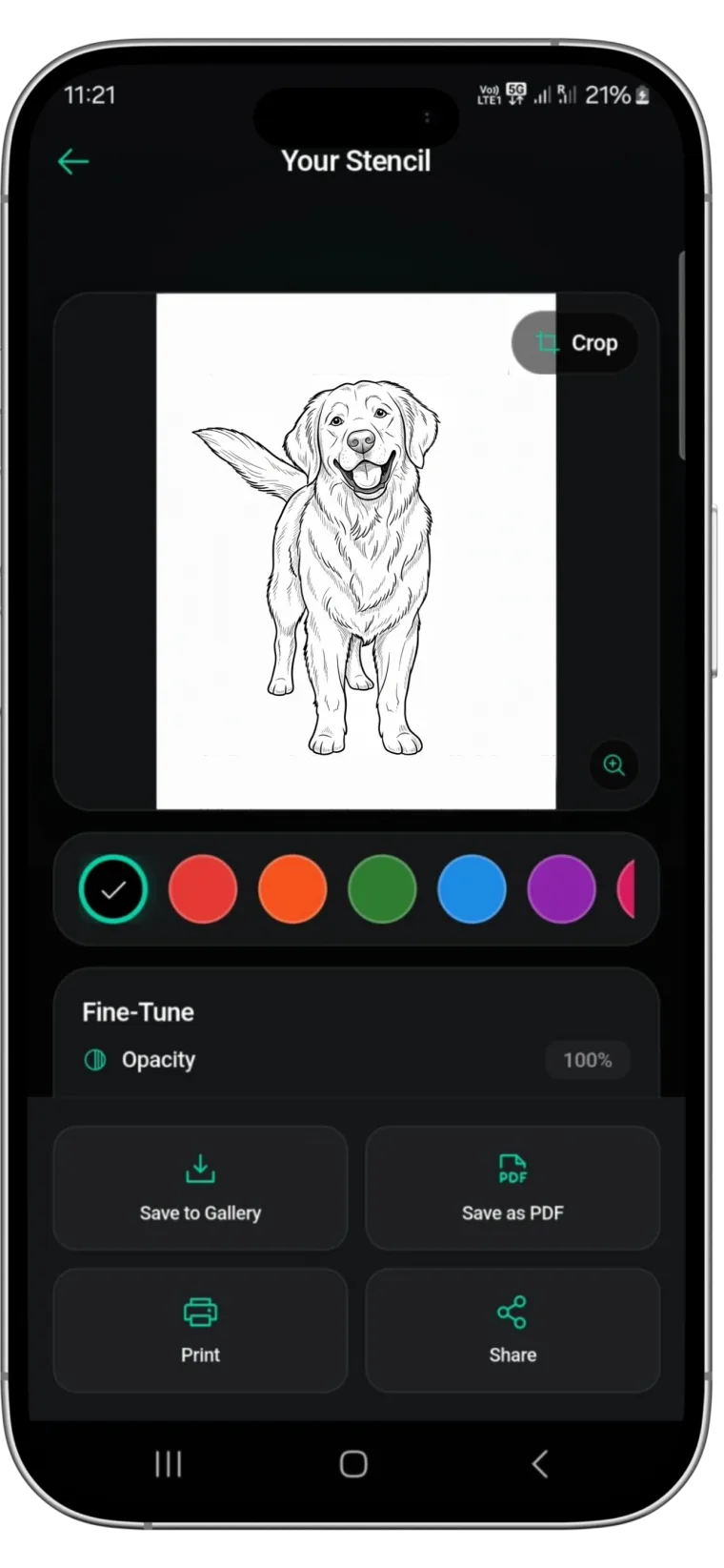
Ultimately, the goal is to reduce the friction between the client's idea and the needle hitting skin. This is where dedicated technology surpasses generic editing tools. Stencify has established itself as a premier tattoo stencil app because it is built with the specific needs of the tattooer in mind. It utilizes advanced algorithms to convert image to tattoo stencil layouts that retain crucial detail while eliminating visual noise.
Rather than fiddling with contrast sliders for twenty minutes, Stencify acts as an intelligent tattoo stencil creator. It detects edges and shading gradients automatically, offering different artistic modes to suit your style, whether you need a bold traditional outline or a delicate fine-line guide. For artists who value their time and the quality of their transfer, Stencify provides a seamless, professional solution.
Ready to transform your stencil workflow? Get Stencify on the App Store and experience precision-built stencil preparation.
Related reading
- Contrast and Line Weight: Building Stencils That Last - build stencils that hold the entire session
- Mastering Contrast and Flow - visual hierarchy for high-fidelity stencils
- Optimize Reference Photos - five essential tips for flawless stencil preparation
From reference to transfer in seconds
Stencify intelligently detects edges and optimizes contrast for thermal printers. Stop fighting with sliders and start tattooing.