Streamlining the Transfer: Optimizing Reference Photos for Thermal Printers
• by DND Applications • 7 min read
Every tattoo artist knows that the foundation of a flawless tattoo is a reliable transfer. While the needle does the permanent work, the session actually begins hours before the client sits in the chair. The preparation phase, specifically the manipulation of reference photos for thermal printing, is where the technical precision must meet artistic vision. If the source image lacks the necessary contrast or clarity, the stencil will fail halfway through the session, leaving the artist to rely on freehand intuition rather than the carefully planned design. This article explores the nuances of preparing digital files for thermal transfer machines and how to maintain the integrity of complex images.
The Science of High-Contrast Preparation
Thermal printers operate on a binary logic. They generate heat based on absolute black values to transfer carbon onto the spirit paper. They do not understand gradients or subtle gray washes effectively. To create a durable tattoo stencil, the artist must aggressively manipulate the reference image to establish distinct boundaries between positive and negative space.
When a design relies heavily on shading, the challenge lies in translating those soft tones into hard lines or stippling maps that a thermal machine can read. A successful stencil tattoo outcome depends on this translation. If the reference is too dark, the stencil becomes a muddy blotch of purple ink. If it is too light, the lines will be faint and prone to wiping away during the cleaning process.
Salvaging Difficult Client References
One of the most frequent hurdles in a street shop or private studio is the quality of client-provided images. Clients often supply low-resolution screenshots, photos taken in poor lighting, or images with busy backgrounds. The artist acts as a filter, removing the noise to reveal the structure.
To convert image to tattoo stencil formats manually, an artist typically moves through a complex workflow of desaturation, brightness adjustment, and level manipulation. This process is essentially an extraction mission. You are attempting to pull the skeletal structure of the image out of the shadows. The goal is to transform a standard picture to stencil ready line drawing without losing the character of the original subject, ensuring that the landmarks of a portrait or the symmetry of a geometric piece remain accurate.
The Evolution of the Digital Workflow
Gone are the days when the light box was the only tool in the arsenal. The modern artist requires speed without sacrificing quality. While hand-tracing on an iPad offers control, it is undeniably time-consuming. The industry has shifted toward digital solutions that can interpret photographs and render them into line work instantly.
Using a digital tattoo stencil creator or software suite allows for rapid iteration. You can test different contrast levels, invert images for negative space designs, and resize without the degradation associated with photocopiers. However, the software must be sophisticated enough to distinguish between a hard edge and a soft shadow. A generic tattoo stencil maker often fails to capture the nuance required for realism or fine-line work, forcing the artist to redraw significant portions of the design manually.
Precision Automation with Stencify
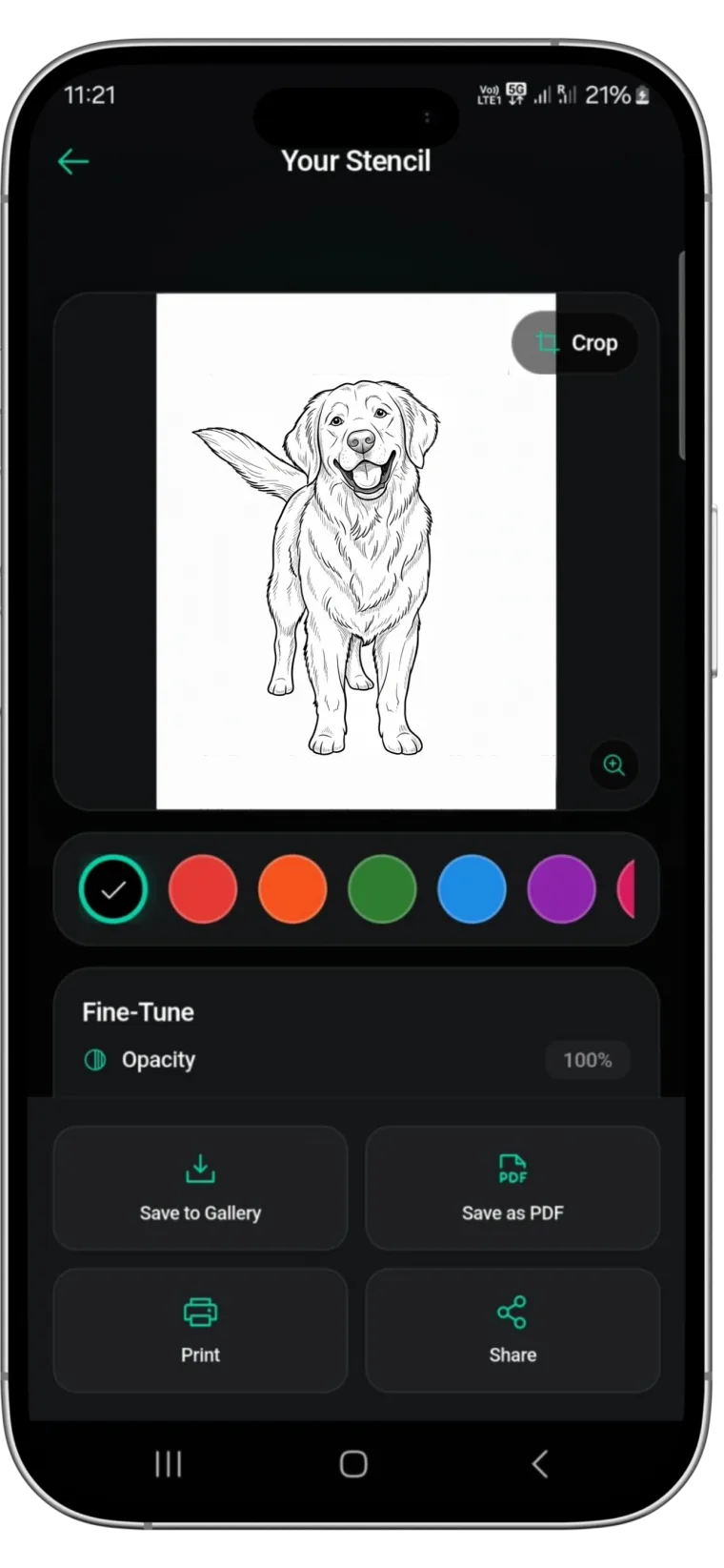
For artists seeking to minimize prep time while maximizing transfer quality, specialized tools are essential. This is where Stencify distinguishes itself. Unlike generic filters, Stencify is a dedicated tattoo stencil app engineered to understand the specific contrast needs of thermal printers.
It utilizes advanced processing to instantly turn any photo into a high-quality, precise outline, effectively automating the most tedious part of the design process. Whether you are dealing with a complex mandala or a detailed pet portrait, Stencify ensures clean, readable lines that hold up on the skin. It allows artists to focus on their craft rather than the technical frustration of image manipulation.
Ready to upgrade your stencil workflow? Get Stencify on the App Store and produce cleaner transfers from any reference.
Related reading
- Refining the Chaos - essential techniques for clean line work in stencil prep
- Optimize Reference Photos - five essential tips for flawless stencil preparation
- Mastering Contrast and Flow - the architecture of a flawless tattoo stencil
From messy reference to perfect transfer
Stencify understands the contrast needs of thermal printers. Instantly turn any photo into a precise outline that holds up on the skin.