Refining the Chaos: Essential Techniques for Clean Line Work in Stencil Prep
• by DND Applications • 7 min read
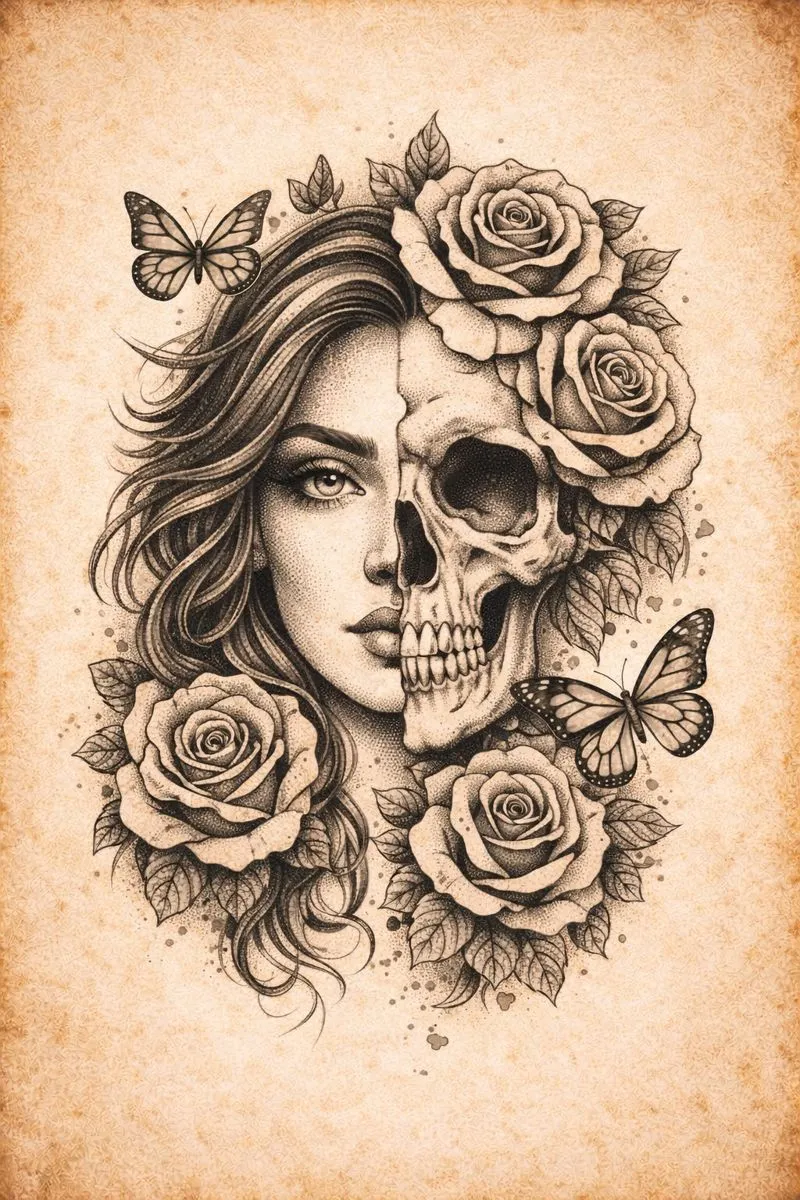
Every professional artist knows the sinking feeling that comes from a bad transfer. You have spent hours designing or consulting with the client, but when the moment of truth arrives, the purple lines on the skin look muddy. The reference photo was too dark, or perhaps the contrast was not adjusted correctly, leaving you to guess where the structural lines actually sit. In the high-stakes environment of permanent body art, ambiguity is the enemy.
Creating a reliable guide is not just about tracing outlines. It is an intellectual process of translation. You must look at a three-dimensional object or a complex photograph and flatten it into a binary map of ink and skin. This article explores the fundamental principles of visual reduction that ensure your session runs smoothly, focusing on how to strip away the noise to reveal the essential structure of a design.
The Hierarchy of Lines in a Stencil Tattoo
Not all lines are created equal. When you look at a photograph intended for a stencil tattoo, your eyes naturally filter information based on depth and focus. However, a transfer paper does not have this intuition. It treats a hard edge and a soft shadow with equal weight unless the artist intervenes.
Successful preparation requires establishing a hierarchy of information. The primary lines define the anatomy of the subject. These are the absolute borders that hold the drawing together. Secondary lines indicate major shifts in plane or texture, while tertiary lines represent the most delicate shading details. A common mistake among apprentices is trying to include every single wrinkle or pore in the initial map. This over-saturation creates a tattoo stencil that is difficult to read once the skin becomes irritated or wiped during the tattooing process. Learning to omit detail is just as important as knowing what to include.
Optimizing Contrast Before Extraction
Before you even attempt to convert image to tattoo stencil formats, the source material must be optimized. Most client-provided photos are lit poorly or contain soft gradients that do not translate well into line work. The goal is to push the values to their extremes.
By increasing the contrast and adjusting the mid-tones, you force the image to reveal its skeleton. This implies a shift from seeing "shading" to seeing "shapes." When you visualize the reference as a collection of interlocking geometric shapes rather than a smooth gradient, it becomes significantly easier to create a tattoo stencil generator workflow in your mind. This mental separation helps you decide which shadows need a hard outline and which should be left open for soft shading with the machine later. Creating a high-contrast map ensures that your stencil stays legible throughout the entire appointment.
The Evolution of the Digital Workflow
Gone are the days when the only option was a thermal fax machine and a red pencil. The modern artist needs speed without sacrificing precision. While the fundamental artistic eye remains the most critical tool, digital assistance has revolutionized how we prepare reference materials. Using a digital tattoo stencil maker allows for rapid iteration. You can test different threshold levels to see which setting best captures the essence of the reference photo without drowning it in noise.
This digital shift is not about letting a computer do the art for you. It is about efficiency. It allows you to visualize how the stencil will look on the body before printing a single sheet. It enables you to separate the subject from a busy background instantly, saving valuable drawing time that can be better spent on the actual tattooing process.
Streamlining Your Process with Stencify
While understanding the theory of line weight and contrast is mandatory for any professional, the tools you use can drastically reduce your prep time. This is where a dedicated tattoo stencil app becomes an indispensable asset in your toolkit.
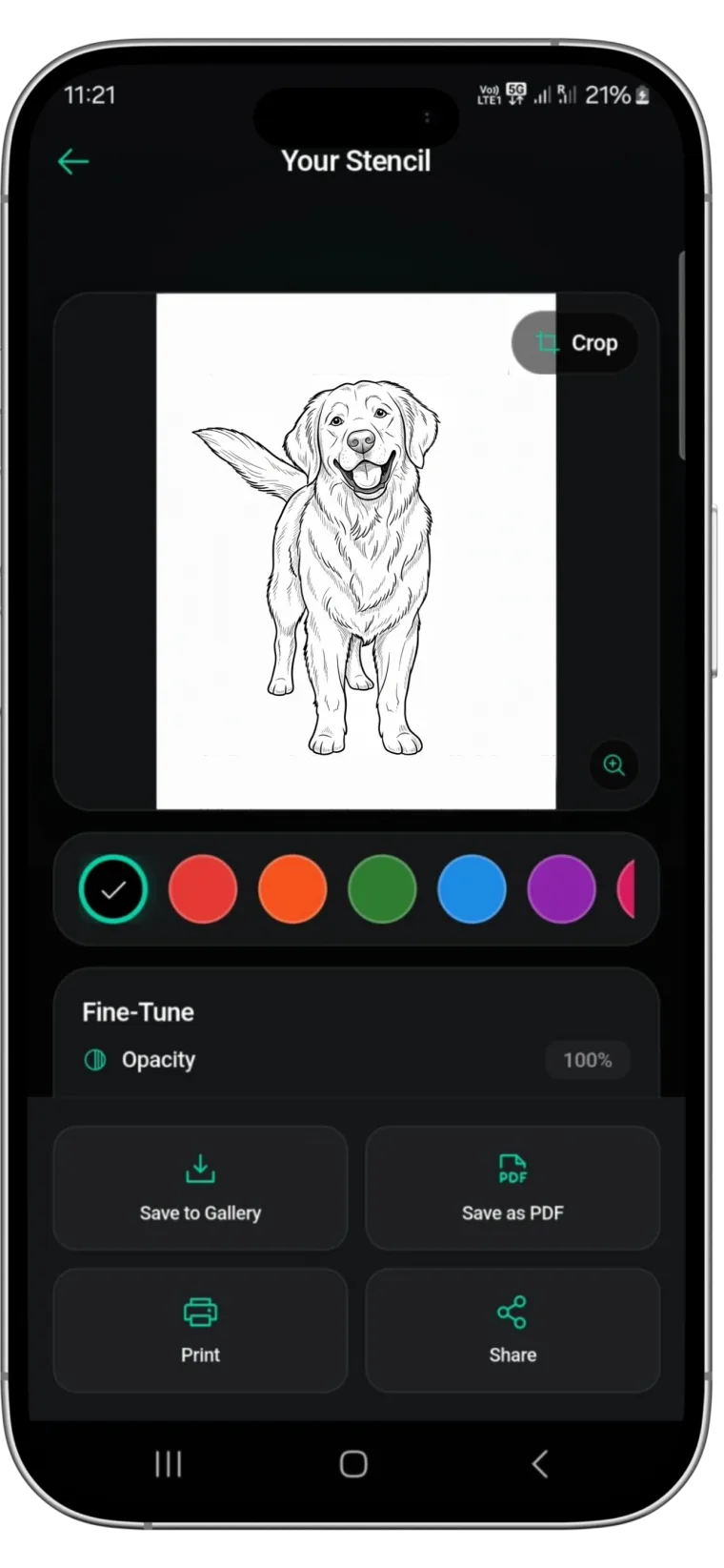
Stencify is designed specifically for the needs of serious tattoo artists. It utilizes advanced algorithms to replicate the artist's eye, effectively stripping away visual noise to generate clean, tattoo-ready stencils in seconds. Whether you need to adjust line thickness or isolate a subject from a cluttered background, Stencify acts as a premium tattoo stencil generator that respects the nuances of your craft. It bridges the gap between a raw image and a perfect transfer, allowing you to focus on the art while the app handles the technical translation.
Download Stencify today and elevate your stencil preparation workflow. Get it on the App Store.
Related reading
- The Art of Reduction - optimizing the reference to stencil workflow
- Mastering Contrast and Detail - a technical guide to stencil preparation
- Decoding Muddy References - unlock cleaner stencils with better contrast
Clean lines from any reference in seconds
Stencify replicates the artist's eye, stripping visual noise to generate tattoo-ready stencils. Adjust line thickness and isolate subjects instantly.