The Art of Reduction: Optimizing the Reference to Stencil Workflow
• by DND Applications • 6 min read
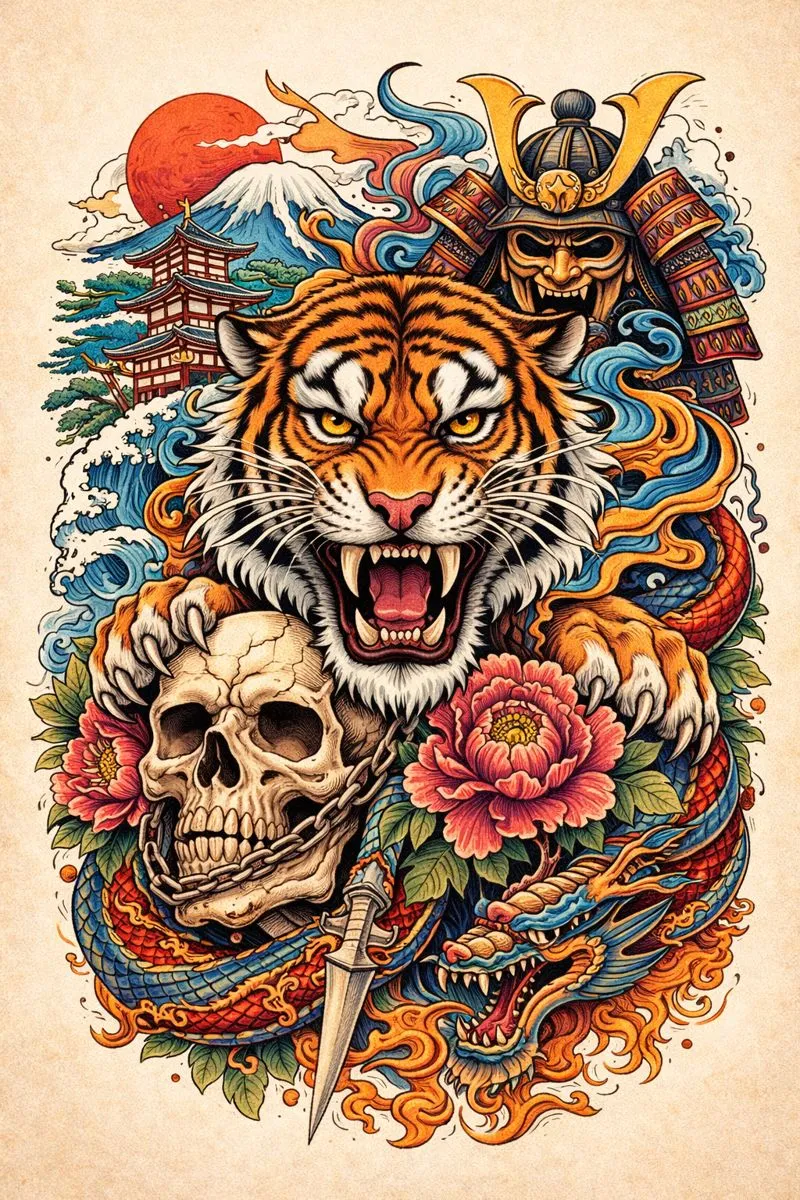
Every professional tattoo artist understands that the final result is only as good as the foundation upon which it is built. When a client walks in with a cluttered photograph, a low-contrast screenshot, or a complex realistic reference, the artist's primary task is interpretation. You must strip away the visual noise to reveal the essential structure. This process of visual reduction is what separates a muddy, illegible design from a clean piece of art that ages gracefully. It is about seeing the skeleton beneath the skin and translating that vision into a reliable map.
The Role of Contrast in Stencil Fidelity
A high-quality stencil tattoo requires absolute clarity. When hand-tracing or digitally preparing a design, the artist makes thousands of micro-decisions about which details to keep and which to discard. The goal is to create a guide that survives the wipe of a paper towel and the application of green soap during a long session. To convert image to tattoo stencil formats effectively, one must prioritize high-contrast edges over subtle gradients. Without strong differentiation between the positive and negative space, the transfer becomes a guessing game mid-session, potentially compromising the integrity of the linework.
From Concept to Line: The Translation Layer
The transition from image to stencil is not merely about copying outlines. It is about translation. A photograph speaks in values of light and shadow, while a stencil speaks in binary terms of ink and skin. Using a reliable picture stencil maker workflow allows artists to visualize this translation before committing to the acetate. By isolating the key structural lines, an artist ensures that the composition maintains its flow and readability on the curvature of the body. This stage is critical for realism and portraiture, where the loss of a single defining line can alter the likeness of the subject.
Efficiency in the Modern Studio
Time spent strictly on prep work is time not spent tattooing. While traditional lightbox tracing builds discipline, modern high-volume studios increasingly rely on digital solutions to accelerate the consultation and prep phase. The ability to instantly visualize a stripped-back version of a reference photo helps in managing client expectations. A robust tattoo stencil maker tool serves as a bridge, allowing the artist to show the client exactly how a complex image will be simplified for the skin. This clarity reduces anxiety for the client and provides a definitive roadmap for the artist.
Stencify: Precision Tools for Professional Artists
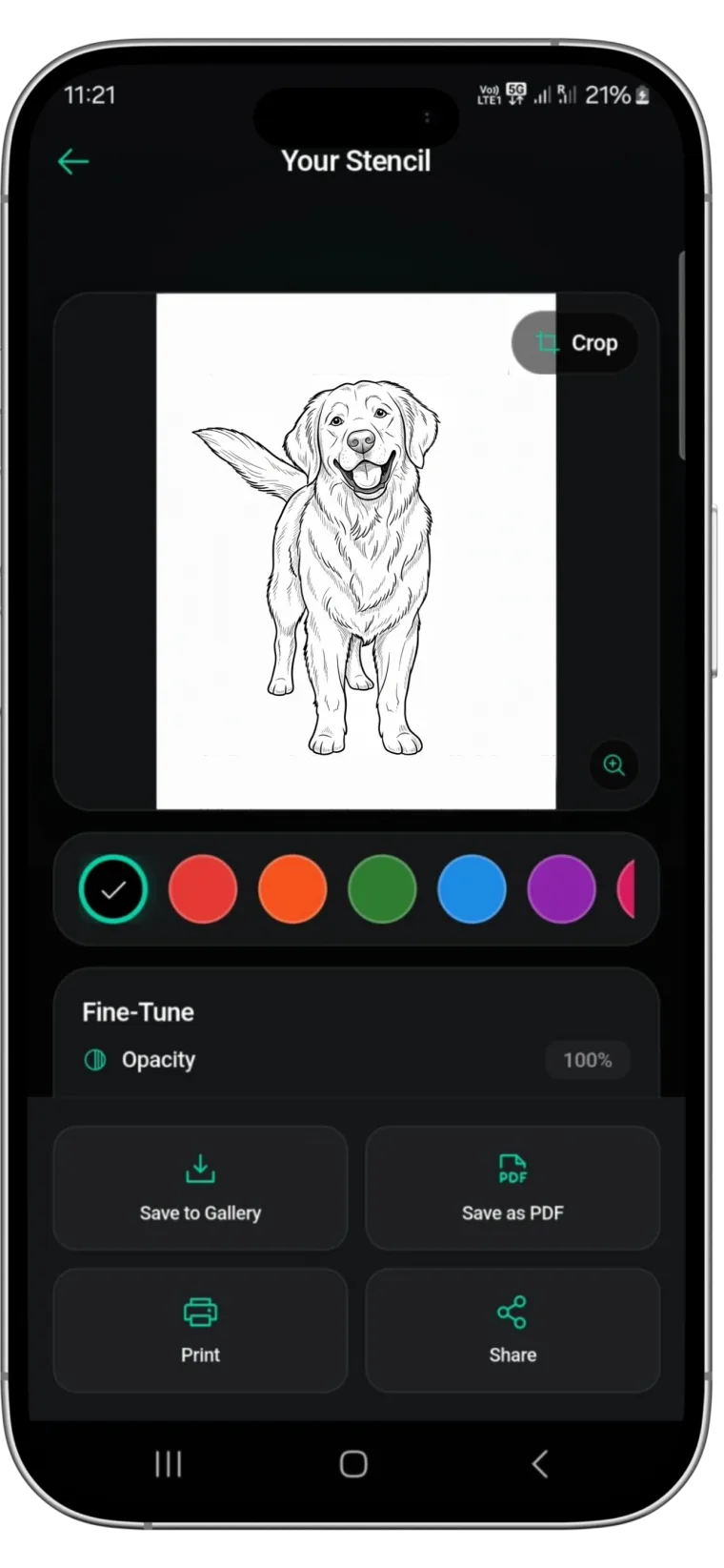
For artists seeking to streamline this essential process without sacrificing quality, Stencify offers a powerful solution. Designed as a dedicated tattoo stencil app, it utilizes advanced processing to detect edges and generate high-fidelity stencils from any reference image instantly. Unlike generic filters, Stencify is built specifically for the needs of the tattoo industry, acting as a pocket-sized tattoo stencil maker that offers various styles and detail levels to suit your specific tattooing technique. It allows you to focus on the art of tattooing while technology handles the architecture of the transfer.
Enhance your studio workflow and ensure every transfer is precise. Get Stencify on the App Store today.
Related reading
- The Science of Simplification - creating the perfect stencil from complex references
- From Photo to Linework - extract clean stencils from complex references
- Mastering Contrast - preparing reference images for the perfect tattoo stencil
Clean stencils from any reference, instantly
Stencify detects edges and generates high-fidelity stencils from any image. Multiple styles and detail levels to match your technique.