Best Tattoo Design Apps for Artists in 2026
• by DND Applications • 9 min read
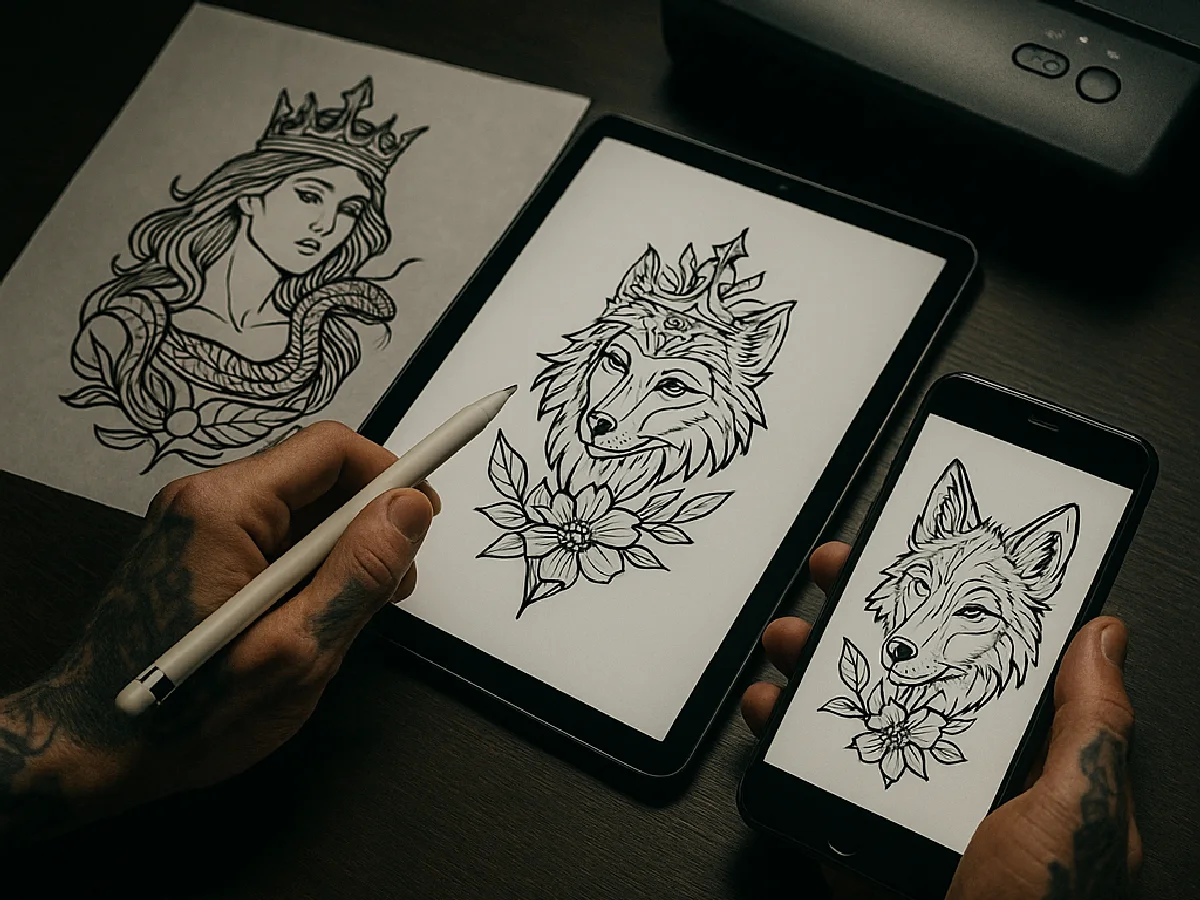
"Tattoo design app" covers four different jobs, and no single app does all of them well. Artists draw in one app, turn references into stencils in another, show clients placement in a third, and pull ideas from a fourth. This guide sorts the apps by job so you install the right tool for the problem in front of you, and says plainly where we have a stake: Stencify is our app.
Key takeaways
- Drawing: Procreate on iPad, ibisPaint X or Clip Studio Paint on Android. These are for creating the design.
- Photo to stencil: Stencify, Stencil AI, Tattoo Stencil Pro. These turn a reference into print-ready line work.
- Client try-on: InkHunter and the try-on modes inside stencil apps, for placement and size.
- Ideas: AI generators and Pinterest for inspiration, never for the final stencil.
The four jobs
| Job | What you need | Apps artists use |
|---|---|---|
| Drawing and designing | Brushes, layers, symmetry, pressure sensitivity | Procreate, ibisPaint X, Clip Studio Paint, Adobe Fresco |
| Reference to stencil | Edge extraction, line weight control, true-size export | Stencify, Stencil AI, Tattoo Stencil Pro |
| Client try-on and placement | Overlay a design on a body photo or model, resize | InkHunter, try-on inside Stencify and Stencil AI |
| Ideas and reference | Fast visual exploration | Pinterest, Canva AI tattoo generator, BlackInk |
Drawing apps
Procreate (iPad)
The studio standard. A one-time purchase, excellent brushes, layer control, symmetry guides, and the best Apple Pencil feel of any app. Most tattoo flash you see online was drawn here. Its one gap for stencil work is that it does not extract lines from a photo; you trace or convert elsewhere. Our Procreate stencil guide covers the handoff.
ibisPaint X (iPhone, Android, iPad)
The best free drawing app on Android and the most common answer when artists without an iPad ask what to use. Strong brush engine, rulers and symmetry, and it runs on phones. Ads and some brushes sit behind a paid tier.
Clip Studio Paint (iPad, Android, desktop)
A professional illustration app with excellent inking tools and vector layers, which make clean, editable line work easy. Subscription on mobile. Overkill for quick flash, ideal for complex compositions.
Adobe Fresco (iPad, iPhone)
Free for most features, with live brushes that behave like real ink and watercolour. Fewer tattoo-specific resources than Procreate, but a good no-cost entry point on Apple devices.
Photo to stencil apps
This is the category that did not exist a few years ago and now saves artists the hour of tracing between consult and chair. All three apps below do the same core thing, turning a photo or sketch into line work, and differ in controls, output and price model.
Stencify (iPhone, iPad, Android)
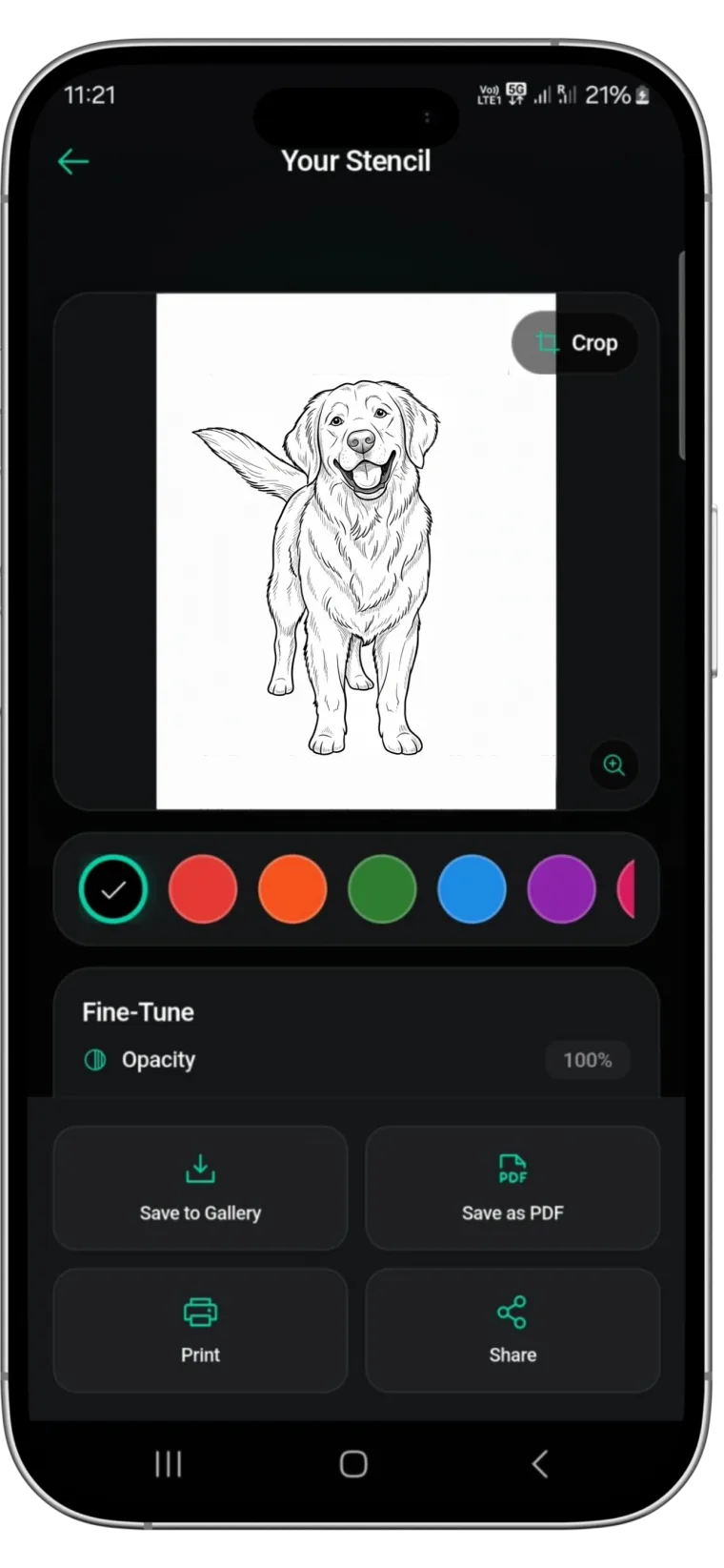
Our app, so weigh this paragraph accordingly. It converts a photo or sketch to line work in about 30 seconds, gives you line weight and contrast controls, previews the stencil on a body model or client photo, and exports a PDF sized for A4 or letter stencil paper. It is on both stores and rated 4.8 on the App Store. New users get two free uses to judge the output on their own reference. get Stencify on the App Store or on Google Play.
Stencil AI (iPhone, Android)
A direct competitor with several stencil styles, including a hatching mode aimed at realism, and true-to-size printing. Well regarded by artists; worth comparing on your own references.
Tattoo Stencil Pro
Built with a well-known realism artist and focused on hand-drawn style stencils. Credit-based pricing. Strong for portrait work.
How to choose: run the same difficult reference through each free trial, a low-contrast photo with a busy background, and compare the line work at the real size. The one that needs the least cleanup is the one that saves you time every week.
Try-on and placement
InkHunter (iPhone, Android)
Points the camera at the client and overlays a design on their skin in real time. Good for showing size and placement in the consult; it does not produce a stencil. Several stencil apps, including Stencify, now include a try-on preview so you do not need a separate app.
Idea generators
AI tattoo generators produce concepts fast and clients love showing them to you. Treat them as reference, not as stencils: they are usually full-colour renders with soft shading that have to be converted to line work before they can transfer. Pinterest remains the fastest way to gather reference for a consult.
A workflow that uses three apps and no tracing
- Gather and agree the reference with the client in the consult.
- Draw or adjust the design in Procreate or ibisPaint X if it needs composition work.
- Convert to a stencil in Stencify: import the drawing or photo, set line weight, preview placement, export the PDF.
- Print on thermal stencil paper and transfer. See our printer guide for the hardware.
Frequently asked questions
What is the best free tattoo design app?
For drawing, ibisPaint X is the strongest free option on both iPhone and Android, and Procreate is a one-time purchase on iPad. For turning a photo into a stencil, most apps including Stencify let you try the conversion before paying, so you can judge the output on your own reference before paying.
Is Procreate good for tattoo design?
Yes. Procreate is the most used drawing app in tattoo studios because of its brushes, layers and Apple Pencil support. It does not convert photos to stencils on its own; artists draw the design in Procreate and either trace it or run it through a stencil app for line extraction.
Which app turns a photo into a tattoo stencil?
Dedicated stencil apps do this: Stencify, Stencil AI and Tattoo Stencil Pro among others. They strip shading and colour from a photo and keep the edges as line work, then export at real size for stencil paper. General drawing apps can get there with manual threshold adjustments but take much longer.
Can I design a tattoo on Android?
Yes. ibisPaint X, Clip Studio Paint and Infinite Painter run on Android tablets and phones. For stencils, Stencify is on Google Play as well as the App Store.
Related reading
- Stencify vs the Alternatives - eight stencil apps compared head to head
- How to Make a Tattoo Stencil in Procreate - from a Procreate drawing to stencil paper
- How to Make a Tattoo Stencil From a Picture - the photo-to-stencil workflow step by step
- Best Tattoo Stencil Printers - printing what the apps produce
- Tattoo Stencil Designs You Can Print Today - nineteen clean stencils to start from
The stencil step, done on your phone
Stencify turns a photo or sketch into clean, print-ready line work in about 30 seconds, with try-on preview and PDF export for stencil paper.