Free Tattoo Stencil Makers Online: What They Can and Cannot Do
• by DND Applications • 7 min read
"Convert photo to tattoo stencil online free" is one of the most common searches in this space, and the honest answer is: you can get a rough outline for free, but rarely a stencil you would put on a client. Free tools fall into three groups, and each stops at a different point. Here is what each produces, where it falls short, and how to test a proper workflow without paying.
Key takeaways
- Free browser filters trace edges. They do not decide which lines matter, so faces, eyes and fine detail usually come out noisy.
- Free tiers of real stencil apps give better line work but cap the number of stencils or lock high-resolution export.
- For a fair test, use the free uses of a full app and print the result at 100%.
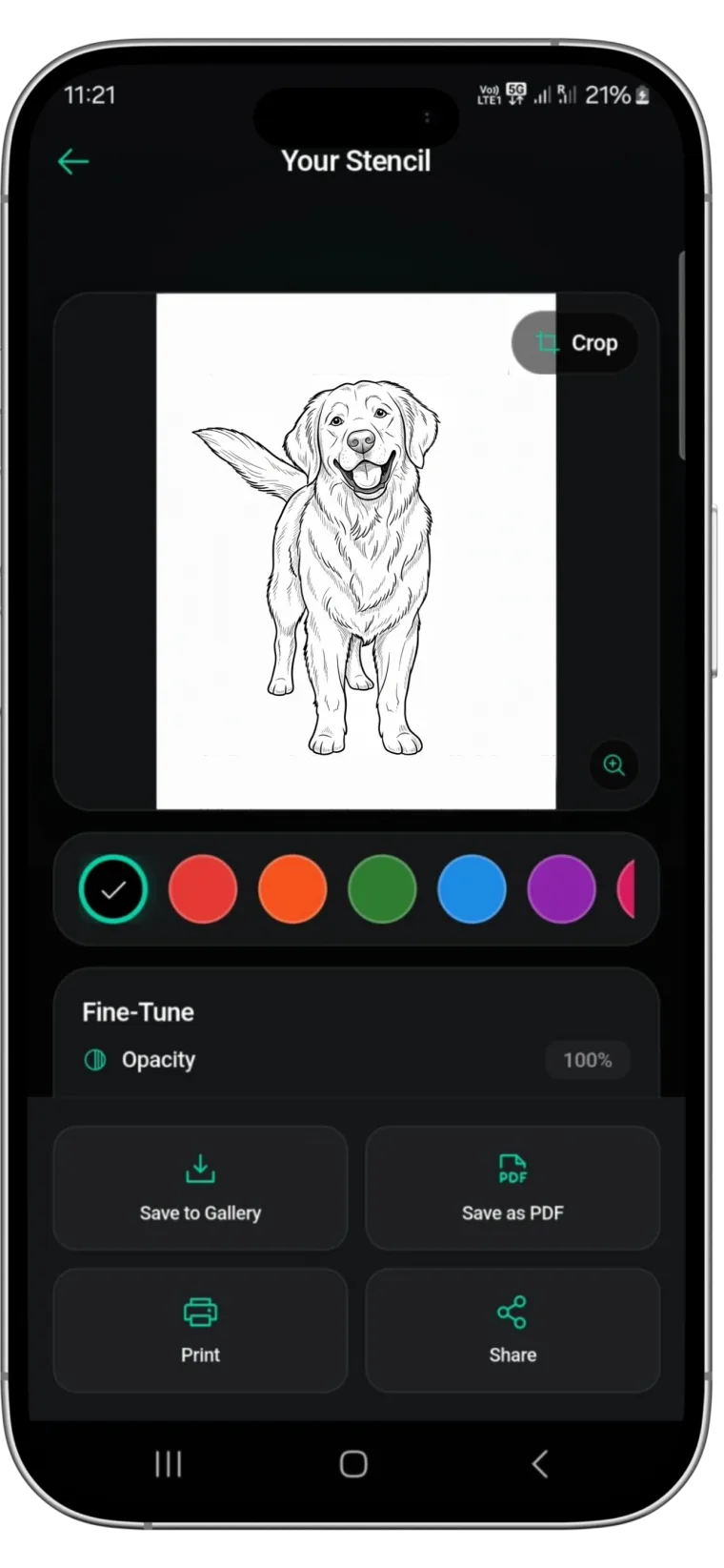
- Stencify gives two complete conversions free, with line weight control, try-on and PDF export included.
Type 1: edge-detection filters
Generic "photo to sketch" or "line drawing" websites run an edge filter over the image. They are free and instant, and they treat every edge equally: skin texture, background clutter and lighting gradients all become lines. That works for a bold silhouette on a plain background and fails on portraits, animals and anything with soft shading. You also get no control over line weight and no physical print size.
Type 2: browser stencil converters
Tattoo-specific web tools such as tat.ink are tuned for stencils and give cleaner results than a generic filter. The catch is usually the export: previews are free, but a high-resolution download is paid per image or behind an account. Check what resolution you actually get before you build a workflow around one.
Type 3: free tiers of stencil apps
Most stencil apps have a free entry point. Line Ripper allows five stencils a month on its free tier. TattStencil is fully free on iOS. Stencify gives two full conversions free, with no feature locked: line weight and contrast sliders, text-to-design, try-on and PNG or PDF export all work, so the free test shows exactly what the paid app does.
| Option | Cost | Line control | Print-ready export |
|---|---|---|---|
| Edge-detection website | Free | No | No physical size |
| Browser stencil converter | Free preview, paid HD | Limited | Paid download |
| Line Ripper free tier | 5 a month | Basic | Yes |
| Stencify free uses | 2 full conversions | Full sliders | Yes, PNG or PDF |
When a free tool is enough
A bold, high-contrast design on a plain background, such as a silhouette, simple lettering or a logo, converts fine almost anywhere. If that is all you need once, a free filter will do. For anything with a face, fur, fine line work or soft light, the difference between a filter and a stencil app shows up immediately on the printout.
How to run a fair free test
- Choose one difficult reference you actually need tattooed.
- Run it through a free website and through Stencify's free conversions.
- Print both at the real tattoo size on plain paper, as explained in how to size and print a stencil.
- Compare the eyes, edges and small details. That is where the tools differ.
Try the full workflow free: get Stencify on the App Store or on Google Play.
Frequently asked questions
Can I make a tattoo stencil online for free?
Yes, for simple designs. Free edge-detection sites and browser converters can outline bold, high-contrast images. For portraits, animals and fine detail, a stencil app gives cleaner lines; Stencify lets you test two full conversions free.
What is the best free tattoo stencil maker?
For a complete test, Stencify, because its two free conversions include every feature: line weight control, try-on and print-ready export. For unlimited free use on iPhone, TattStencil costs nothing, without try-on or Android.
Why does my free stencil look messy?
Generic filters trace every edge, including skin texture and background clutter. A stencil app decides which lines matter, which keeps faces and fine details clean.
Can I print a stencil from a free website?
Often only at screen resolution and without a physical size. Check the download resolution, and print at 100% scale to confirm the size.
Related reading
- Best Tattoo Stencil Apps in 2026 - paid apps compared on price
- How to Make a Tattoo Stencil From a Picture - what makes a reference convert well
- How to Turn a Photo Into Line Art - clean outlines from any photo
- How to Size and Print a Tattoo Stencil - printing at real size
Test a full stencil workflow free
Two complete Stencify conversions are free, including try-on and print-ready export.