How to Turn a Photo Into Clean Line Art for a Tattoo
• by DND Applications • 7 min read
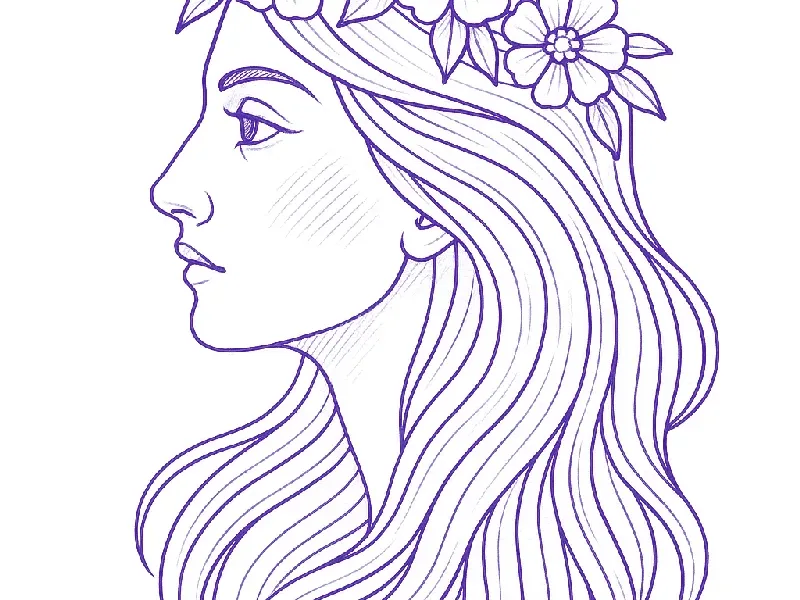
Line art from a photo is the first step of almost every custom tattoo: a portrait, a pet, a landscape or an object reduced to outlines a needle can follow. A photo editor's "sketch" filter gives you a messy approximation. Good line art is a set of decisions about which lines carry the image and which to leave out. This guide shows how to make those decisions, and how to get from photo to printed line art quickly.
Key takeaways
- Line art is reduction. Keep the edges that define the shape and features; drop texture, shading and background.
- The photo decides the result. Side lighting, a sharp subject and a plain background convert best.
- Set line weight for the style: thin and even for fine line, heavier outlines for traditional work.
- Check the line art at its printed size. Detail that looks fine on a phone can fill in on skin.
Step 1: Choose a photo that will convert
Pick the sharpest version, with the subject in focus and filling the frame. Light from one side gives faces and objects form; flat front flash erases it. A busy background competes with the subject, so crop tight or choose a photo where the subject stands apart. Our reference photo guide has more on this.
Step 2: Decide what stays
Before converting, decide the purpose of each line. On a face: the outline, eyes, nose, lips and the hairline stay; pores, fine wrinkles and individual hairs go. On an animal: the outline, eyes, nose and fur direction stay; individual hairs go. On an object: the silhouette and the structural edges stay; reflections and texture go. Anything shading will create later does not need a line now.
Step 3: Convert and set line weight
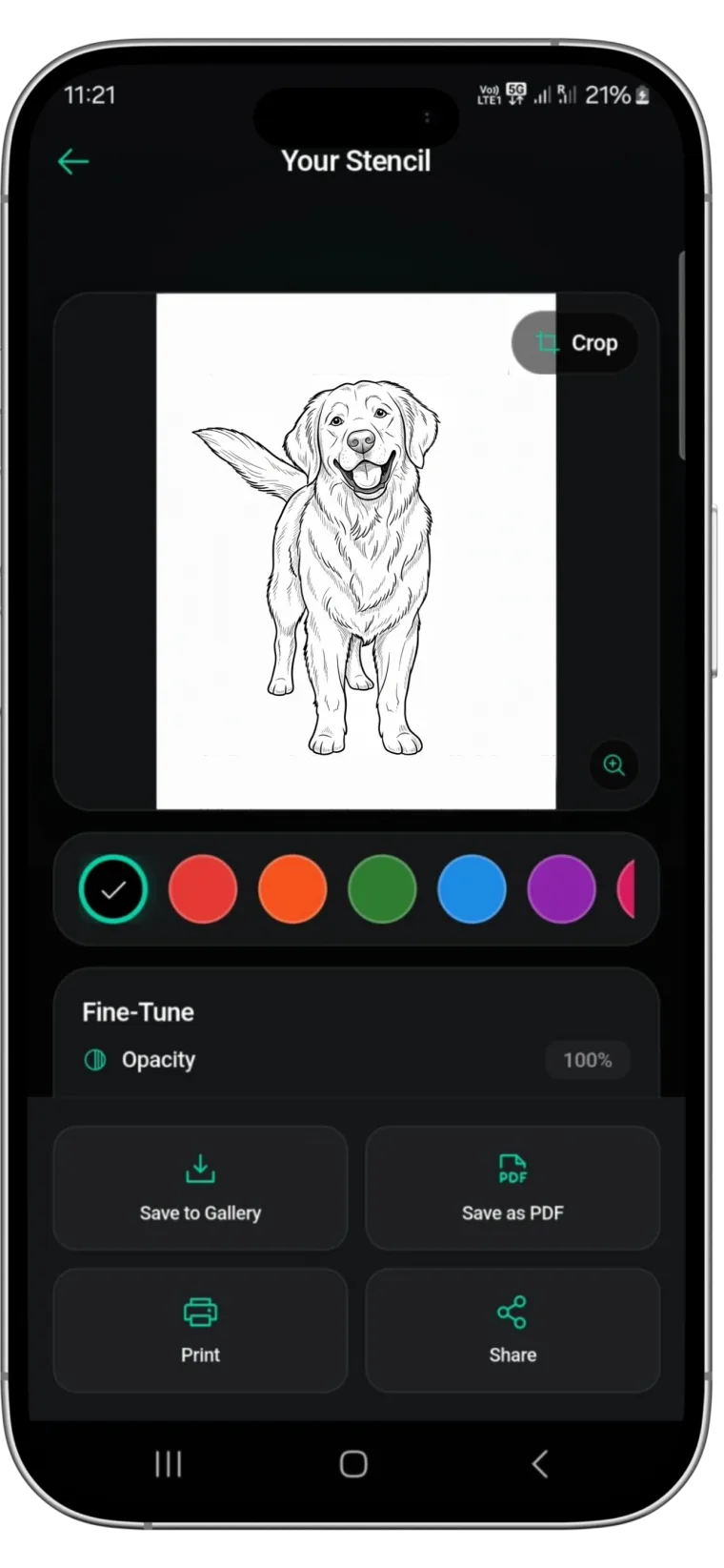
Convert the photo in a tool built for line work rather than a generic sketch filter. In Stencify, the conversion takes about 30 seconds, and two sliders control the result: line weight sets how thick the outlines are, contrast sets how many faint edges survive. For fine line work keep the weight light and even. For traditional or bold styles raise the weight so the outline dominates.
| Style | Line weight | Detail kept |
|---|---|---|
| Fine line | Light, even | Main features only |
| Realism outline | Light to medium | Features plus shading boundaries |
| Traditional | Heavy outline | Simplified shapes |
| Minimal | Light | Silhouette and one or two features |
Step 4: Clean up
Remove stray marks in the background, close gaps in the outline, and simplify any area where lines crowd together. If a section is too busy, lower the contrast so fewer faint edges survive rather than erasing by hand.
Step 5: Check at real size and print
Line art always looks cleaner on a screen than on skin. Preview it at the size it will be tattooed with try-on, or print it on plain paper at 100%. If lines crowd at that size, simplify further. Then export for stencil paper; the method is in how to size and print a tattoo stencil.
Do it in one app
Stencify turns a photo into line art, lets you set line weight and contrast, previews it on skin and exports a PNG or PDF sized for stencil paper, on iPhone, iPad and Android. The first two uses are free: get Stencify on the App Store or on Google Play.
Frequently asked questions
How do I turn a photo into line art?
Choose a sharp, side-lit photo with a plain background, convert it with a line art or stencil tool, set the line weight for your style, clean up stray marks, and check the result at its real size.
What app turns photos into line drawings?
Stencify converts photos into clean line art in about 30 seconds, with line weight and contrast control, and exports it ready to print on iPhone, iPad and Android.
Why does my photo line art look messy?
Generic filters trace every edge, including texture and background. Use a stencil tool that prioritises structural lines, lower the contrast, and crop out the background.
Is line art the same as a tattoo stencil?
Almost. A stencil is line art sized to the body and printed on transfer paper, with lines heavy enough to survive the transfer.
Related reading
- How to Make a Tattoo Stencil From a Picture - the full photo to stencil method
- Sketch to Tattoo Stencil - when you start from a drawing
- Stencils by Style - line weight for each style
- Pet Portrait Tattoo - line art from a pet photo
Photo to line art in about 30 seconds
Stencify turns a photo into clean line art with line weight control, then exports it ready to print.