Mastering Contrast and Flow: The Secret to the Perfect Tattoo Stencil
• by DND Applications • 7 min read
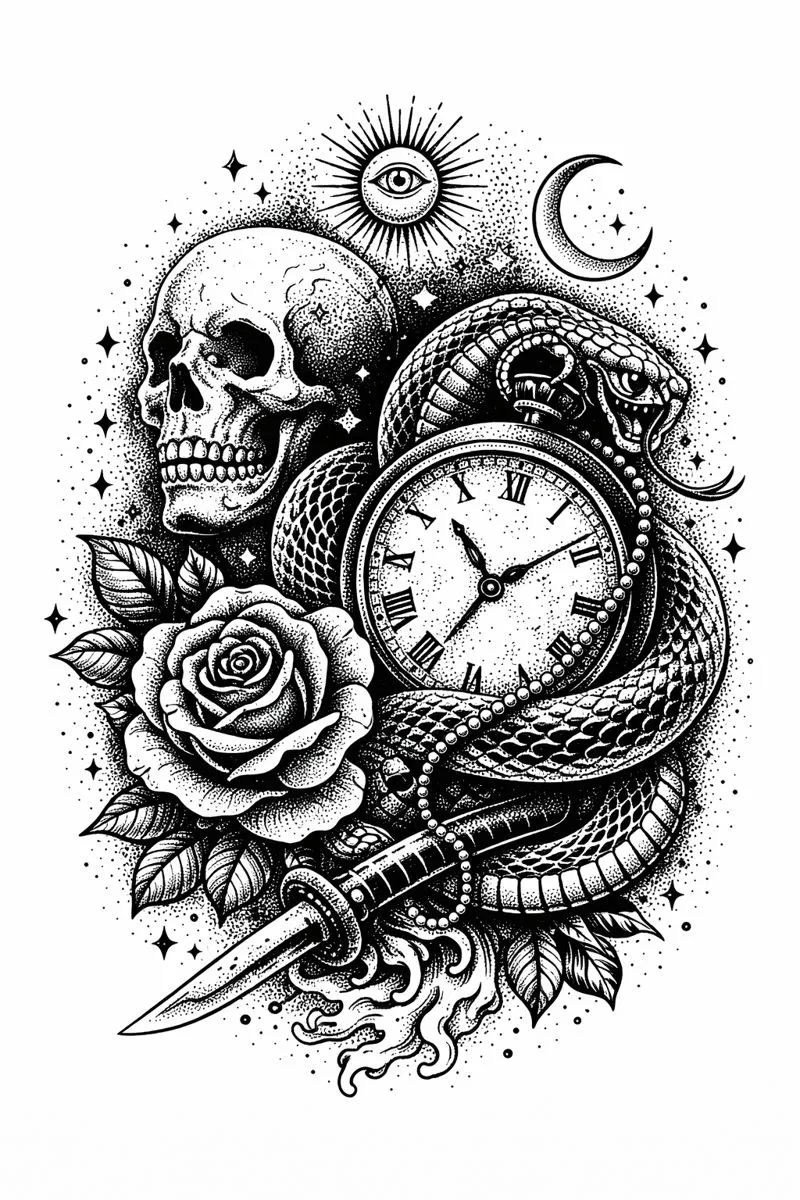
Every professional artist knows the anxiety that comes right before the needle touches the skin. It is not a fear of the procedure itself, but rather the nagging doubt about the transfer. You have spent hours consulting with the client and refining the reference art, yet the moment the carbon paper peels back reveals the truth. A muddy transfer can ruin a session before it begins. It forces you to freehand over lost details or, worse, wipe it off and start the placement process all over again. The longevity of the final piece relies entirely on the clarity of your foundation.
Understanding Visual Hierarchy on Skin
The skin is a living canvas that changes over time. Unlike paper or digital screens, the human body breathes, stretches, and ages. When designing a piece, specifically when preparing a stencil tattoo outline, you must prioritize visual hierarchy. This means establishing which elements are the anchors of the design and which are secondary details.
High contrast is essential for readability. If your reference image relies heavily on soft shading or subtle color gradients, it will not translate well into a line drawing. To create a tattoo that holds up for decades, you must train your eye to see the image strictly in terms of black and white. You need to identify the deep shadows that will become solid black fills and the negative spaces that allow the skin to breathe.
The Role of Line Weight in Longevity
The old adage remains true: bold will hold. However, modern realism and fine-line styles challenge this tradition. Regardless of the style, the integrity of the tattoo stencil is paramount. When you attempt to convert image to tattoo stencil formats manually or mentally, you are essentially making decisions about line weight.
A common mistake among apprentices is trying to include every single detail from a high-resolution photograph into the stencil. This crowds the design. When the carbon runs through the thermal printer, it creates a dark blob rather than a crisp guide. A skilled artist knows what to leave out. They simplify the image down to its structural lines, knowing they can add the texture and shading later during the tattooing process.
Optimizing References for Thermal Printers
Your thermal printer is a tool with limitations. It cannot interpret the nuance of a mid-tone gray the way the human eye can. To get the most out of your hardware, you must act as a tattoo stencil maker long before you print. This involves manipulating the contrast of your reference image to eliminate noise.
If the source image is too dark, the printer will burn the paper too hot, causing the carbon to bleed. If the image is too light, the machine will skip important structural lines. The goal is to separate the subject from the background and clarify the edges. This preparation ensures that when you place the transfer, you are left with a roadmap that is easy to follow, allowing you to focus on your technique rather than deciphering purple smudges on the skin.
Streamlining the Design Process
In the past, achieving this level of clarity required hours of tracing on a light box or extensive manipulation in complex photo editing software. Today, efficiency is key to running a profitable shop. You need to visualize how a photograph translates to linework instantly.
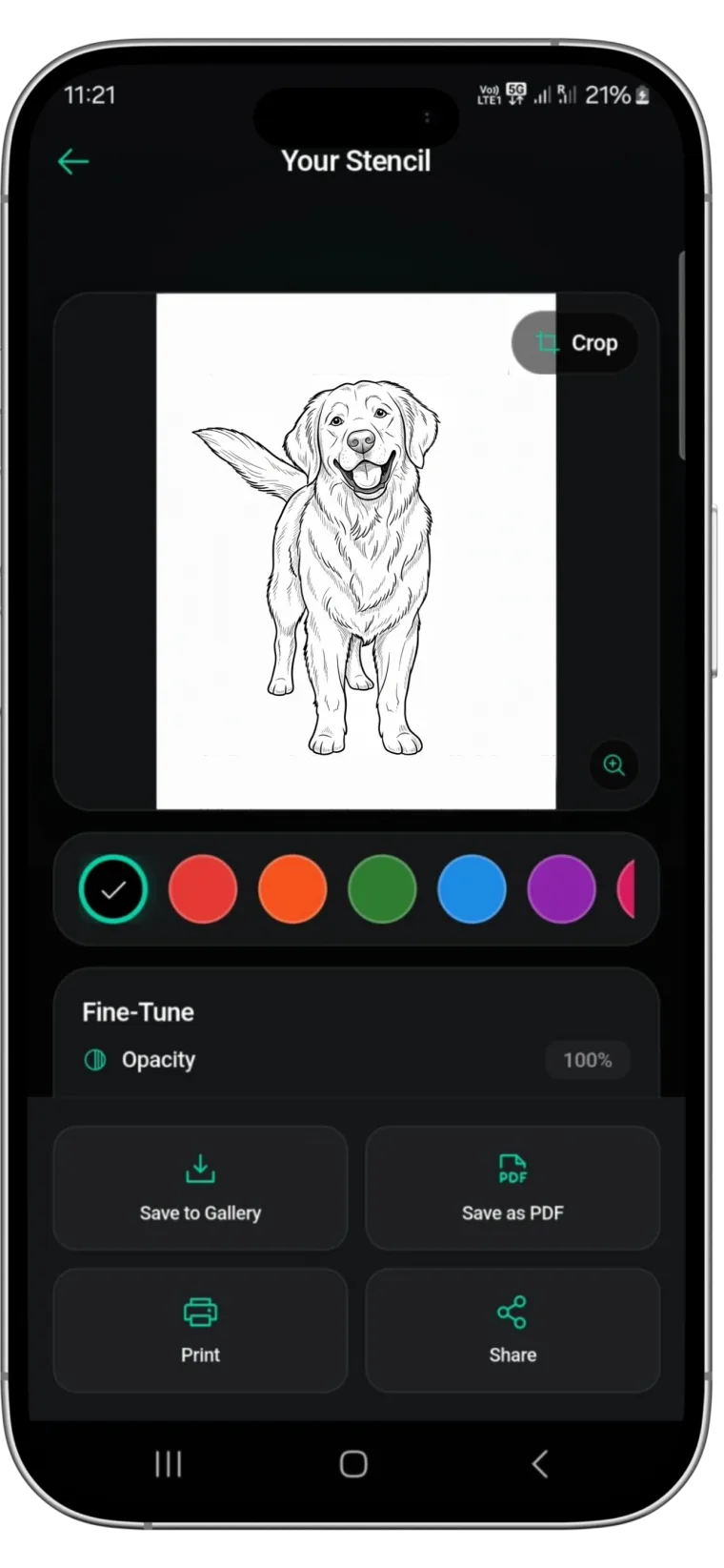
This is where Stencify becomes an indispensable asset in your toolkit. As a premier tattoo stencil app, it utilizes advanced algorithms to strip away the noise and extract the essential lines of any image. It functions as an automated tattoo stencil generator, allowing you to adjust the thickness and density of the edges to suit your specific style, whether you are doing American Traditional or micro-realism. By letting the technology handle the heavy lifting of contrast adjustment, you can focus on the art and the placement.
Stop wasting time struggling with messy transfers and unclear references. Get Stencify on the App Store and ensure every session starts with a perfect guide.
Related reading
- Mastering Contrast and Flow - the architecture of a flawless tattoo stencil
- The Science of Simplification - creating the perfect stencil from complex references
- The Architecture of Clarity - why stencil precision dictates tattoo longevity
Every session starts with a clean transfer
Stencify strips away the noise and extracts the essential lines. Adjust thickness and density to match your style, from bold traditional to micro-realism.