Tattoo Try-On: See a Design on Your Skin Before the Appointment
• by DND Applications • 7 min read
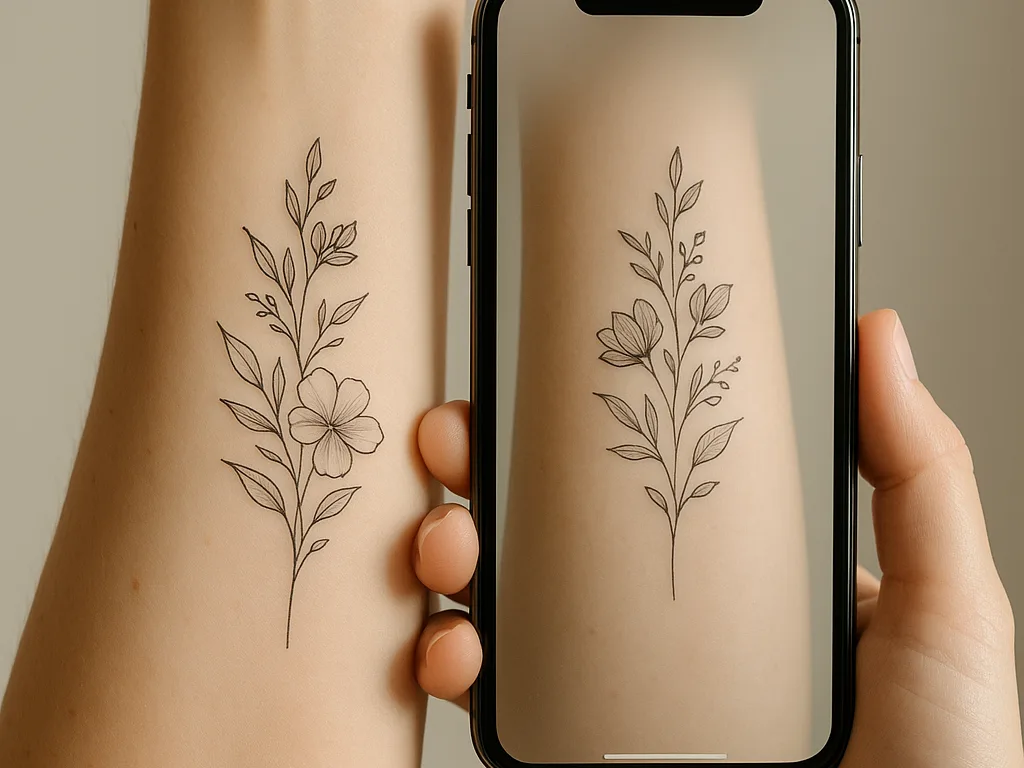
The most expensive sentence in a tattoo studio is "I thought it would be smaller." Tattoo try-on exists to stop it. A try-on, sometimes called a tattoo simulator, places the design on a photo of the body at the size it will be tattooed, so the client sees it before anyone prints a stencil. This guide covers what a try-on actually shows, what it cannot show, how artists use it in a consultation, and how to try a design on your own skin in a couple of minutes.
Key takeaways
- A try-on answers three questions: is the size right, is the placement right, does the design suit the shape of that body part.
- It cannot show how ink ages or how skin tone changes the final look, so treat it as a placement tool, not a preview of the healed tattoo.
- Use a photo of the actual body part, taken straight on in good light, at the real measured size.
- The best try-on lives in the same app as the stencil, so the size you approve is the size that prints.
What a tattoo try-on shows
Size, placement and fit. Those three decide whether a client is happy a year later far more than any detail of the design itself. A try-on puts the line work on the body at the measured size, so the client sees that a 12 cm piece on a forearm reaches from wrist to mid-arm, or that a design that looked balanced on a flat screen fights the curve of a shoulder. Moving it a centimetre or scaling it ten percent takes a second, and both of you see the result at once.
What it cannot show
A try-on is not a picture of the finished tattoo. It cannot show how black ink softens over years, how colour sits on different skin tones, or how shading will read once it heals. Any app that claims to show a photorealistic healed tattoo is guessing. Use the try-on for what it is good at, the geometry of size and placement, and leave the finished look to the artist's portfolio and experience.
How artists use try-on in a consultation
The typical flow is short. The artist converts the client's reference into line work, measures the placement, and drops the stencil onto a photo of that body part at the measured size. The client looks, asks for it bigger or lower or turned slightly, and the artist adjusts on the spot. When both agree, the same file goes to the printer. Nothing has been printed, wiped off or redrawn, and the client has made the decision with their eyes rather than their hands. Our guide to how artists make stencils shows where this sits in the full process.
Try a design on your own skin
- Take a photo of the body part straight on, in even daylight, with the limb in the position it will usually be seen. Fill the frame.
- Convert the design into clean line work so you see the tattoo's shape rather than a photo pasted on skin. Stencify does this in about 30 seconds from a photo, sketch or text description.
- Open the try-on, choose your photo or a body model, and set the size to the measurement you took with a tape, not to what looks good on screen.
- Move and scale it until it sits right. Screenshot it and send it to the artist with the measurement written in the message.
Body model or your own photo?
A body model is fast and good for the first look: arm, leg, hand, back, with no photo needed. Your own photo is better for the final decision, because it shows your proportions, your existing tattoos and the exact spot. Use the model to narrow down the idea and the photo to settle size and placement.
Try-on and stencil in one app
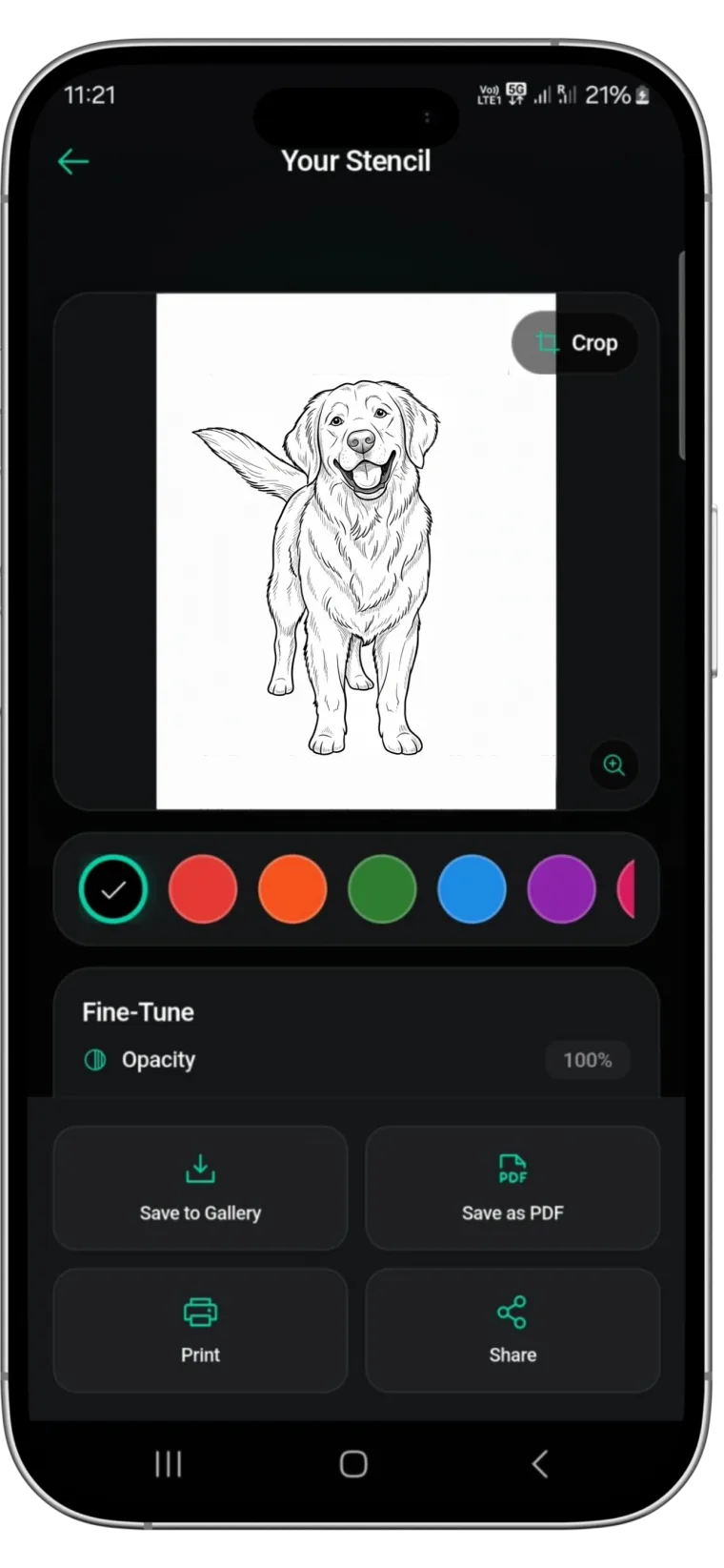
Most tattoo simulators stop at the picture. Stencify's try-on is built into the stencil workflow: convert the reference, try it on at real size on a body model or your own photo, adjust, then export the stencil as a PDF sized for stencil paper. The size you approve on screen is the size that prints. It runs on iPhone, iPad and Android, with two free uses to start: get Stencify on the App Store or on Google Play.
Frequently asked questions
What is a tattoo try-on?
A preview that places a design on a photo of the body, or on a body model, at the size it will be tattooed, so you can judge size and placement before a stencil is printed.
Is a tattoo simulator accurate?
For size and placement, yes, as long as you set the real measured size. For the healed look, colour and ageing, no simulator is accurate; use the artist's portfolio for that.
Can I try a tattoo on my own photo?
Yes. Take a straight-on photo of the body part in good light, import it into a try-on, and place the design at the measured size. Stencify does this on a body model or your own photo.
Do tattoo artists use try-on apps?
Many do during consultations, because it settles size and placement with the client before anything is printed, which saves reprints and avoids regret later.
Related reading
- How to Size and Print a Tattoo Stencil - taking the measurement the try-on needs
- Cover-Up Tattoo Stencils - where try-on matters most
- Tattoo Placement and Body Flow - choosing the spot before you try it on
- How to Make a Tattoo Stencil From a Picture - getting clean line work to try on
Try it on, then print the stencil from the same app
Stencify previews the design on a body model or your own photo, then exports the stencil at real size.