Turn a photo into a tattoo stencil you can print today.
Pick a photo from your camera roll or the reference a client sent. Stencify returns clean stencil linework in about 30 seconds, ready to save as a PNG or PDF.
Rated 4.8 on the App Store · iPhone, iPad and Android
Two free uses, then $4.99 a week or $47.99 a year (US). See pricing
- Works with photos and screenshots
- Line weight and contrast
- A4 or US Letter
From reference image to stencil linework
Drag the handle to compare. Left: the image as uploaded. Right: the linework Stencify returned, with no cleanup by hand.
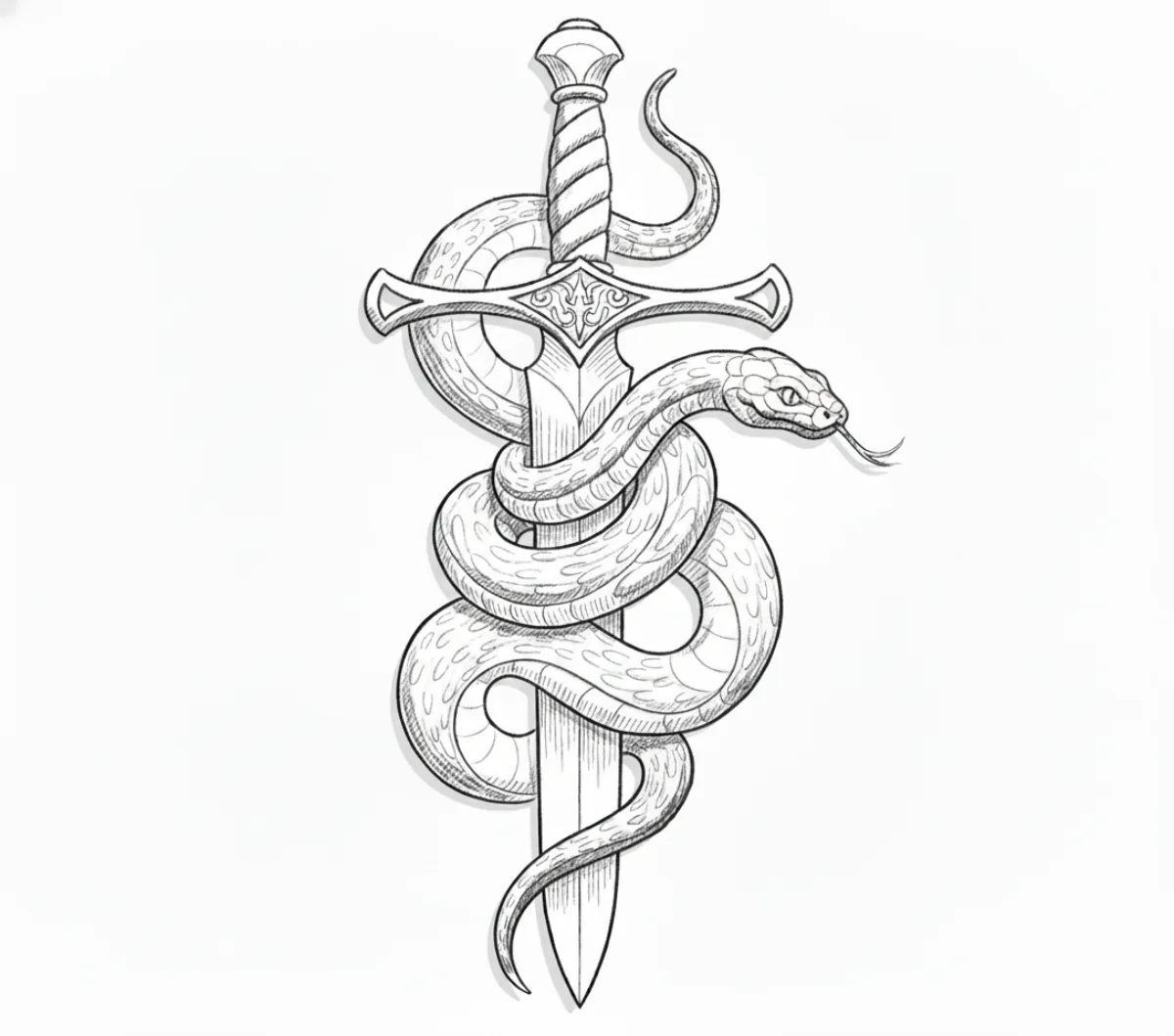 Stencil
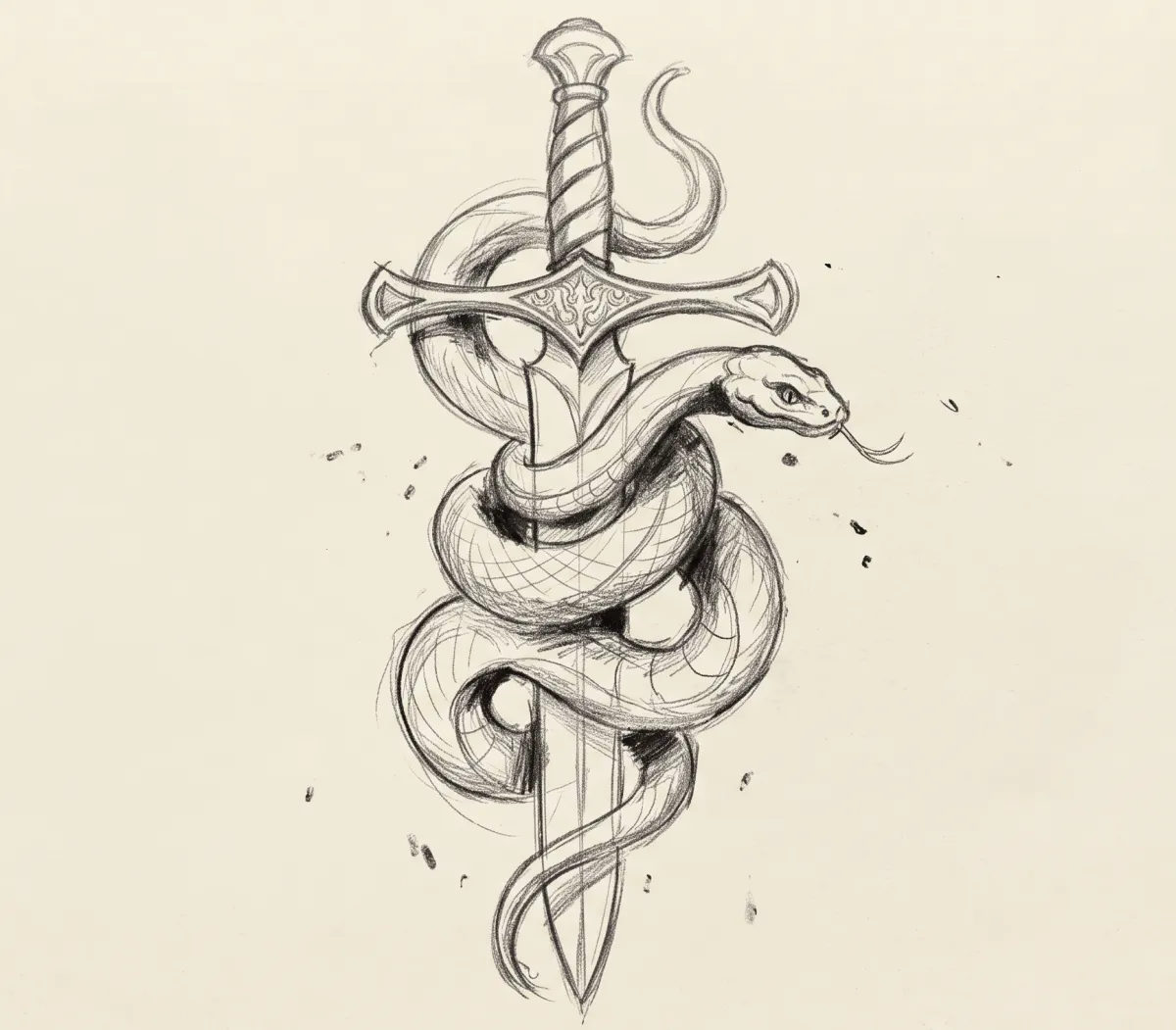 Image
ImageWhat the conversion kept, and what it dropped
-
Background and paper grain removed
The conversion ignores texture and lighting noise, so the transfer only carries the subject.
-
Edges turned into single lines
Soft or doubled edges in the image resolve into one line you can follow with a liner.
-
Interior detail preserved
Scales, the guard and the grip stayed in. The contrast control decides how much of that you keep.
How photo to stencil conversion works
Three steps on your phone or tablet. Most of the time goes into choosing the right photo.
-
01
Choose the image
Upload a photo from your camera roll, a saved screenshot of a client's reference, or a picture of a drawing on paper.
-
02
Convert and adjust
In about 30 seconds the app separates outlines and key interior lines from colour, texture and background. Then set line weight and contrast until it reads cleanly.
-
03
Export and print
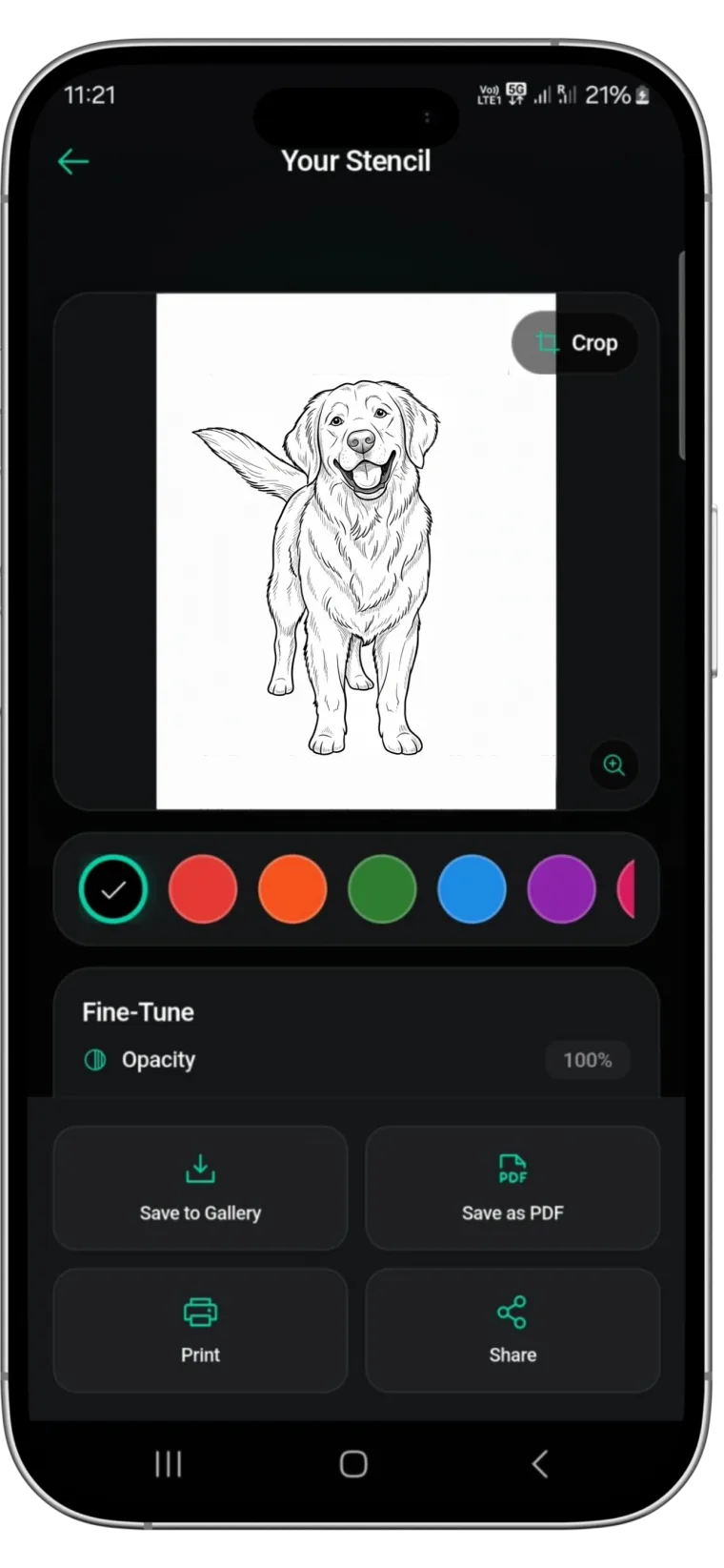
Save a PNG or PDF for A4 or US Letter and send it to a thermal or inkjet printer. Check the size against the placement first.
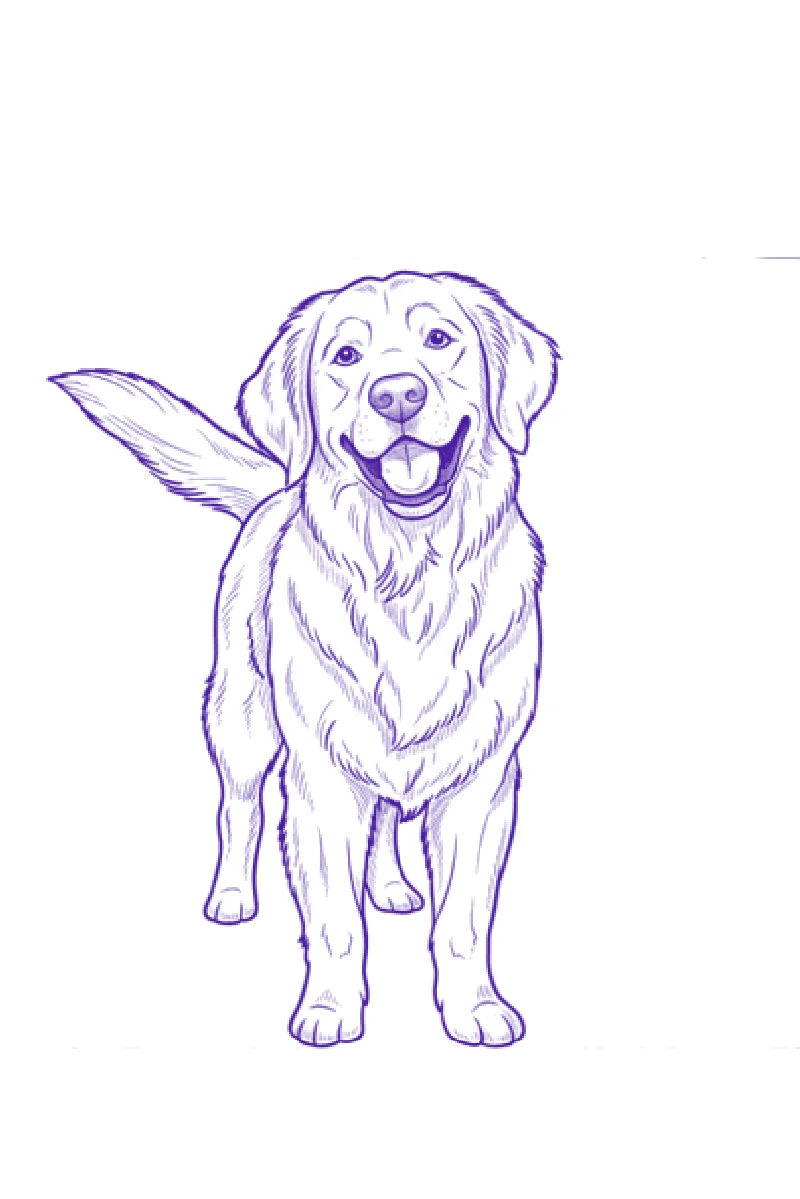
What makes a photo convert well
The app does the tracing, but the stencil can only be as clear as the edges in the original image. These four points decide most of the result.
Light that shows the shape
Side light or soft window light gives the converter clear edges to follow. Direct flash and harsh overhead light flatten a face or hide the direction of fur, and those details cannot be recovered later.
One clear subject
A dog on a patterned sofa or a portrait cut from a group photo needs more cleanup than a subject against a plain wall. If the original is busy, crop tight in your photo app before uploading.
Enough resolution for the size
A large forearm piece needs a sharper file than a small wrist design. Screenshots of screenshots lose eyelashes, whiskers and fine lettering, so ask the client for the original photo when you can.
Honest expectations for realism
A stencil is a map, not the finished tattoo. For portraits and pets you get the outlines and the main shadow shapes as lines. Soft gradients and skin texture are still built with the machine.
For a longer walkthrough, read our guide on how to turn a photo into a tattoo stencil and the notes on preparing a reference image.
What you can do with a converted image
Every control is there to get a photo onto skin with less redrawing.
Image to stencil in about 30 seconds
Photos, screenshots and photographed drawings all go through the same conversion.
Line weight control
Thicken the lines for bolder work or thin them out for fine-line placements and smaller pieces.
Contrast control
Pull more interior detail out of a dull photo, or drop detail when the stencil looks crowded.
Edit with a text prompt
Describe a change in plain words, for example “remove the collar”, and the AI applies it to the stencil.
AI try-on
Preview the converted design on a body model or on a photo of the client before you print anything.
PNG and PDF export
Print-ready files for A4 or US Letter paper, for thermal stencil printers and regular inkjet printers.


Photo to stencil questions
What kind of photo works best?⌄
A sharp image with one clear subject and light that shows its shape. Avoid heavy filters, motion blur and very small files. If the photo is busy, crop it to the subject before uploading.
Can I convert a client's screenshot or Pinterest image?⌄
Yes. Any image saved on your phone or tablet can be converted. A higher resolution gives finer lines, and you are responsible for having the rights to use the reference.
Will a portrait photo turn into a full realism stencil?⌄
You get the outlines and the main shadow shapes as clean lines. Soft gradients and skin texture are not part of a stencil; those are built while tattooing. Use the contrast control to decide how much interior detail stays in.
Can I convert an image to a stencil on a computer?⌄
No. Stencify is an app for iPhone, iPad and Android, and there is no web version. You can still send the exported PDF to a computer and print it from there.
Is it free to try?⌄
You get two free uses. After that it is $4.99 a week or $47.99 a year in the US. The pricing page has the details.
Your next reference photo, ready for the printer
Install Stencify, upload the image the client sent, and have printable linework in about 30 seconds.
Available on iPhone, iPad and Android
