The tattoo stencil maker that fits your studio day.
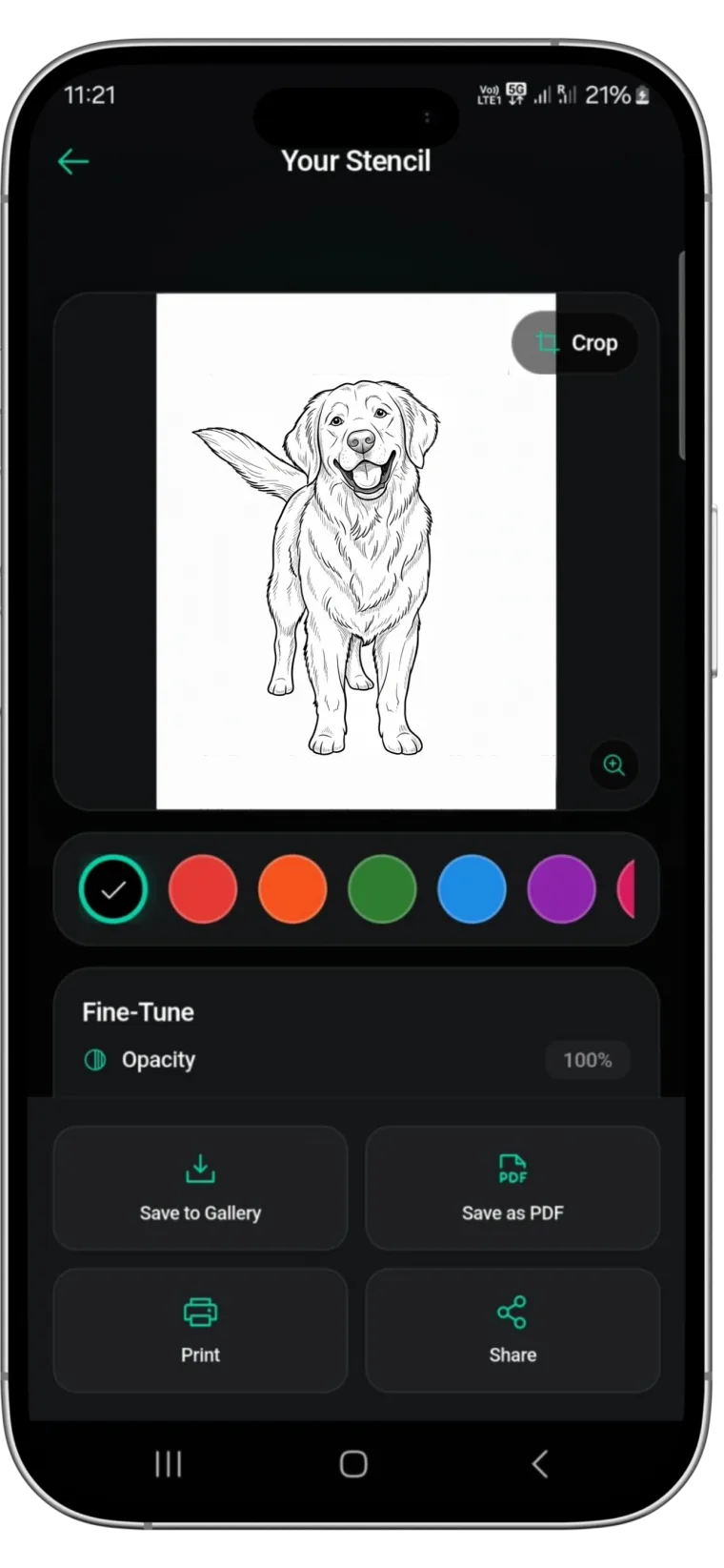
From consult to printer on one phone or tablet. Make the stencil, adjust it for the placement, and print a PDF on A4 or US Letter with the thermal or inkjet printer already in the shop.
Rated 4.8 on the App Store · iPhone, iPad and Android
Two free uses, then $4.99 a week or $47.99 a year (US). See pricing
- Thermal or inkjet
- A4 and US Letter
- Try-on for sign-off
The job that used to need a lightbox
Before Stencify, this drawing would have been traced over by hand. Drag the handle to see the version the app made, ready to size and print.
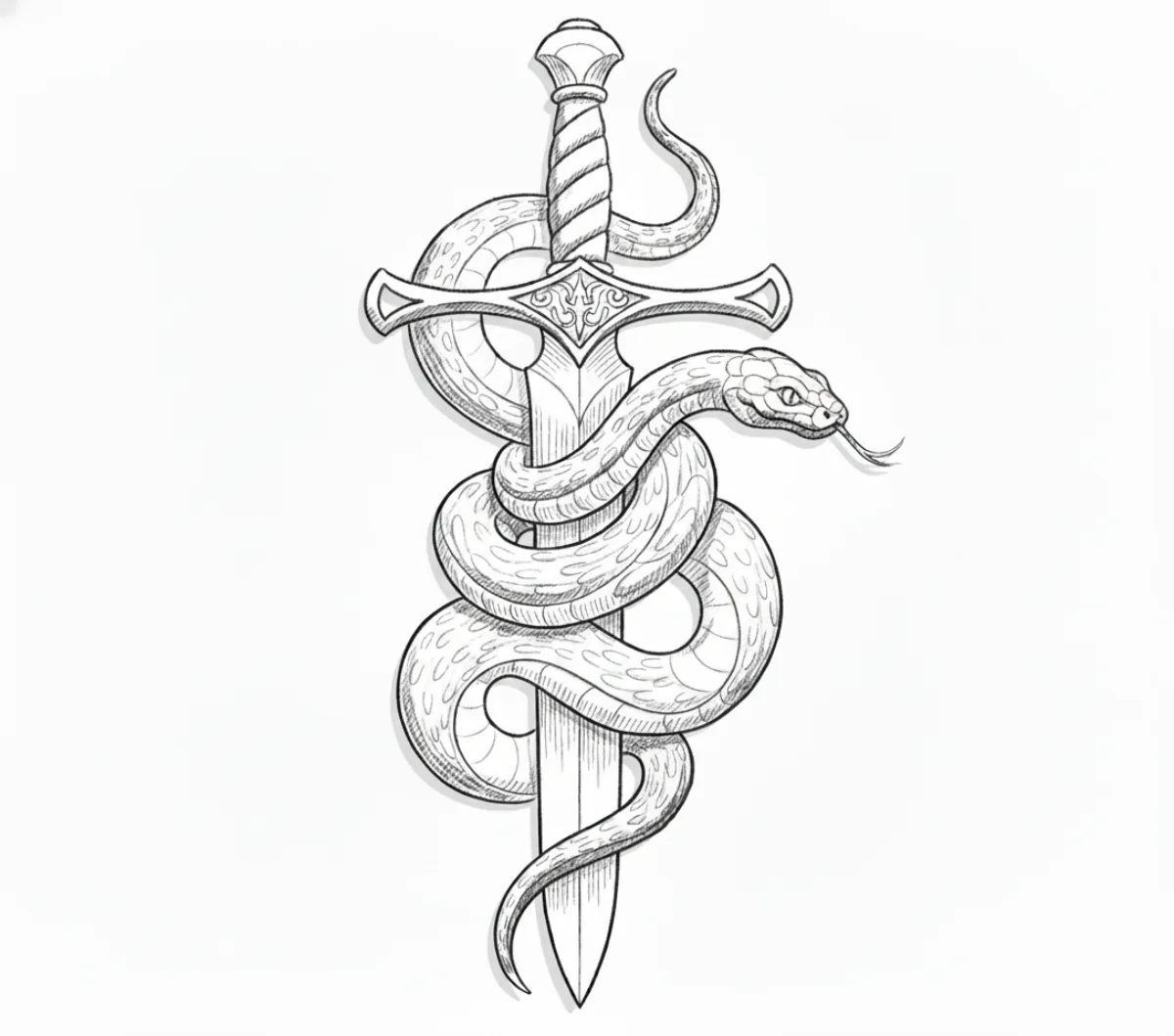 Stencil
 Original
Why it saves time at the station
-
No retracing
The linework is made for you, so the hand tracing step between drawing and transfer is gone.
-
Ready for the printer
The file goes straight out as a PDF on the paper size you stock.
-
Easy to redo
If the client changes their mind on size or detail, adjust and print again instead of redrawing.
Where the stencil maker fits in a session
One app covers the three moments where stencils usually slow artists down.
-
01
At the consult
Load the client's reference, your own drawing or a text description while you talk the idea through. A first version is ready in about 30 seconds, so you can agree on direction early.
-
02
Before the appointment
Refine line weight and contrast for the style, type any changes, and check the size on a body model or a client photo with AI try-on.
-
03
At the station
Export the final version as a PDF on A4 or US Letter and print it on your thermal printer or on inkjet stencil paper.
Sizing and printing stencils that match the placement
A clean stencil that prints at the wrong size is still a wasted sheet. These habits keep the print true to the plan.
Measure the placement first
Measure the area on the client with a soft tape and note the longest dimension the design has to fill. Decide the size before you print, not after the first transfer.
Print at actual size
When printing the PDF, set scaling to 100% or actual size. Many print dialogs default to fit to page, which quietly shrinks the design to clear the margins. Stencify prints a ruler on each page, so a quick check shows whether the size you set in centimetres or inches came out right. Sleeves and back pieces print across several labelled pages with an overlap.
Match the paper format you stock
Stencify exports for A4 and US Letter. Use the one that matches your stencil paper so nothing gets cropped or rescaled on the way out.
Thermal or inkjet
A thermal stencil printer transfers the lines straight onto thermal paper and suits a busy walk-in day. An inkjet with inkjet stencil paper is a cheaper way to start. Our stencil printer guide compares the options.
Test large pieces on plain paper
For a big or wrapping design, print once on plain paper and hold it against the placement. It costs one sheet and can save a full transfer.
For a step-by-step version with measurements and printer settings, see how to size and print a tattoo stencil.
Studio tools in one app
Made for the parts of stencil work that happen between the consult and the chair.
Three ways to start
Begin from a photo, a sketch or a written description. All three end in the same printable linework.
Line weight and contrast
Match the stencil to the style, with heavier lines for traditional work and lighter ones for fine line and script.
Prompt editing
Fix small problems, such as a missing element or an over-detailed area, by typing the change between appointments.
Try-on for client sign-off
Show the client the design on a body model or their own photo so size and placement are agreed before printing.
PDF and PNG export
A4 and US Letter files for thermal stencil printers and for inkjet printers loaded with stencil paper.
iPhone, iPad and Android
Install it on the devices you already use at work. There is no web version; everything happens in the app.


Stencil maker questions from the studio
Which printers can I use?⌄
Stencify exports PNG and PDF files for A4 or US Letter, at the exact size you set in centimetres or inches, and can save or share stencils in HD (4K). You can print them on a thermal stencil printer or on an inkjet printer loaded with inkjet stencil paper.
Why does my printed stencil come out smaller than planned?⌄
The print dialog is usually set to fit the page. Print at 100% or actual size, and use the paper format that matches the exported file.
Can I edit a stencil after it is made?⌄
Yes. Adjust line weight and contrast with the controls, or type an instruction such as “remove the leaves in the background” and the AI edits the design.
Does it work on iPad?⌄
Yes. Stencify runs on iPad as well as iPhone and Android devices, so you can work on a larger screen at the station.
What does it cost for a working artist?⌄
Two free uses, then $4.99 a week or $47.99 a year in the US. If you make stencils every week, the yearly plan costs less. See pricing for what is included.
Make the next stencil without the lightbox
Install Stencify on the phone or tablet you use at work and print your next stencil straight from it.
Available on iPhone, iPad and Android
